iOS 27 Beta & iOS 26.5 Bugs: How to Fix Them Instantly
Is your iPhone Stuck on Apple Logo?
We've tracked and verified the latest iOS 27 Beta glitches, from severe battery drain to unexpected system freezes. Check the live bug tracker below to see if your issue is covered and find the official fixes.

Battery & Heat
Connectivity
App Stability
Screen & Touch
Data & Account
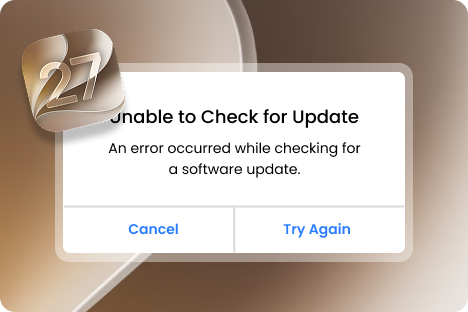
Unable to Check for Update
If your screen shows ' Unable to Check for Update ' or ' Connection Failed ', it’s likely caused by iOS network cache conflicts or a stalled Software Update Daemon process, rather than a basic network error.
Toggle Network:
Switch to cellular data or a stronger Wi-Fi to quickly rule out basic connection
issues.
Reset Network Settings:
Go to Settings > General > Transfer or Reset iPhone > Reset. (Note: Wi-Fi passwords
will be cleared).
Clear Update Cache:
Go to Settings > General > iPhone Storage. Locate and delete the partially downloaded
update file.
Deep system errors blocking the update? Let AnyFix safely reset your system environment or roll back to iOS 26.
Roll Back to iOS 26One-Click Reset System Environment
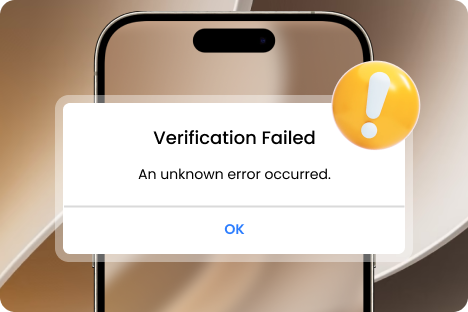
iOS 27 Verification Failed
Encountering a " Verification Failed " error during installation usually indicates a corrupted package or a mismatched " signature request " token.
Clear Update Cache:
Go to Settings > General > iPhone Storage. Delete the iOS 27 file, restart, and
redownload.
Disable Accessibility:
Turn off "Zoom" or "High Contrast" modes, which can sometimes block the verification
UI.
Check Storage Space:
Ensure you have at least 6GB of free space. Insufficient storage will abort the
verification.
If manual steps fail, a deep system error might be blocking the update. Use AnyFix to safely bypass these errors and install a clean iOS 27 package via official channels.
Remove iOS 27Black Screen Spinning Wheel
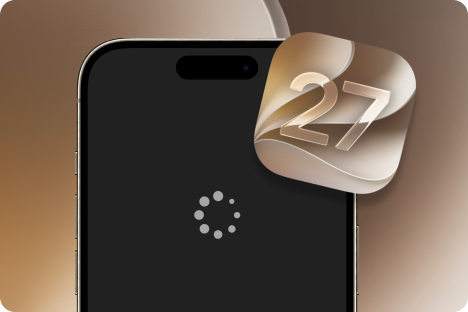
Stuck on a black screen with a spinning wheel? This unresponsive state typically happens when the iOS 27 database hits a process deadlock during migration, freezing UI rendering.
Wait it Out:
Connect your device to power and wait 30-60 minutes. Allow background processes time
to complete the migration automatically.
Still spinning? The system boot sequence is likely hung. Use AnyFix's "Upgrade/Downgrade" to directly redeploy the firmware and safely bypass the deadlock.
Roll Back to iOS 26Stuck on Apple Logo / Boot Loop
Stuck on the Apple Logo or caught in a boot loop? This is typically caused by a Bootloader failure or an interrupted kernel update.
Force Restart:
Quick-press Volume+, then Volume-. Finally, press and hold the Power button until
the Apple Logo reappears.
Still stuck? Let AnyFix "System Repair" fix deep kernel damage and rebuild your system with zero data loss.
Remove iOS 27 Repair Stuck IssueiOS 27 Slow Charging
Conflict between iOS 27 power management configurations and hardware handshake protocols causes abnormal charging power and slow charging speeds.
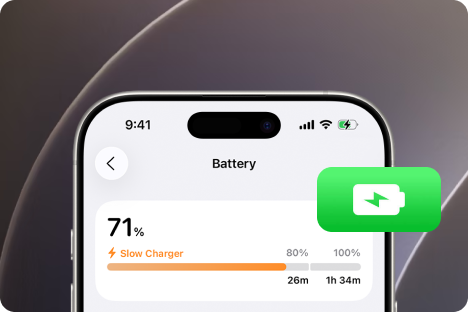
Charging Hardware Check:
Use Apple-certified cables and clean the charging port for a stable connection.
Charging still abnormal? Use AnyFix to reinstall your current system and reset power drivers in iOS 27.
Roll Back to iOS 26 Repair Charging SpeedBattery Drain Fast
Excessive battery consumption and overheating after upgrading to iOS 27, caused by high-load background tasks and indexing issues.
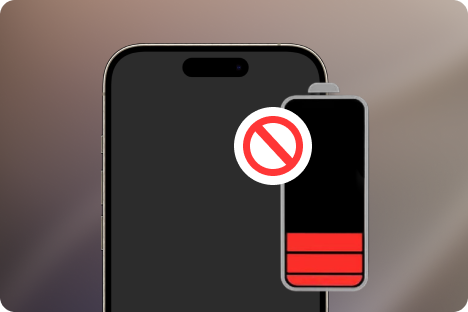
Optimize Battery Usage:
Disable "Background App Refresh" and close apps showing abnormal power consumption.
Battery drain persists? Let AnyFix redeploy the system environment to kill rogue background processes in the new system.
Remove iOS 27iPhone Overheating
Excessive device overheating during light or idle tasks due to iOS 27 thermal management and kernel scheduling errors.
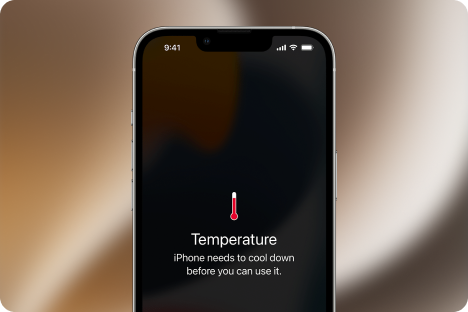
Thermal Management:
Remove the case, move to a cooler area, and close high-energy-consuming apps.
Still overheating? Use AnyFix to reflash kernel scheduling and optimize thermal management in iOS 27.
Roll Back to iOS 26MagSafe Not Charging
MagSafe charging failure or intermittent disconnection caused by NFC module or firmware configuration errors following the iOS 27 update.
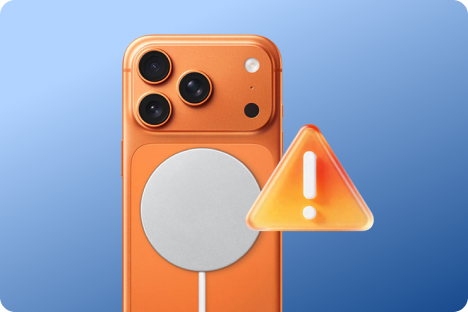
Adjust MagSafe Alignment:
Remove the case for perfect alignment and restart the device to re-initialize
charging.
MagSafe won't connect? Let AnyFix rewrite communication drivers and restore charging parity in the latest iOS.
Remove iOS 27 Repair MagSafe IssuesWi-Fi Issues
Wi-Fi connectivity issues, including automatic disconnections and network access failures, caused by network stack configuration corruption in iOS 27.
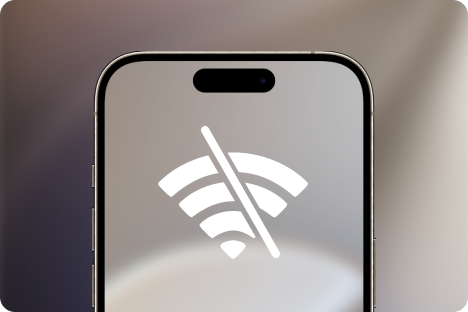
Reset Network Settings:
Reset network settings and toggle Airplane mode to refresh your connection.
Wi-Fi issues remain? Use AnyFix to redeploy network drivers and secure a stable connection in iOS 27.
Roll Back to iOS 26Cellular/5G Issues
No Service or frequent 5G connection drops caused by a conflict between the baseband firmware and the current carrier configuration file after the iOS 27 update.
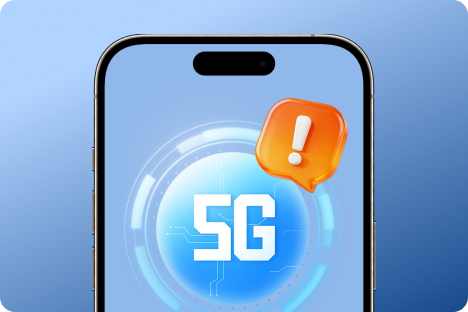
Refresh Carrier Connectivity:
Re-insert the SIM card and check for available Carrier Settings Updates.
Signal still dropping? Let AnyFix perform a clean system reinstallation to repair baseband logic in the new system.
Remove iOS 27Bluetooth Issues
Bluetooth pairing failures and audio stuttering issues caused by Bluetooth stack process anomalies in iOS 27.
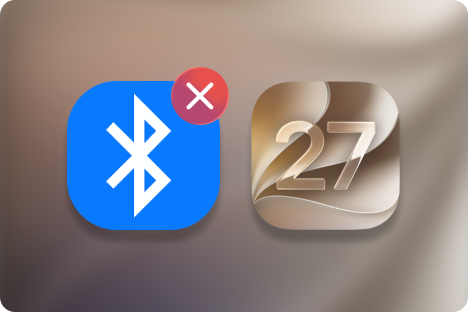
Bluetooth Troubleshooting:
Forget all paired devices in Bluetooth settings and perform a fresh re-pair.
Bluetooth pairing fails? Use AnyFix to reflash protocols and resolve all connection errors in iOS 27.
Roll Back to iOS 26 Repair Bluetooth IssuesCarPlay Not Working
CarPlay fails to launch or displays a black screen due to corrupted communication configurations in iOS 27.
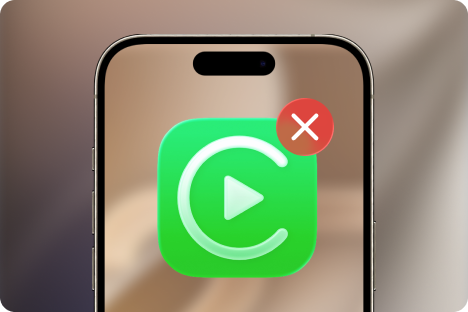
CarPlay Reset:
Replace the data cable and remove the iPhone’s pairing record from your vehicle's
system.
CarPlay still glitches? Let AnyFix reset system services and restore smooth CarPlay integration in the latest iOS.
Remove iOS 27 Repair CarPlay IssuesApps Crashing Not Responding
Apps crash or become unresponsive upon launch due to missing or version-conflicted system shared libraries following the iOS 27 update.
App Re-installation:
Uninstall the app, then download the latest version to ensure full compatibility.
Apps still crashing? Use AnyFix to reinstall the system and repair corrupted shared libraries in iOS 27.
Roll Back to iOS 26Blank UI/Display
UI rendering errors and missing elements caused by SpringBoard service instability in the latest iOS release.
Force Restart:
Force restart your device to clear stuck background processes and restore system
performance.
UI elements still missing? Let AnyFix redeploy the system image to fix rendering components in the new system.
Remove iOS 27 Repair UI/DisplayMail App Not Loading
Mail app fails to load or sync emails due to storage data conflicts within the new iOS system.
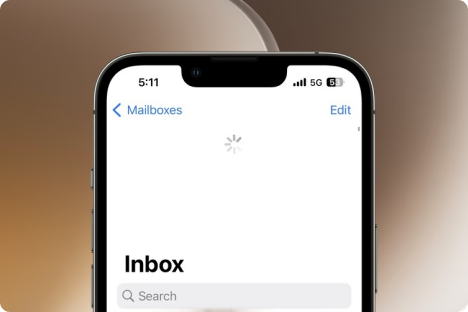
iCloud Refresh:
Sign out of your iCloud account, then sign back in to re-establish sync credentials.
Mail sync still failing? Use AnyFix to rewrite system data and repair background mail services in iOS 27.
Roll Back to iOS 26Deleted Apps Reappearing
Deleted apps reappear automatically after a system update due to installation database index exceptions in the new iOS system.

Deep Clean Cache:
Manually delete the app and use a professional cleaner to remove residual cache
files.
Ghost apps still there? Let AnyFix re-sync your system state and clear database index errors in the latest iOS.
Remove iOS 27 Fix App ReappearingTouch Screen Lag
Touch feedback latency caused by conflicts between touch drivers and process scheduling in the new system.
Disable UI Animations:
Go to Accessibility settings and disable all animation effects to improve
responsiveness.
Touch screen still laggy? Use AnyFix to redeploy touch drivers for a more responsive interface in iOS 27.
Roll Back to iOS 26Unresponsive Widgets
Widget unresponsive and content loading errors caused by system framework conflicts in iOS 27.
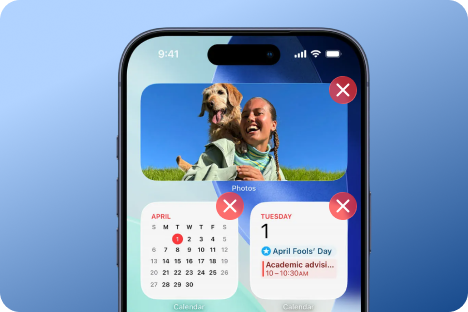
Widget Refresh:
Remove the unresponsive widget from your home screen and add it again.
Widgets stuck loading? Let AnyFix repair framework and widget interface configurations in the new system.
Remove iOS 27 Repair WidgetsDisplay Flickering
Screen flickering issues caused by incompatibilities in display adapter driver configurations within the new iOS system.
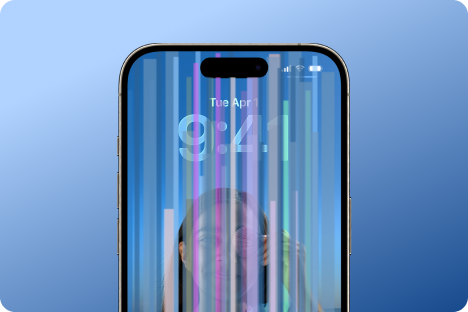
Manual Brightness Control:
Disable "Auto-Brightness" and "True Tone" to stabilize screen output.
Screen still flickering? Use AnyFix to reflash firmware and calibrate display adapter drivers in iOS 27.
Roll Back to iOS 26Brightness Issue
Auto-brightness fails to adjust or remains locked due to Environmental Light Sensor (ALS) service errors in the new iOS system.
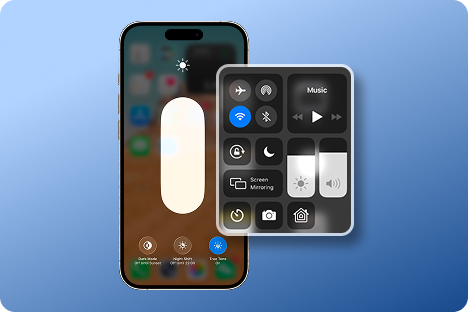
Sensor Obstruction Check:
Check your screen protector for dirt or bubbles that may be obstructing the light
sensor.
Brightness control locked? Let AnyFix reset and repair your sensor-related protocols in the latest iOS.
Remove iOS 27iCloud Sync Issues
Upgrading to iOS 27 can cause iCloud syncing to stall indefinitely. Photos, notes, and contacts fail to upload, or the backup progress bar freezes completely.
Network Toggle:
Switch your network environment and re-log into your iCloud account.
iCloud login still blocked? Use AnyFix to rewrite authentication modules and restore access in iOS 27.
Roll Back to iOS 26 Repair iCloud SyncBackup Restore Error
Backup restoration fails with 'Could not complete' due to permission conflicts between backup files and the current system path in iOS 27.
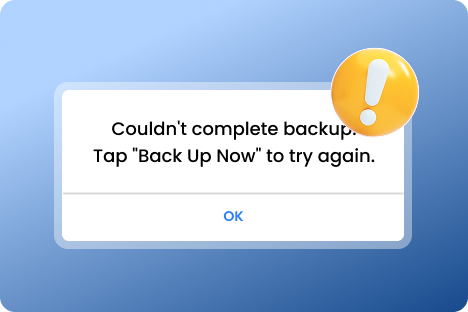
Restore Connectivity:
Free up storage space and attempt to connect using a different computer port.
Backup still fails? Let AnyFix repair restoration protocols to ensure your data is safe in the new system.
Remove iOS 27Notifications Not Showing
App notifications fail to appear or sounds do not trigger due to a Notification service (APNs) daemon deadlock in iOS 27.
Focus Mode Check:
Review your "Focus Mode" settings to ensure notifications are not being blocked.
Notifications silent? Use AnyFix to reset your system notification framework in iOS 27.
Roll Back to iOS 26iMessage/Flashlight Not Working
iMessage fails to send messages or the Flashlight icon becomes greyed out due to system framework permission configuration errors in iOS 27.
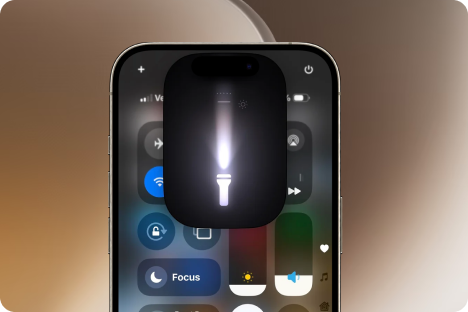
System Reset:
Force restart your device and perform a full reset of all system settings.
Glitches persist? Let AnyFix reflash your system and fix framework permission logic in the latest iOS.
Remove iOS 27 Repair System FeaturesDowngrade iOS 27 in 3 Steps
If you're looking for a safe and quick way to downgrade without complex DFU steps or data loss, AnyFix is the ideal system solution.

The Best Tool for Lossless iOS 27 Downgrade!
- Official Integrity: No iTunes or developer account required.
- Fix 200+ Issues: Resolves Apple logo loops, black screens, and update failures.
- One-click enter or exit Recovery Mode.
How to Downgrade:
Step 1: Launch AnyFix and connect your device.
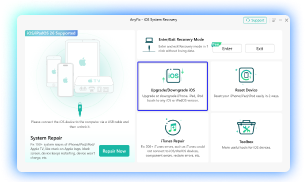
Step 2: Go to "Upgrade/Downgrade iOS" and select "Downgrade."
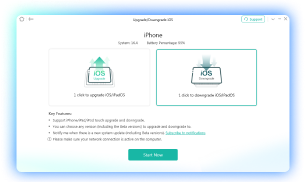
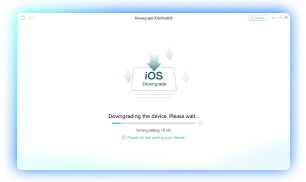
Step 3: AnyFix will auto-match the firmware—click "Download" and then "Start Downgrade."

Get AnyFix: The Advanced iOS System Repair Tool
Secure desktop installation package for comprehensive ios repair system restoration, device resets, and data-safe diagnostics.
 100% Secure
SSL 256-bit encryption keeps your info safe.
 Trusted by Millions
27,053,682 downloads and growing…
 4.8/5 User Rating
Based on 157 customer reviews.
 Risk-Free Purchase
Unlock or get back your money within 60 days.