AnyTrans makes it easy and fast to transfer music and playlists across your iPhone, iPad, iPod, iTunes and computer without sync block. Share and enjoy, it's that simple.
AnyTrans breaks the sync limits between iPhone and iTunes. You can select any music you need from iPhone, iPad, or iPod, even your purchased music. Then batch export them to iTunes library or computer. The whole process is rapidly done with a few simple clicks.
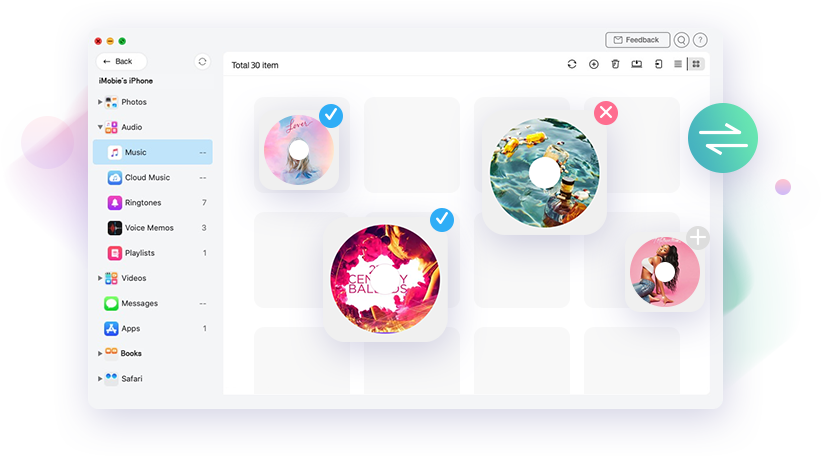
Get bored of the all-or-nothing iTunes sync? Now you can select and sync music or playlists from more than 1 iTunes library or desktop to iPhone, without losing existing music. It’s time to enrich your iPhone music library with any songs you like.
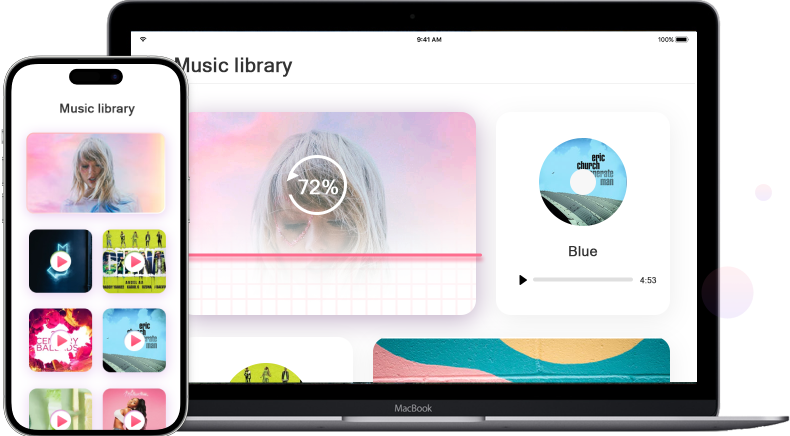
AnyTrans builds up a lightning-fast bridge for music transfer between any 2 iDevices. 220 songs and tracks get transferred within 1 minute. With a more flexible option, you can transfer all songs or just selected music straight to the destination without stops.
You are the master of all your music, favorite songs, curated playlists, even cloud music. No matter you want to add newly-released music, batch delete outdated tracks, or quickly transfer top-rated playlists, AnyTrans gets everything done for you in an easier way.
Have some songs disappeared or the entire iTunes library crashes completely? No worries. AnyTrans can help you rebuild your iTunes library in a quick click. No matter you wanna get back your music from your daily-used iPhone/iPad, or export your curated playlists from your iPod, AnyTrans can do all for you with endless possibilities!
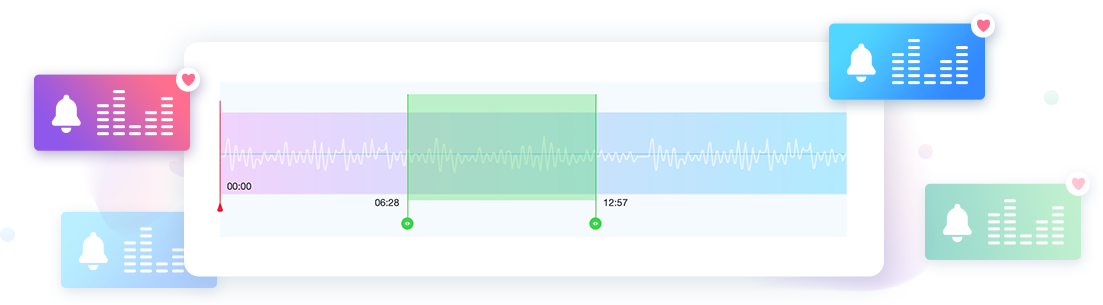
Your ringtone represents your inner self. Now you can make any music you like into the unique ringtone, to fit your every mood. No matter the music is from iPhone, iTunes library, computer, or even from the internet, you can pick out the satisfied part, turn it into a ringtone, and import it seamlessly to your iPhone. Simple and straightforward.
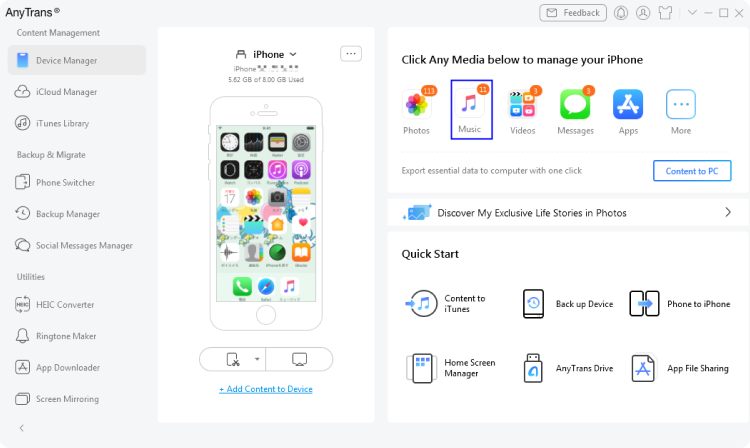
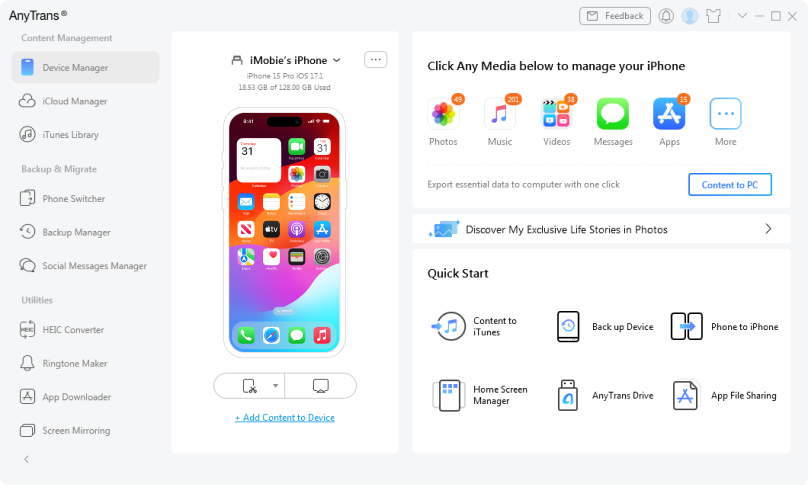
1 Launch AnyTrans on your computer and go to Device Manager > File Manager to access your iPhone’s files and media categories.
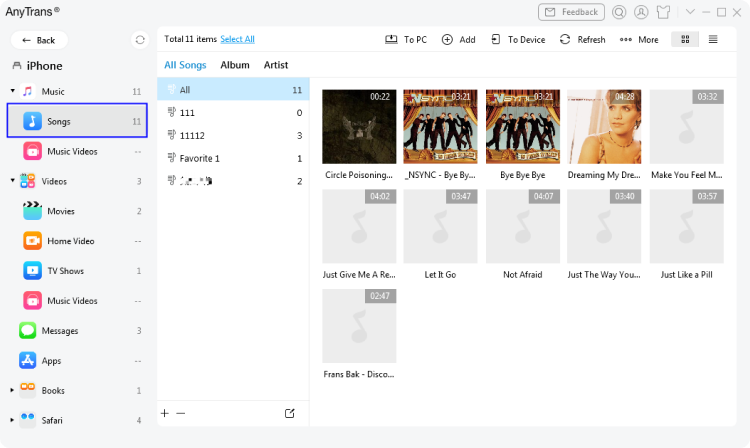
2 AnyTrans will detect it and display your music, videos, songs, and other iPhone files.
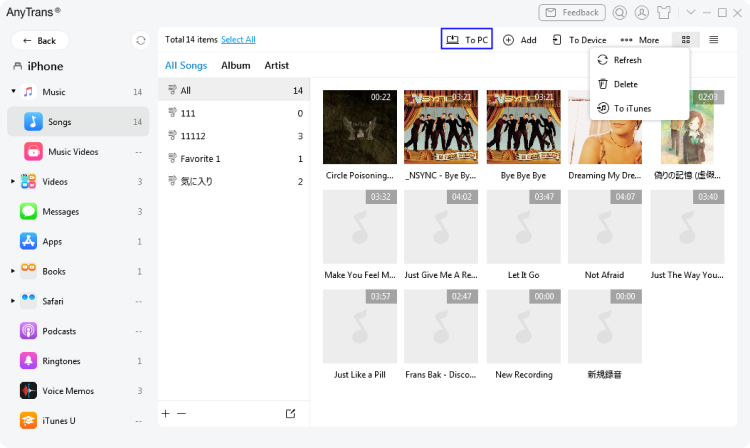
3 Choose the files you want, then drag‑and‑drop or click transfer buttons to move them between your iPhone and computer or other connected devices.
AnyTrans moves files between iPhone, computer, iTunes, and other iOS devices with drag‑and‑drop. It provides full access to photos, videos, music, and documents in one place.
Yes. AnyTrans lets you preview and select individual files or folders, moving only what you need without overwriting existing content.
AnyTrans automatically converts videos, audio, and other files to compatible formats during transfer, ensuring they work properly on both iOS and computer platforms.
Yes. AnyTrans lets you create, rename, delete, and move files and folders on your iPhone from your computer, making management easier than on the device itself.
Meet any of your demands in managing iPhone, iPad, iPod, iCloud and iTunes content. AnyTrans lets you spend less time managing but more time enjoying your i-Life.
Downloads and Counting
10,039,441
Keep all photos organized with ease
Transfer music to anywhere you like
Export and print iPhone messages
Migrate iOS data & settings in 1 click
Securely manage all iCloud files
Manage contacts, messages, notes, etc.
Back up iPhone in 3 innovative ways
Restore selected files from backups
Enjoy a better iTunes experience
Make custom iPhone ringtones easily
Switch from Android to iOS seamlessly
Transfer and back up WhatsApp data
Mirror/Record/Capture iPhone screen
Bulk download & manage iOS apps