Home Voice Changer Open Source Voice Changer Recommendation

Open Source Voice Changer Recommendation

If you want to find an open source voice changer for your project or for daily use, this article is ready to help. Although there are not many open-source options of voice changer, you will see reviews to leading open source voice changer and third-party voice changers.

Author image
Joy Taylor | Last Updated: Mar. 13, 2024
1273 words|4minute

Open Source Voice Changer Recommendation

  • 170+ lifelike VST and AI voice effects.
  • 3 flexible voice-changing methods.
  • Compatible with 13 popular third-party platforms.

Free Download

Available for both Win & Mac

Ever wondered how streamers and gamers change their voices so effortlessly? Or maybe you’re thinking about adding some fun to your online meetings. Could an open source voice changer be the right tool you’re missing?

These tools are free, full of features, and ready to use on Windows or Mac. They let you have fun and be creative with how you sound to others.

In this guide, we’ll share the top picks for open source voice changers that can help you make your online presence more exciting.

Ready to find out which voice changer is right for you? Let’s discuss the options available for enhancing your digital interactions.

What is Open Source Software?

Open-source software is code everyone can use, change, and share. It’s made by many developers together. This makes software better for all. It’s often free, saving money for both people and businesses.

But, it can have downsides. Since anyone can change it, there might be security worries. Help may only come from online chats, not like paid software with direct support. Still, open-source software is liked for being flexible and having lots of community help. Thus making it useful for many.

You might be wondering if there is some open source voice changer available. Let’s answer this in our next section.

Is There Any Open Source Voice Changer?

In fact, there are not so many options for open source voice changers right now. However, Soundux is one. This is one of the leading open source voice changer tools available today.

Soundux can be used with popular apps like Skype, Discord, and various gaming platforms. It allows users to integrate sound effects and modify audio in real time easily. Thus enhancing the overall gaming experience or online interactions.

Website Interface of Soundux

Website Interface of Soundux

Key Features

Below are the key features of Soundux – an excellent open source voice changer.

Reviews from users suggest that it’s a versatile and user-friendly tool. Hence, it proves an excellent choice for those looking to add creativity to their online interactions.

Until now, you know about one of the most reliable open source voice changers. Next, let’s discuss some free open source voice changers for Windows and Mac.

Free Voice Changer for Windows and Mac

Windows users get their hands on multiple things, such as chatting, video calling, gaming, conferencing, etc. That’s why it’s crucial to find a free voice changer that also happens to be open-sourced.

To make things easier for you, we have enlisted the four best open source voice changers below.

1. Vozard (Win&Mac)

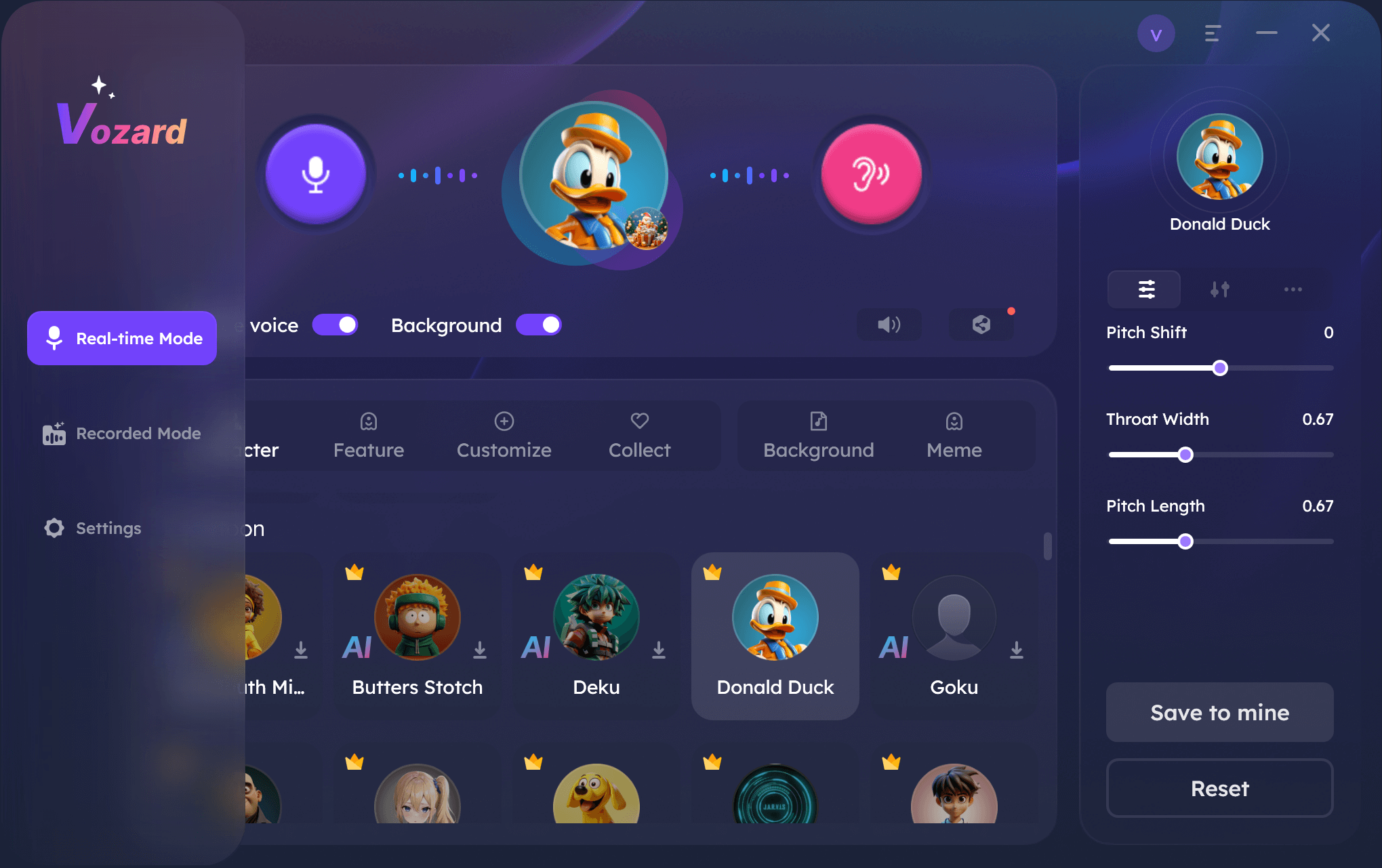
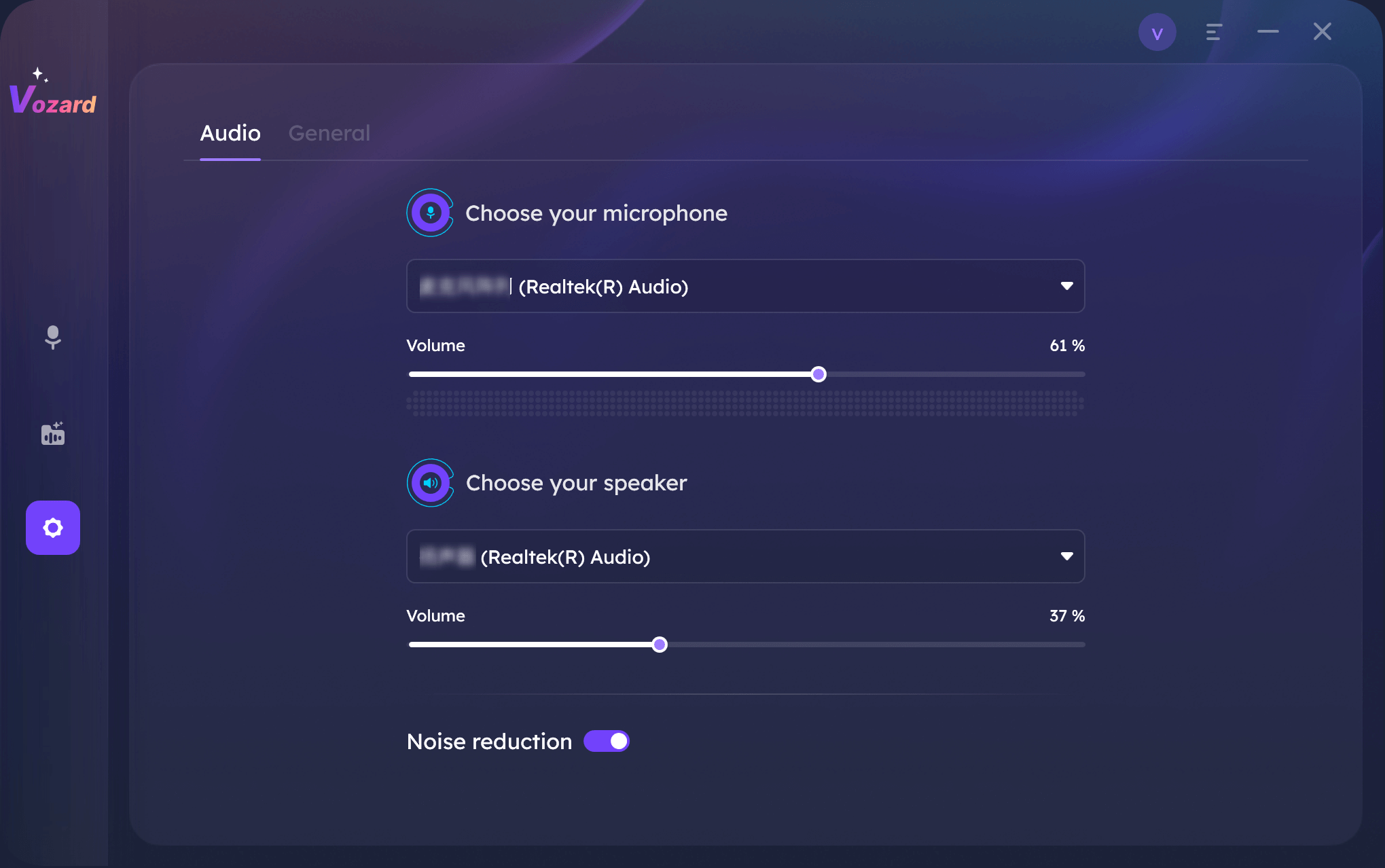
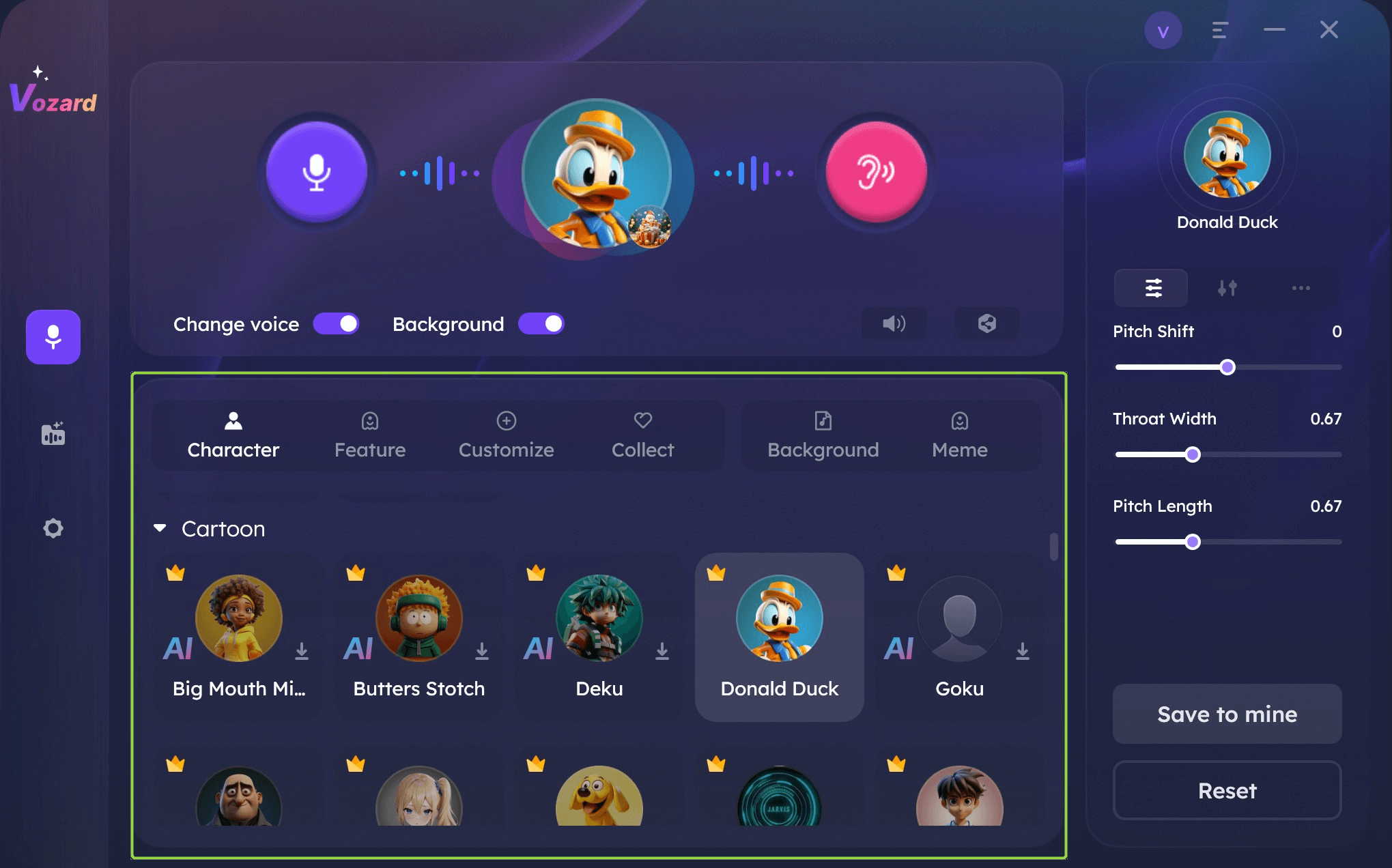
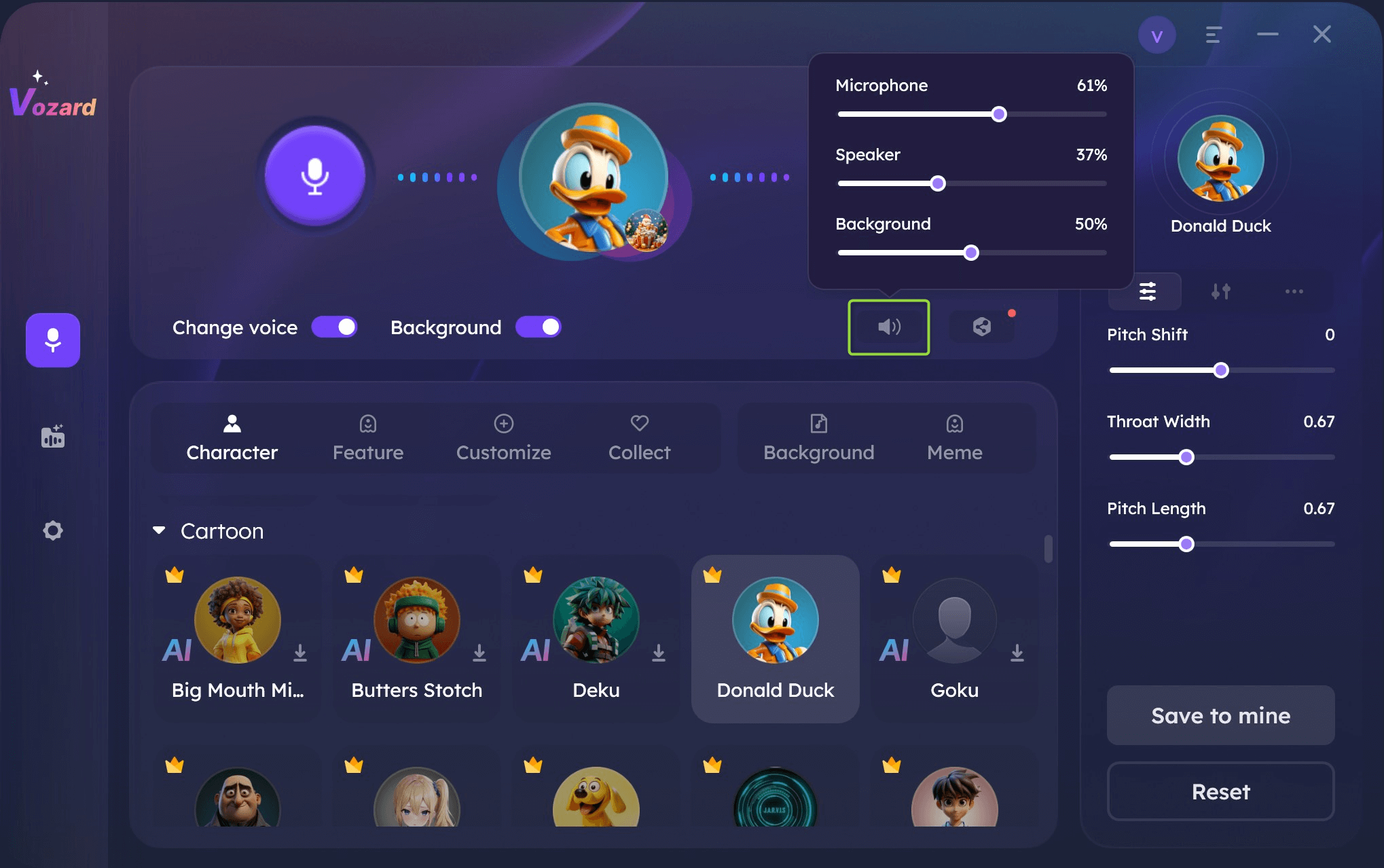
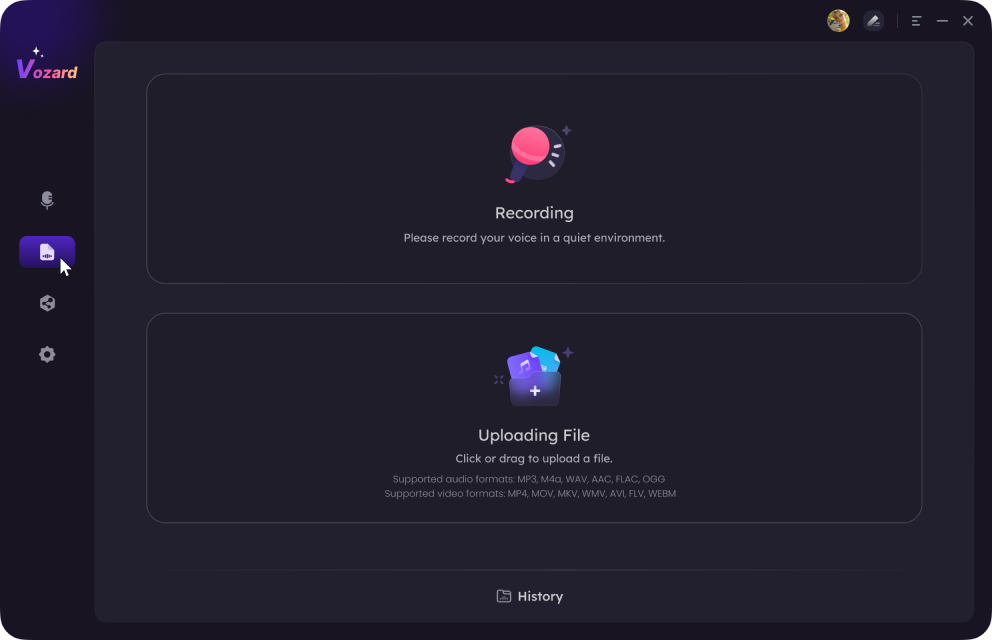
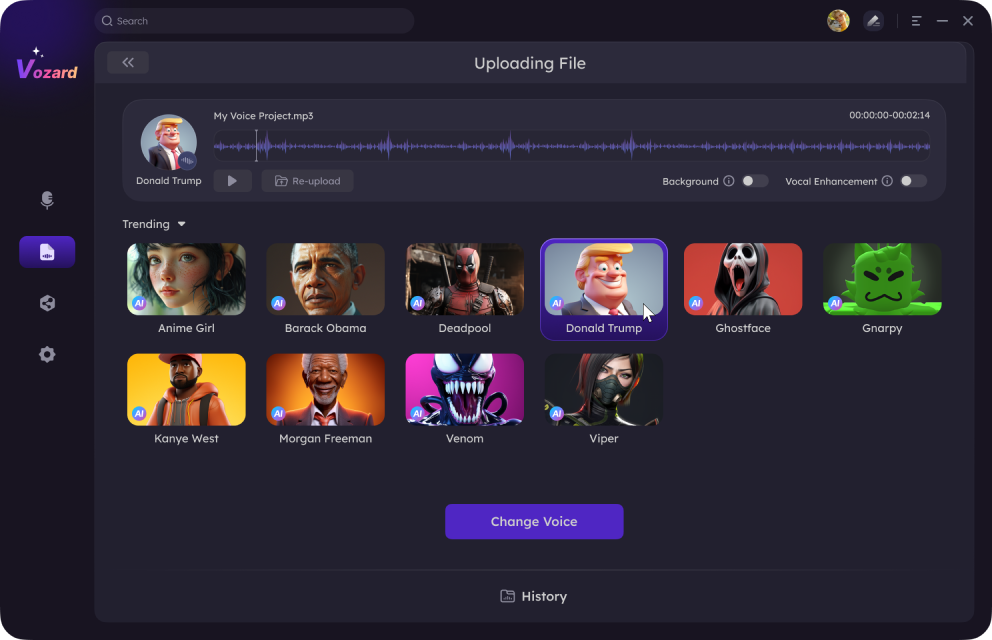
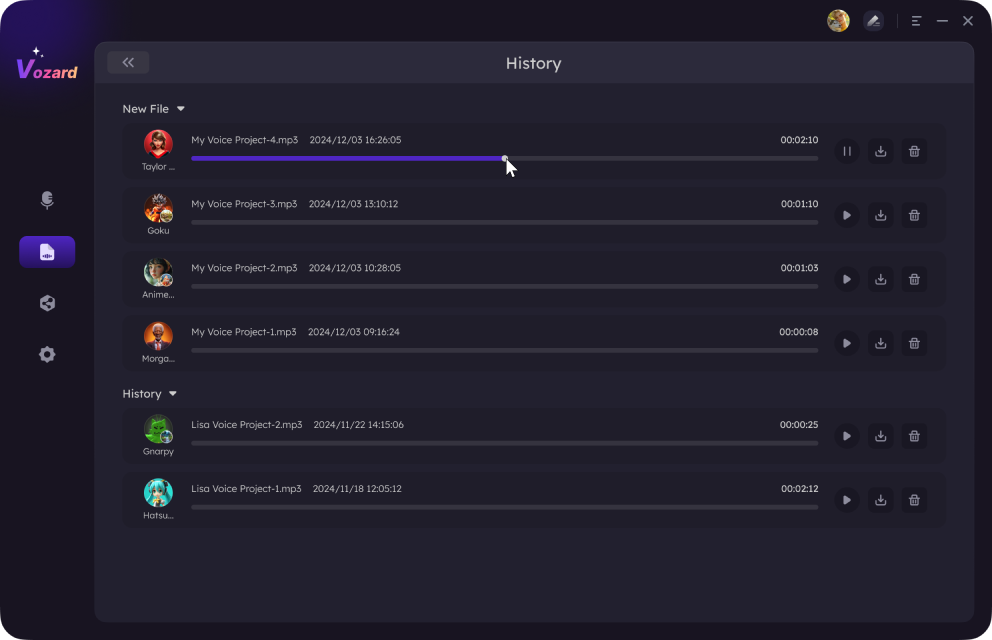
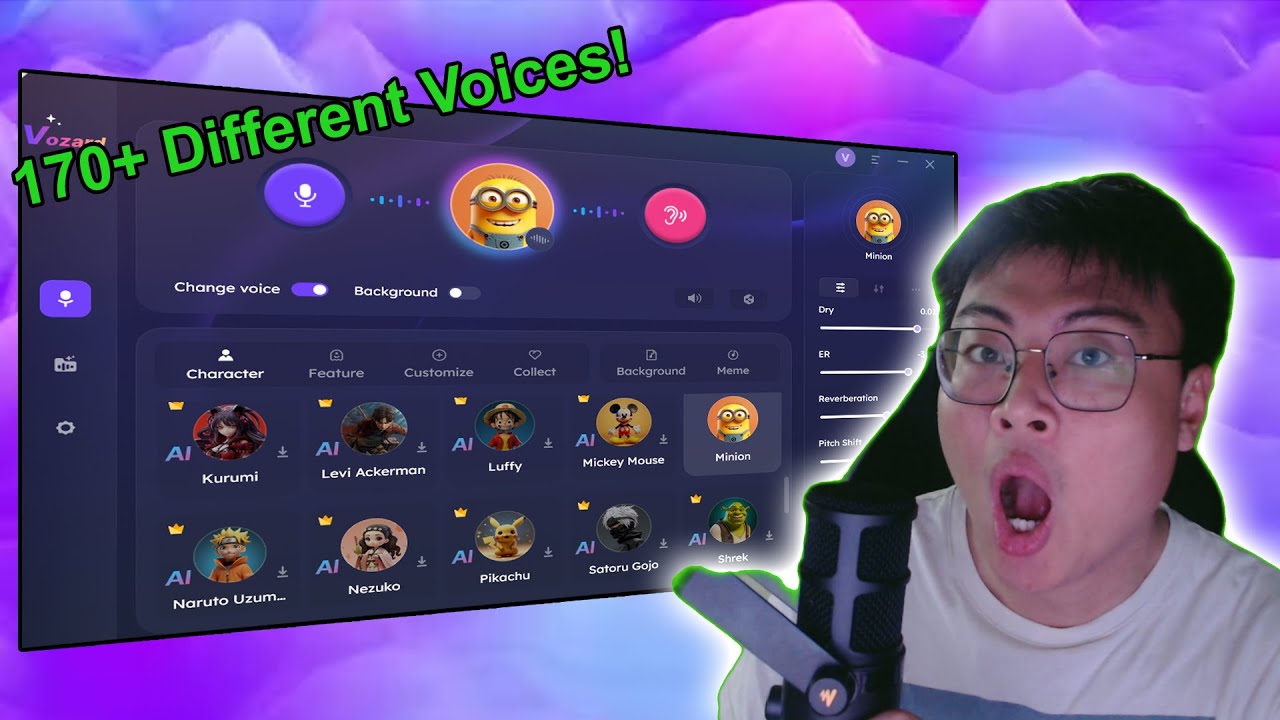
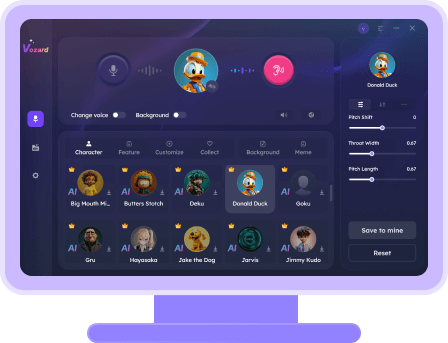
Vozard is an AI-powered voice changer for PC developed by iMobie. It offers one of the most reliable ways to transform your voice. Furthermore, it offers both real-time and pre-recorded voice-changing options. You can speak, and the tool will change your voice in real time. Or you can either upload the audio and add voice effects using Vozard.

Vozard Product Page

Vozard Product Page

Moreover, it seamlessly integrates with famous streaming and communication apps. You can sync your voice effortlessly whether you are streaming, calling, or chatting. The cherry on the top is its 170+ voice effects. You will get any sound you desire. With its user-friendly interface and various features, it is known as the best free voice changer.

Let’s discuss the next tool to add more twists to your online interactions.

2. VoiceMod (Win)

VoiceMod is a renowned free voice changer available today. This real-time voice changer is compatible with Windows. It’s famous among gamers, live streamers, and anyone who wishes to add fun during an online interaction or gaming session.

It supports more than 100 customizable and outstanding voice effects. Therefore, it can help you to modulate your voice into anything you like. On top of that, you can modify the background using its sound effects.

VoiceMod Voice Box

VoiceMod Voice Box

Also, VoiceMod integrates seamlessly with popular apps like Discord and Skype. Its interface is designed for all levels of users, from beginners to advanced.

Now, let’s move to the next tool on our list of free voice changers for Windows and Mac.

3. Voice.ai (Win)

As the name indicates, Voice.ai is an AI-powered voice changer for PC. This tool stands out due to its AI-driven capabilities. The versatile tool is available for Windows and mobile phones. Thus, it enables users to transform their voices in real-time with high accuracy.

Moreover, you can create your recordings and add them to the soundboard. You can also enjoy its online version of text-to-speech. The best part? It offers unlimited voice effects for free.

Voice.ai Voice Changer

Voice.ai Voice Changer

Additionally, Voice.ai is super easy to use. It means you don’t need to learn any special skill to use it. You just need to download the free voice changer and start playing with your voice!

Now, let’s discuss the last voice changer for Windows and Mac.

4. Clownfish Voice Changer (Win &Mac)

Clownfish is another open source voice changer. The versatile voice changer is compatible with Windows and Mac. It transforms your voice with its intriguing voice fillers and sound effects.

The free voice changer allows you to use any audio effect during a voice recording or in real time. The voice-changing tool is simple, so it offers a little customization. But still, it can help you morph your voice in any fun way you like.

Clownfish Game Girl Voice Changer

Clownfish Game Girl Voice Changer

Besides, it has 13 fun sound effects. Moreover, its pitch changer and voice mixer features make it an ideal choice. So you get the chance to change the pitch of your voice as you want.

That’s all about the four best free voice changers for PC! Let’s move ahead to conclude our discussion.

The Bottom Line

Choosing the right open source voice changer is simple with our shared picks. They match all needs for gaming or chatting. These tools are at no cost and packed with neat sounds for fun online talk. Try them to change how you sound in a cool way. They’re perfect for anyone wanting to jazz up their online voice.

With these, you can make your online chats or games more lively and entertaining. Each offers unique features, ensuring you find one that suits your style perfectly. Enjoy discovering the best fit, and have a blast using it in your digital life. Whether for laughs with friends or to spice up your gaming session, these voice changers are the best!

Vozard -AI-Powered Voice Changer

Free download Vozard voice changer software to change your voice into anyone you want to enhance online chatting, gaming, live streaming, and content creation experiences.

Author image
Joy Taylor

Senior writer of the iMobie team as well as an Apple fan, love to help more users solve various types of iOS & Android-related issues.

Back to Top Icon