Home Voice Changer VoiceMod Alternative: Get 8 Best Voice Changer Like VoiceMod

VoiceMod Alternative: Get 8 Best Voice Changer Like VoiceMod

This article explores 8 top VoiceMod alternative options to help you change your voice easily. Discover tools like Vozard, iMyFone MagicMic, and Clownfish Voice Changer, each with unique features, pros, cons, and pricing options. Pick the best voice changer option to match your needs.

Author image
Joy Taylor | Last Updated: Sep. 02, 2024
2053 words|6minute

VoiceMod Alternative: Get 8 Best Voice Changer Like VoiceMod

  • 180+ lifelike VST and AI voice effects.
  • 3 flexible voice-changing methods.
  • Compatible with 13 popular third-party platforms.
Free Download Available for both Win & Mac

Looking for a great VoiceMod alternative? Though there are other options available, VoiceMod is a popular choice for people who want to alter their voice during calls, games, or content creation. But when VoiceMod not working, how do you do? This post will examine 8 of the top voice changers and VoiceMod alternatives. These tools are ideal for anyone who wishes to play around with their voice or requires a voice changer for streaming games or creating exciting content for social media platforms. All the options are accompanied by critical features, benefits, and drawbacks that will help you select the most suitable solution. So, let’s begin to explore!

What is VoiceMod?

VoiceMod is a well-known voice changer program that lets users alter their voice in real time, which makes it ideal for entertaining, gaming, and streaming videos. However, some users prefer alternatives because VoiceMod occasionally crashes, has a complicated interface, or has restricted functionalities. Investigating alternative voice changers can be a better option if you are searching for a more seamless experience or sophisticated features.

Home Page Interface of Voicemod

Home Page Interface of Voicemod

Advantages:

Disadvantages:

Top 8 VoiceMod Alternatives

Now, let’s discuss eight VoiceMod alternative options that provide the best efficiency as voice changer software.

1. Vozard

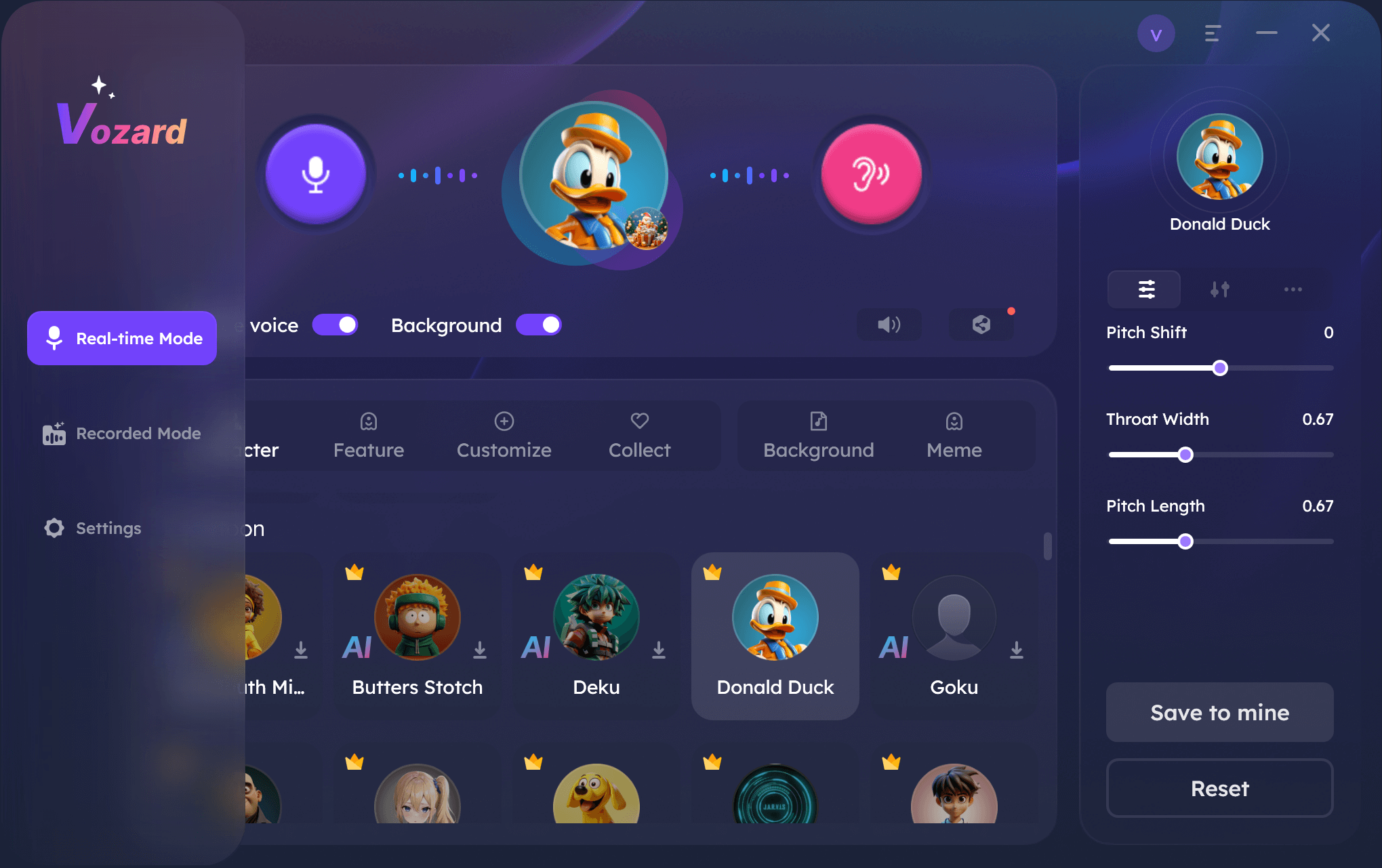
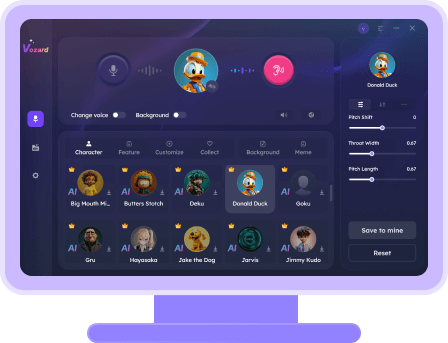
Activate Real-Time Mode in Vozard

Activate Real-Time Mode in Vozard

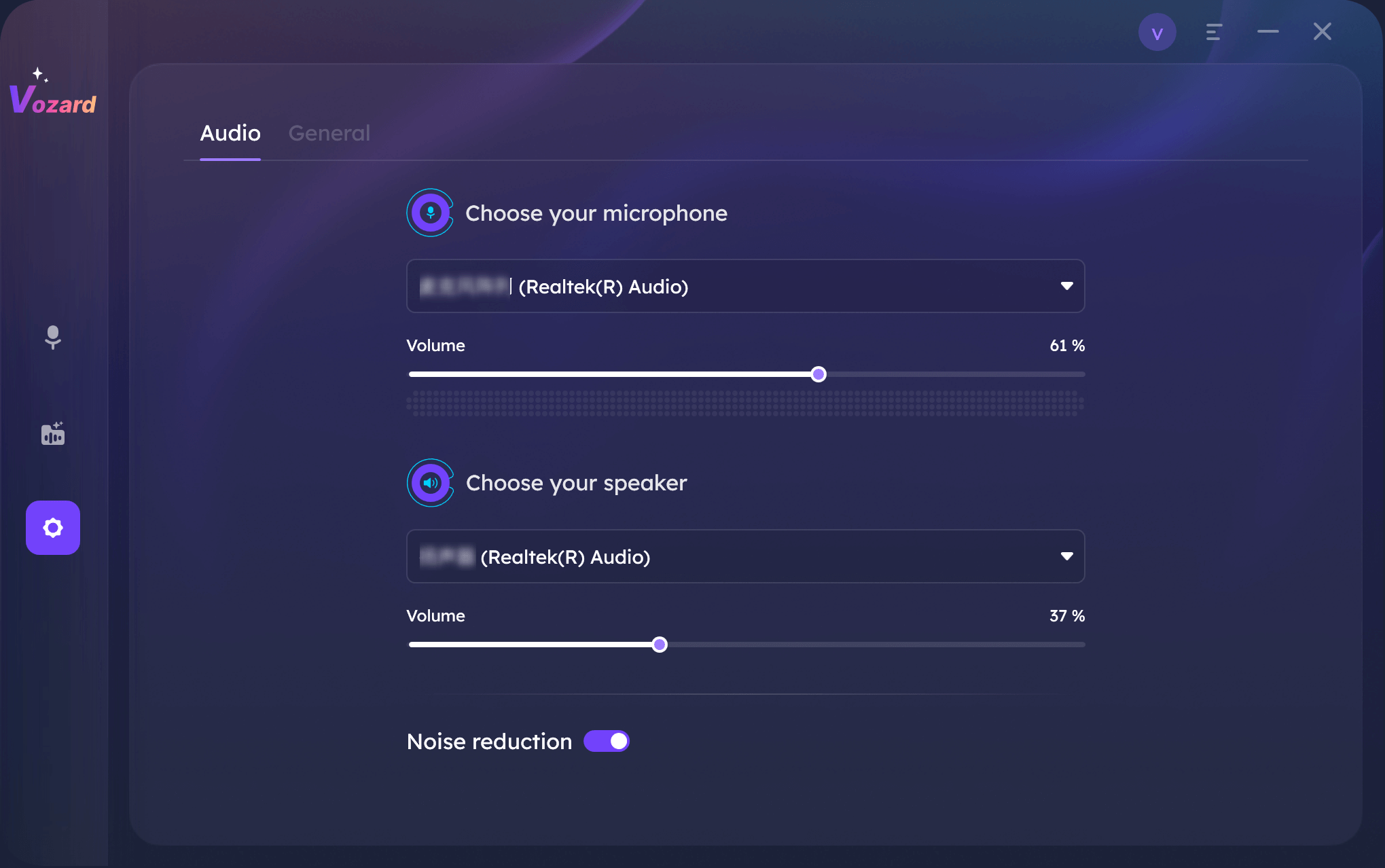
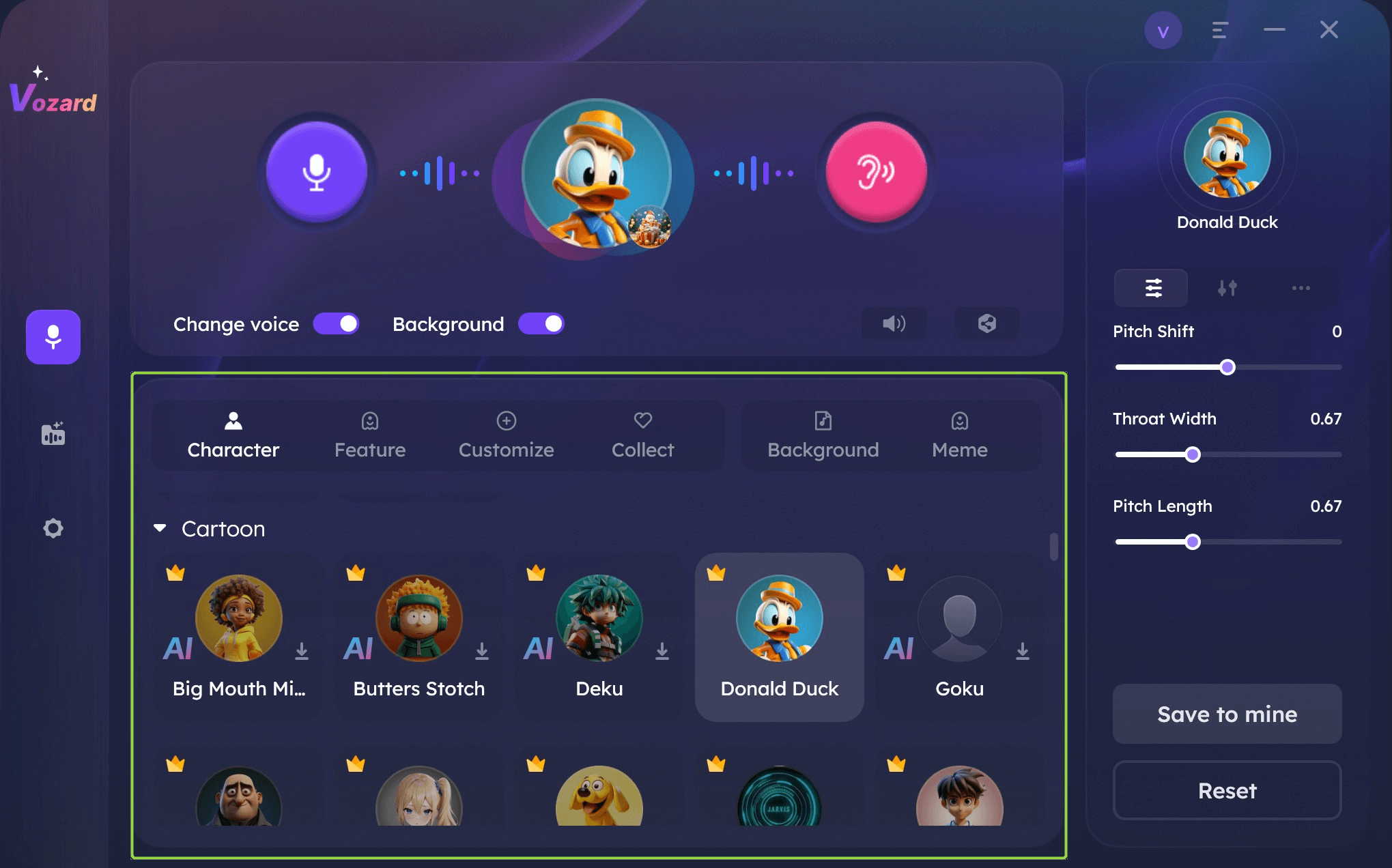
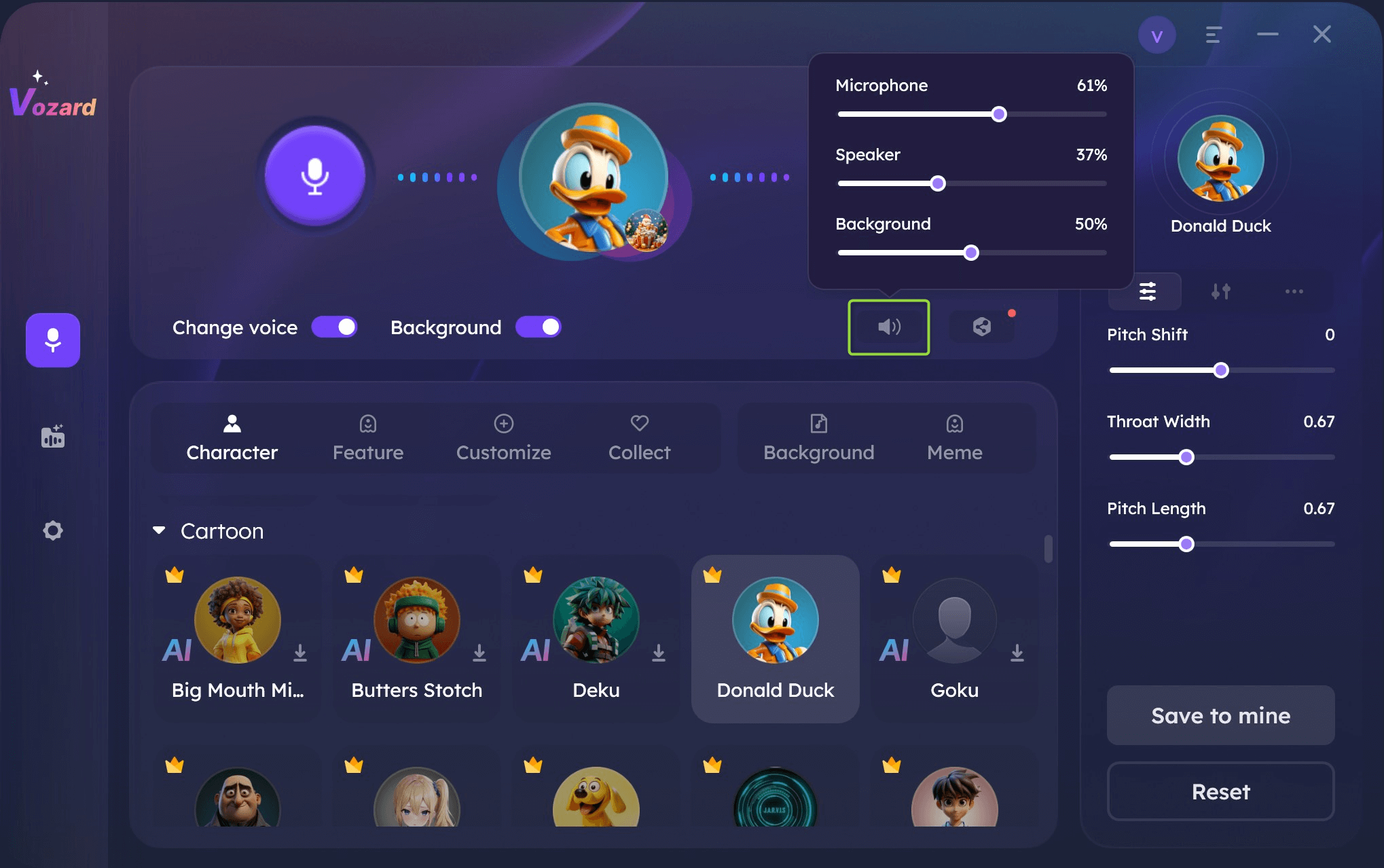
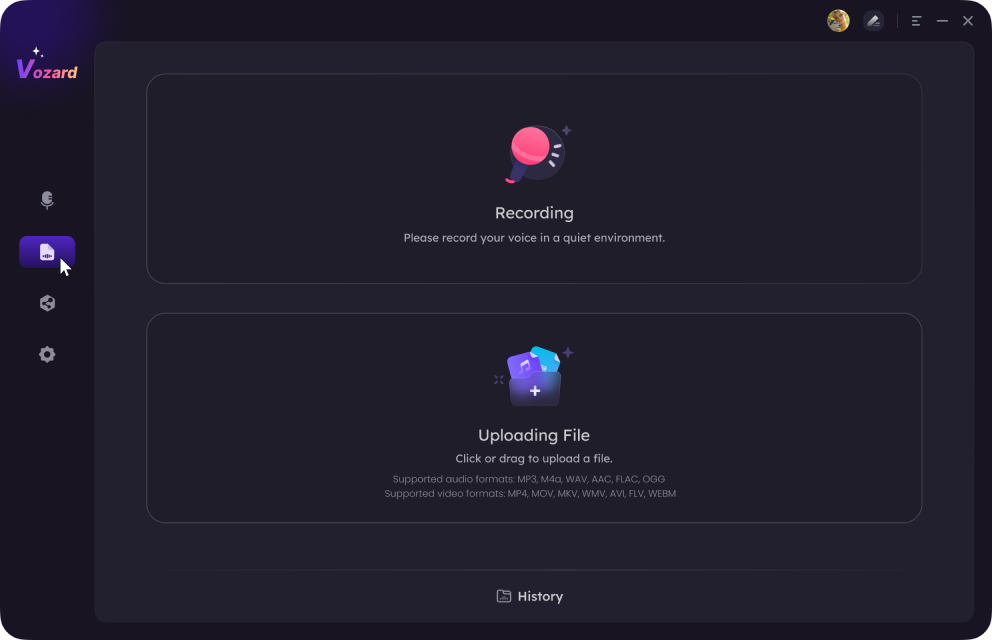
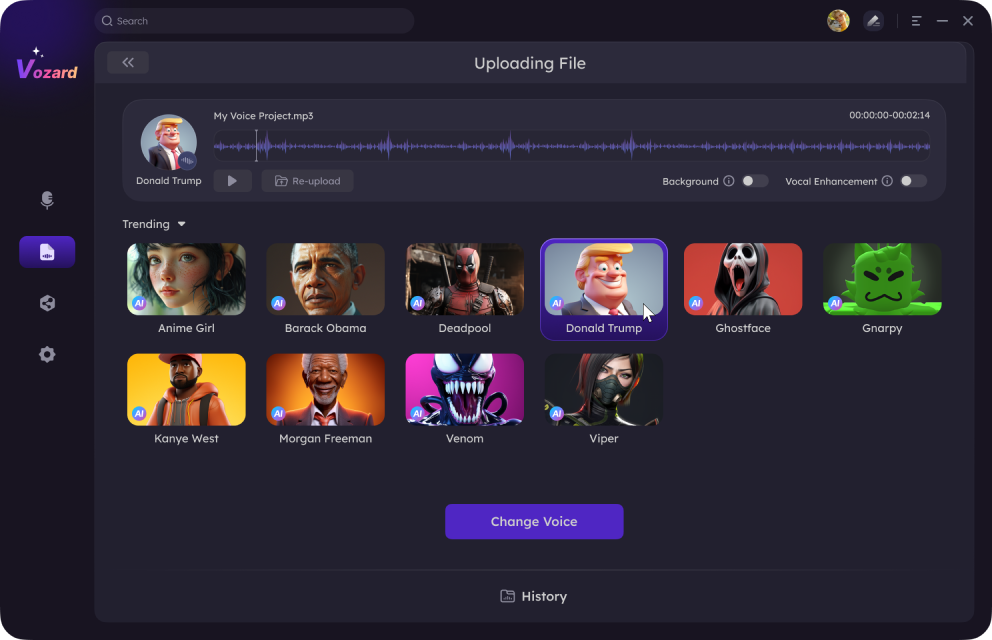
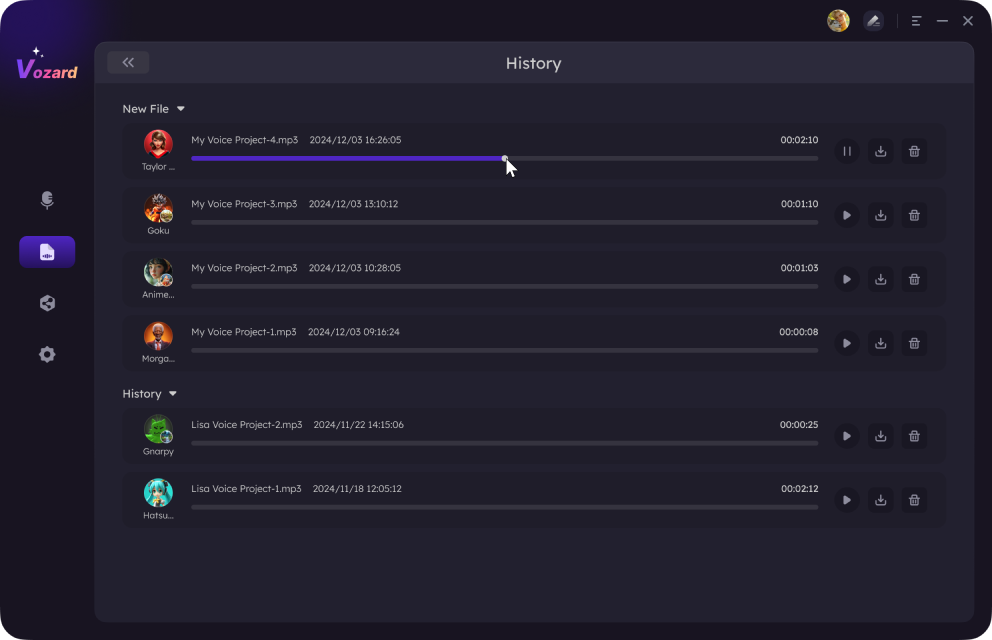
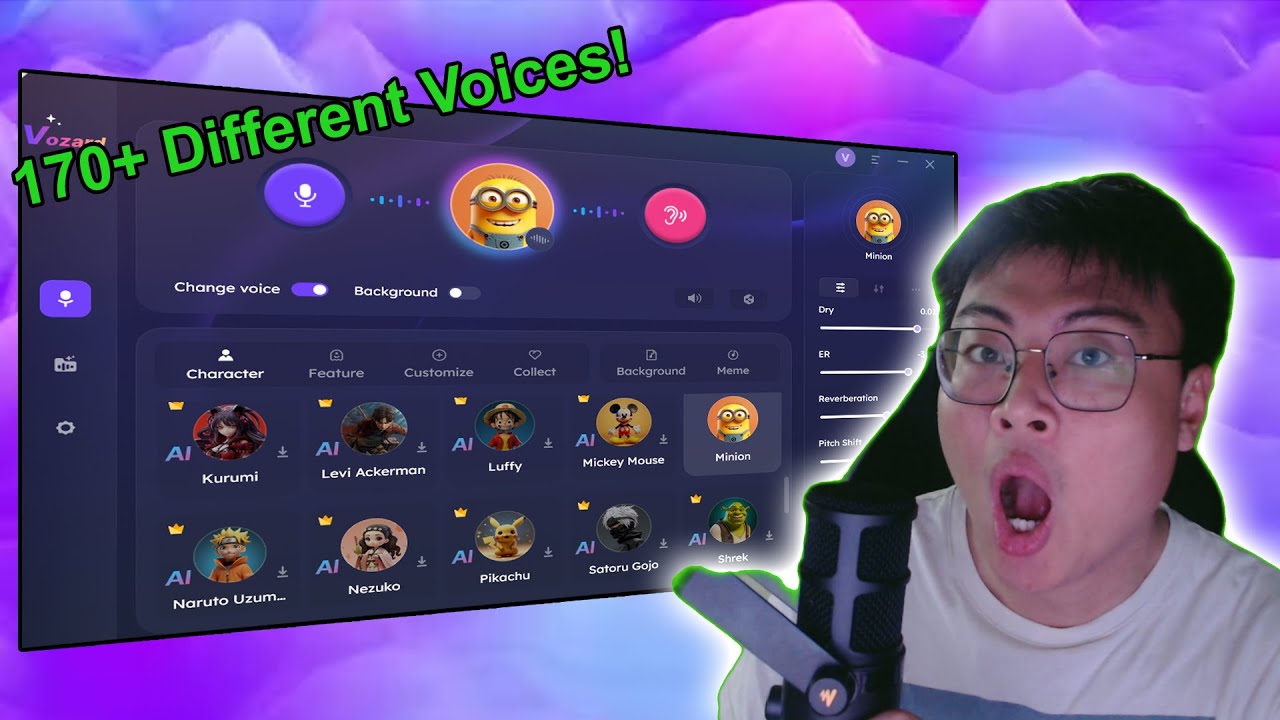
Vozard is a voice-altering software that uses artificial intelligence to transform your voice to different levels. This program possesses a great database of realistic sound clips; you can become a cartoon character in the blink of an eye. No matter what you’re doing, whether you’re gaming, having a discussion on Discord, live streaming, or even creating content on Fortnite or Twitch, Vozard works hand in hand.

It also works well with streaming tools like OBS, allowing you to play different roles effortlessly. Multiple audio input methods allow you to easily change your voice in real time or upload audio and video files for voice modulation. Vozard gives you complete control to create unique sound effects or add a personal touch to your voice, making it perfect for any creative project.

Free Download for all windows & 100% safe Free Download for all mac & 100% safe

Free Download100% Clean & Safe

Key Features:

Pros:

Cons:

Pricing:

2. iMyFone MagicMic

MagicMic Voice Changer

MagicMic Voice Changer

iMyFone MagicMic is a utility that can work as a voice changer in any scenario. If you are interested in pulling pranks, changing the sound of the voice, or manifesting new content, MagicMic is the thing for you. You may alter your voice at the touch of a button and listen to over one hundred unique voice effects. MagicMic will work well on any Windows or Mac PC, so it is ideal for all your voice-changing needs. Further, for the spectacular audio quality, it offers more than 300 audio effects and more than 700 sound effects that will give you a full range of opportunities.

Key Features:

Pros:

Cons:

Pricing:

3. Voxal Voice Changer

Voxal Voice Changer

Voxal Voice Changer

Voxal Voice Changer is a highly efficient software that is compatible with Mac and Windows. As you may be concerned with gaming, chatting, voice-over recording, or podcasting, Voxal can assist you. It is a real-time voice changer software ideal for call conversations and online video streaming. Compared to the simple command-line interface, Voxal has a lot of possibilities, such as adding background noise, individual voice effects, or even imitation of the real environment. It’s easy to use, requiring only three simple steps to instantly change your voice. While it may look basic, Voxal packs plenty of power for those wanting fun or needing professional voice modification.

Key Features:

Pros:

Cons:

Pricing:

4. Clownfish Voice Changer

Clownfish Voice Changer

Clownfish Voice Changer

The intuitive and cost-free Clownfish Voice Changer software is a great choice for novices. It is easy to install and compatible with any program or service that accepts audio input through a microphone. This tool is ideal for those looking for a voice changer that is simple to use and doesn’t have many capabilities. Many features are supported by Clownfish, such as an audio player with control over audio, sound management, and compatibility with Virtual Studio Technology (VST). Its straightforward design makes it accessible for users who want to modify their voice quickly and efficiently.

Key Features:

Pros:

Cons:

Pricing: Free

5. Voice.ai

Voice.ai is a versatile voice-altering program you can easily set up on your computer. Popular games and platforms like World of Warcraft, Minecraft, and Among Us are compatible. It offers a variety of imaginative speech filters, including user-generated ones, and allows for real-time voice switching. The best part is that you can try out various voice effects without having to invest any money, thanks to its free availability.

Home Page Interface of Voice.ai

Home Page Interface of Voice.ai

Key Features:

Pros:

Cons:

Pricing: Free trail; Pro version- $14.99 per month

6. MorphVOX Junior

MorphVOX Pro Voice Changer

MorphVOX Pro Voice Changer

Morphvox Junior is a free voice changer software designed to enhance your online gaming experience. It’s also great for VoIP calls and instant messaging. This software learns from your voice to improve sound quality and is optimized to use minimal bandwidth. Morphvox Junior includes built-in sound effects and supports shortcuts via mouse and joystick, making it easy to use during gaming or communication.

Key Features:

Pros:

Cons:

Pricing: Free

7. Voxify

With Voxify, you can easily change the voice and improve the quality of your audio. It is ideal for gaming, streaming, and online communication since it provides various voice effects. Because Voxify is easy to use and compatible with a variety of platforms, it can be seamlessly integrated with your preferred games and apps. Voxify gives you the tools to generate excellent outcomes, whether your goal is to add professional effects to your recordings or have fun with your voice.

Voxify AI Voice Generator

Voxify AI Voice Generator

Key Features:

Pros:

Cons:

Pricing: 

8. MetaVoice Studio

MetaVoice Studio is an advanced voice changer, ideal for altering your online identity and customizing your emotions. It’s designed for content creators who need fast and efficient voice modification. With MetaVoice Studio, you can instantly change your voice and create characters with just one click. Its real-time voice changing and broad platform compatibility make it perfect for high-scale content production and dynamic online interactions.

MetaVoice Studio

MetaVoice Studio

Key Features:

Pros:

Cons:

Pricing:

Comparison Table

Tool Key Features Pros Cons Pricing
Vozard Real-time voice changes, integrates with popular platforms Real-time changes, many platforms Limited free features Free,

$12.99/month,

$19.99/3months, $29.99/year, $49.99 one-time

iMyFone MagicMic Over 100 voice effects, customizable settings Easy voice change, frequent updates Newer tool, fewer effects Free,

$9.99/month, $15.99/month, $0.86/day

Voxal Voice Changer Real-time changes, background sound effects Works on Mac & Windows, easy to use Outdated interface $34.99 for home use, $39.95 commercial, $9.99/quarter
Clownfish Voice Changer Free, works with any audio app Easy to use, includes a music player Basic design Free
MetaVoice Studio One-click changes support 800+ platforms Advanced features, easy character creation Steeper learning curve Free,

$10/month, $25/month, Custom pricing

FAQs about VoiceMod Voice Changer and Its Alternatives

Are VoiceMod alternatives as effective?

Yes, many VoiceMod alternatives offer enhanced features. Tools like Vozard, iMyFone MagicMic, and Voxal Voice Changer provide various voice-changing capabilities suitable for different needs.

How do I pick the perfect voice changer for my requirements?

Consider factors such as real-time voice changing, compatibility with your preferred platforms, ease of use, and pricing. Tools like Vozard are highly recommended for their versatile features and user-friendly design.

Can I use these voice changers for live streaming?

Absolutely! Most voice changers, including VoiceMod and its alternatives, are designed to work with live-streaming platforms. They offer real-time voice modification to enhance your streaming experience.

Final Words

To sum up, many voice changers are out there with distinct features to improve your online experience. These tools can change online discussions, live streaming, and gaming interactions in real-time with their imaginative sound effects and real-time adjustments. Since each option has its advantages, your best choice will rely on your requirements and preferences.

Vozard is a notable choice for individuals looking for a flexible, user-friendly option. It provides real-time voice changing, a wide range of sound effects, and seamless integration with popular platforms. If you want a reliable and straightforward tool to change your voice effortlessly, try Vozard.

Author image
Joy Taylor

Senior writer of the iMobie team as well as an Apple fan, love to help more users solve various types of iOS & Android-related issues.

Back to Top Icon