
Installation Successful!
Check out the user guide to make the most of iMobie DroidKit
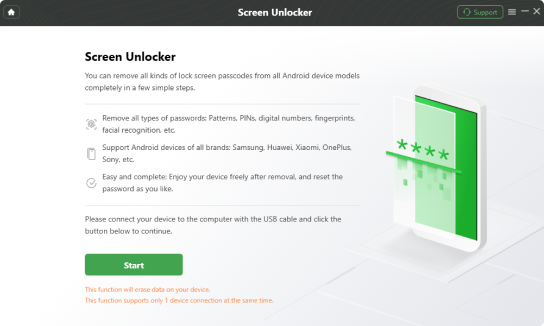
 Unlock Android Screen Lock
Step 1: Connect your Android device to your computer
Step 2: Prepare the device configuration files
Step 3: Put the device into recovery mode
Step 4: Wait until the unlocking process is completed
Read the full guide here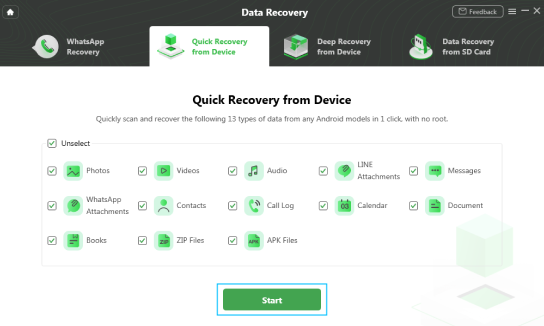
 Recover Lost Data
Step 1: Connect your Android device to your computer
Step 2: Select "Data Recovery"
Step 3: Select a recovery mode and start to scan
Step 4: Wait until the recovery process is completed
Read the full guide here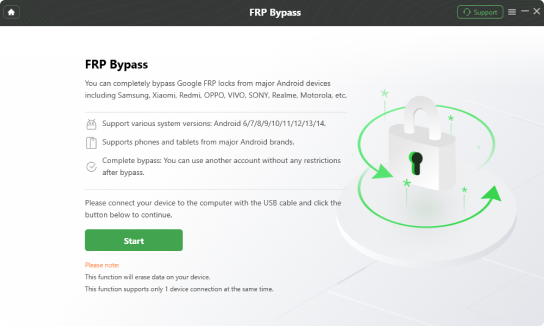
 Bypass FRP (Google Account)
Step 1: Connect your Android device to your computer
Step 2: Select "FRP Bypass"
Step 3: Prepare the device configuration file
Step 4: Wait untill the bypassing process is completed
Read the full guide here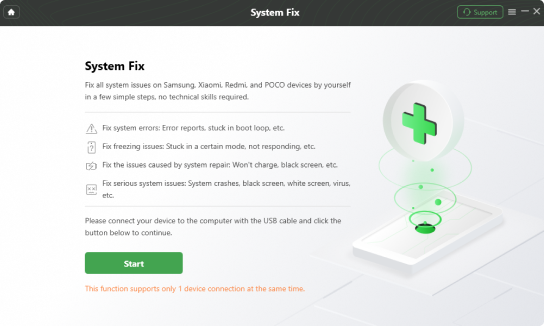
 Fix Android System Issues
Step 1: Connect your Android device to your computer
Step 2: Select "System Fix"
Step 3: Download the firmware package
Step 4: Wait until the fixing process is completed
Read the full guide hereYou may also be interested in

AnyTrans
Your one-stop iPhone manager to transfer, back up and manage your iPhone, iPad, iPod, even iTunes and iCloud content in one handy place.
Download Now
AnyUnlock - iPhone Password Unlocker
Instantly remove iPhone lock screen, Apple ID, MDM, Screen Time passcode, and iTunes backup encryption from iPhone, iPad, and iPod touch.
Download Now

AnyMiro - Real Time Mirroring Tool
Effortlessly mirror your iOS/Android device to your PC/Mac for a smooth, stable, and high-quality screen mirroring experience without any lag.
Download Now