10+ Free Camtasia Alternatives You Didn’t Know About
In case you are among those who use Camtasia and are considering changing it, you’ve arrived at the correct site. In this article, we will show you the ten greatest Camtasia alternatives free in 2026, together with their disadvantages and limitations.
A video editing and screen recording program known as Camtasia is often used to create lessons, demonstrations, and other video content. It features a free version with a lengthy trial. This is why many people choose Camtasia as their primary screen recording tool. However, the free version has several limitations. This includes watermarks and a strict video duration restriction.
If Camtasia’s price or feature set does not entirely meet your video creation requirements, you may examine alternative video editing software.
That is why people search for a Camtasia alternatives free, a screen recorder without a watermark, or when their video time runs out.
PART 1: Why You Need a Camtasia Alternative
Camtasia’s free version’s limitations, including watermarked videos and limited recording time, have sparked frustration among users on social media platforms like Reddit and Quora.
Limitations:
- It doesn’t offer many presets.
- It requires a high-performance graphics system for extensive editing; otherwise, it tends to hang.
- The maximum video resolution is only 1920×1080, which is 1080p on YouTube.
- It lacks a black and white filter.
- It doesn’t have a motion tracking system.
- The frame rate is low.
- You cannot add new fonts.
- The Green Screen (Chroma key/Keylight) feature is not very effective.
One user shared their experience: “I totally agree with you. Camtasia is absolute junk with a 2019 MBP. Worthless junk. Avoid Camtasia, folks!”
Another one says on Reddit: Camtasia struggles with handling 4K video, is slow, lacks the necessary tools for creating professional videos, and doesn’t support many useful formats.
PART 2: Top 10+ Free Camtasia Alternatives
-
Screenify
Screenify is the best Camtasia alternatives free with high-quality recordings. You can record screen, webcam, audio, or microphone videos with Screenify’s free screen recorder. It has versatile recording settings that allow users to capture their entire screen, a single window, or a mix of screen and camera. Screenify is completely free, with no hidden charges or extra upgrades. Professionals educators, the content creators may find Screenify to be a useful tool.
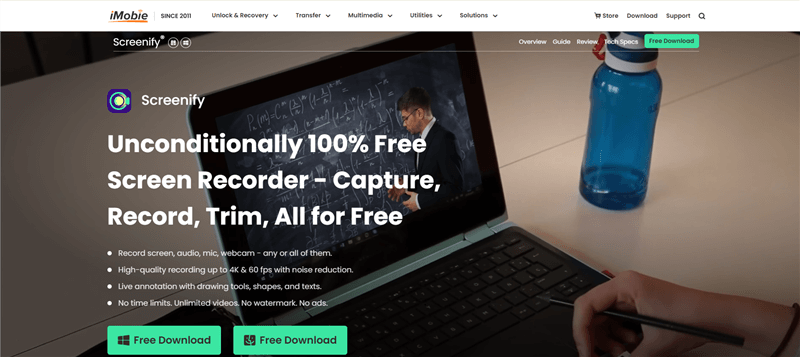
Screenify Website Interface
Here are the interesting advantages Screenify provides:
- You can record videos at a resolution of up to 4K at 60 frames per second. Ideal for presentations, tutorials, gameplay, and more.
- Automatically reduce background noise in your recordings with just one click for professional-sounding videos.
- Choose to record the entire screen, a specific window, or combine your screen with a webcam and audio for more dynamic content.
- Easily trim your recordings to highlight key moments and focus on the essential parts of your video.
- Record without worrying about any restrictions or watermarks, allowing for a professional, clean final product every time.
-
Bandicam
Bandicam is a unique recording software that allows you to record high-resolution videos on your laptop or computer. It may be a great tool for gamers who are interested in recording their games at 4k quality and 120 frames per second. Bandicam offers a high compression ratio without compromising video quality, making it an excellent Camtasia alternatives free.
Features:
- Captures video at 4K quality and 120 frames per second.
- Maintains high video quality while minimizing file size.
- It is ideal for gamers who want high-quality screen records.
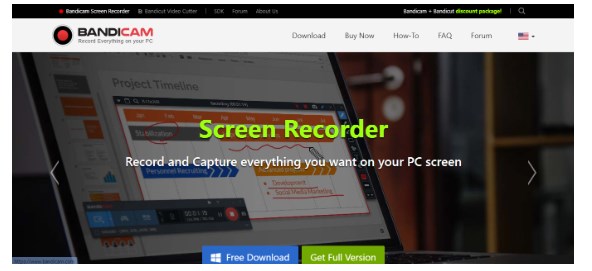
Bandicam
Disadvantages:
- There are no editing tools available there.
- It is for Windows only.
-
Ezvid
Ezvid is a flexible video editing program that provides a limitless editing package, making it a great alternative to Camtasia for games and tutorials. It enables rapid, high-resolution recording, text and picture editing, and may be used to make interesting, educational, and mesmerizing films for a variety of platforms.
Features:
- Includes tools for trimming, cutting, adding text, and applying effects to videos.
- Good for creating courses, presentations, or vlogs, record your screen or camera footage.
- Add voiceovers or background music to your videos.
- It offers a user-friendly UI.
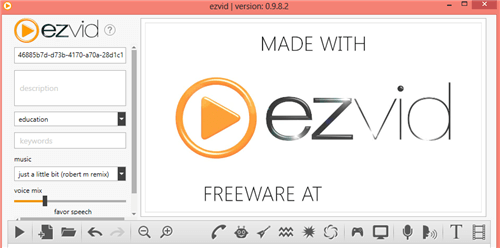
Ezvid Screen Recorder
Disadvantages:
- There is a 45-minute recording time constraint.
- Does not support hiding the recording widget.
-
Monosnap
Monosnap is a free program that lets you take screen photos and videos. Monosnap allows you to edit screen recordings and share them on many platforms. It offers a basic online interface, upload options, and the ability to simultaneously record the screen and the camera. It also supports hotkeys and other capabilities for video recording.
Feature:
- Capture images or videos of your screen.
- Create annotations, arrows, and text for your screenshots and videos.
- Basic editing and sharing options.
- Supports hotkeys for easy action.
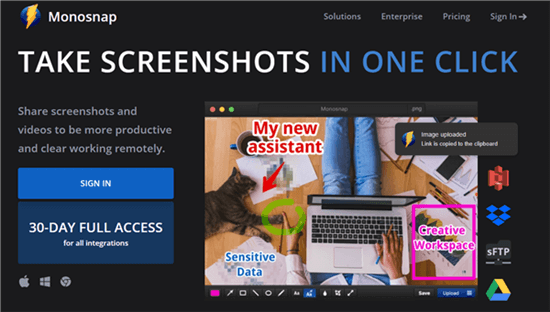
Mac Video Recording Software – Monosnap
Disadvantages:
- There is no video editing functionality.
- Some storage options are unavailable in the free version.
-
FFSplit
FFSplit is a Camtasia alternatives free that allows users to capture and record desktop screen videos in high-quality formats. It offers numerous features and is beneficial for beginner users. FFSplit is highly optimized and offers excellent performance. Its well-designed interface allows users to easily record videos and create professional, unique content quickly. It is a highly beneficial tool for creating fast and professional content.
Features:
- High-quality video recording captures every moment with incredible clarity and detail.
- The program is performance-optimized, so it performs well even on low-end devices.
- With different recording choices, you may select the optimal settings for your unique requirements.
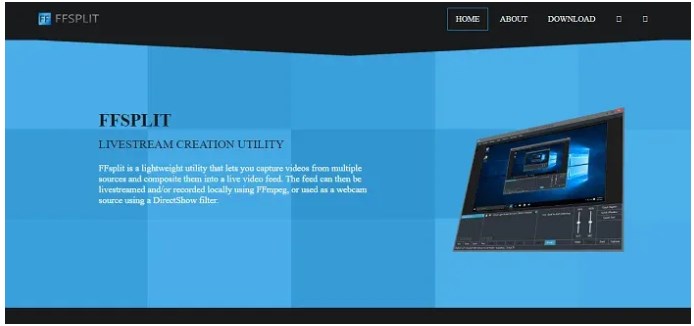
FFSplit
Disadvantages:
- There is no built-in game source capture.
- FFSplit only works on Windows.
-
OBS
OBS is a high-performance software for capturing and mixing video content on your screen, utilizing various sources such as window captures, images, text, browser windows, and webcams. Available for Microsoft Windows, macOS, and Linux, it features a user interface divided into scenes, sources, audio mixers, transitions, and controls. OBS Studio regularly updates to improve user experience, ensuring a seamless experience for users.
Features:
- Supports video capture from different sources.
- Available for Windows, macOS, and Linux.
- Regular upgrades for a better user experience.
- Control and change audio levels from different sources, apply effects and reduce noise.
- The UI is customizable.
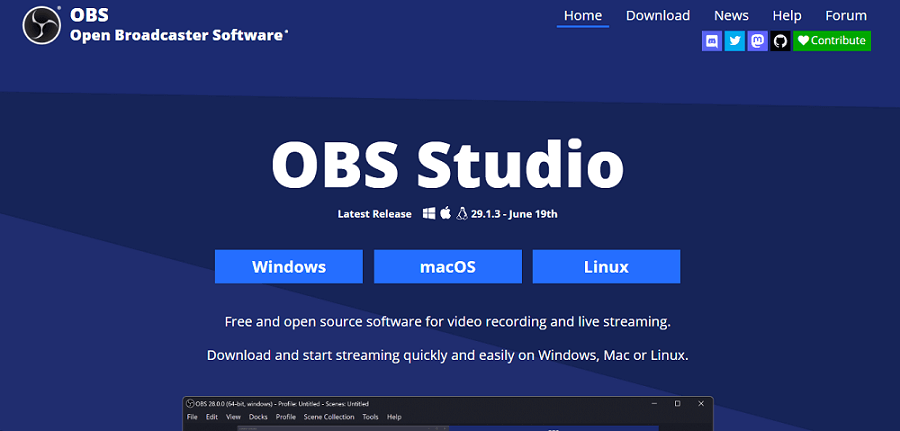
OBS Studio
Disadvantages:
- Does not have as many features as Camtasia.
- There is just a 5-minute restriction, which may be a drawback if you require a longer video.
-
Free Cam
Free Cam is a free screen recording program that many people use for screen casting. It also contains a built-in video editor, which allows you to modify videos after they are recorded and publish them on YouTube. It is considered the best alternative to Camtsia due to its editing capabilities. It also does not leave a watermark on the recorded video.
Features:
- The app has a built-in video editor.
- Because of the no watermark function, you may capture videos without any branding.
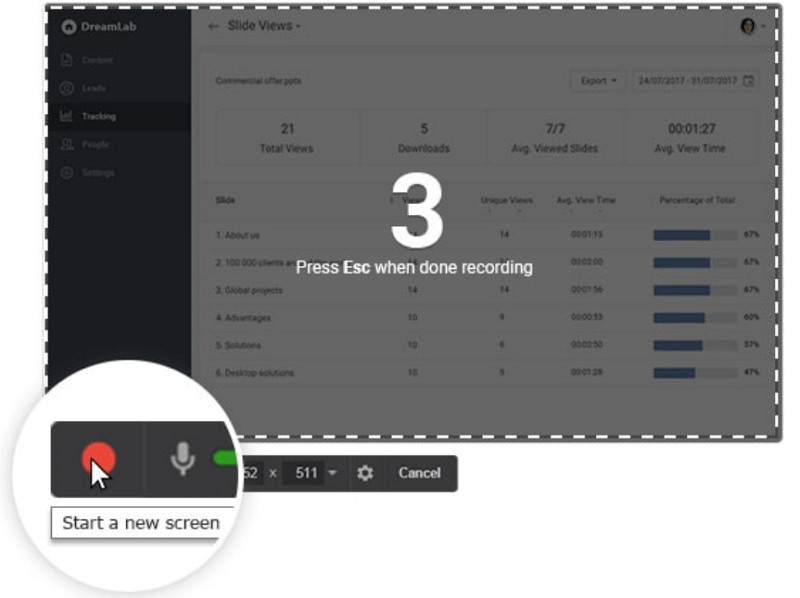
FreeCam operating interface
Disadvantages:
- Exports only in WMV format.
- Lacks webcam recording feature.
- Basic editing tools, no advanced options.
-
ScreenFlow
ScreenFlow is a polished alternative to Camtasia software, offering extensive editing options and a straightforward interface for video recording. It is lightweight, consuming less CPU and RAM resources. Users can save recorded videos to Windows PC in popular video formats and enjoy them on any smartphone or tablet, with any media player supporting this feature.
Features:
- The software offers extensive editing options, allowing you to fine-tune your videos.
- It is lightweight and resource-efficient, even on less powerful devices.
- You can save videos in popular formats, making them easy to share.
- The high-quality screen recording feature captures every detail.
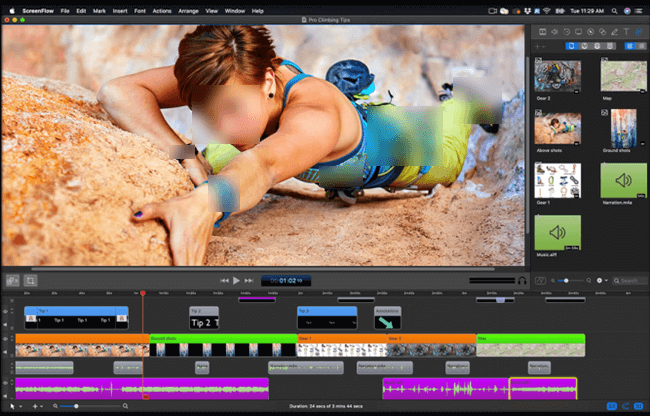
Mac Screen Record Software – ScreenFlow
Disadvantages:
- Limited on-screen text selections and difficult transitions.
- You must press particular keys to cease recording.
-
Screencast-O-Matic
Screencast-O-Matic is a Camtasia alternative free for users to record screens of their choice. It is compatible with Windows and Mac operating systems and is suitable for shorter videos with good features. It is suitable for both Windows and Mac users.
Features:
- Provides basic functionality for screen recording.
- Ideal for creating short-length videos.
- Works with both Windows and Mac OS.
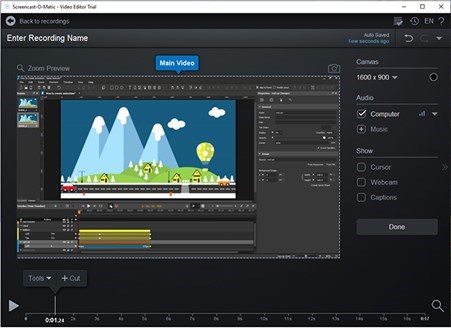
Facecam and Screen Recorders – Screencast-O-Matic
Disadvantages:
- There is no video editing functionality.
- Continues to run in the background.
-
FlashBack
FlashBack is a top-rated alternative for capturing screen video clips, offering a faster and more quality alternative to Camtasia. Despite its affordability, FlashBack doesn’t compromise on project quality. It is also compatible with both Windows and Mac OS. Its high quality makes it an excellent choice for screen recording.
Features:
- It provides high-quality screen recordings.
- Compatible with both Windows and Mac.
- Affordable without sacrificing quality.
- Easy-to-use UI for beginners.
- It also provides advanced recording options.
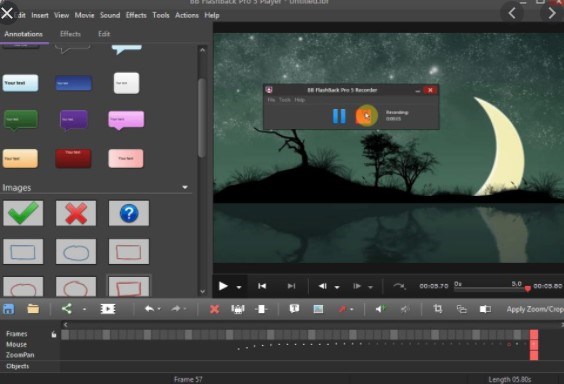
1080p Screen Recorder – FlashBack Express
Disadvantages:
- For using flashback you must first register with an email address.
- In the free version, you cannot modify recorded files.
PART 3: The Best Camtasia Alternatives
We’d like to share the 10 greatest Camtasia alternatives free with you. Some are free to use, while others may need a little fee. Simply select according to your needs. By the way, Screenify software distinguishes out from these alternatives due to its distinct benefits. With its simplicity of use, it is suitable for both beginners and experts. It interacts well with other platforms and provides significant customization possibilities. Download Screenify today to take advantage of its advanced capabilities and improve your screen recording.
Free Download * 100% Clean & Safe



Senior writer of the iMobie team as well as an Apple fan, love to help more users solve various types of iOS & Android-related issues.
Product-related questions? Contact Our Support Team to Get Quick Solution >
