Top 7 Firefox Screen Recorders & Add-ons for 2026 (Windows & Mac)
In this blog, you will discover the 7 best Firefox Screen Recorders and add-ons 2024. Learn about the features and everything you need to know for a rich experience.
Do you want to capture your Windows or Mac screen for work, learning, or any other purpose and want to get access to the best Firefox Screen Recorders? Don’t search anymore! We have covered you by sharing the top-tier range of screen recorders with the latest features you can use in 2024.
Get endless possibilities by using an effective screen recorder with multiple features to enrich your experience and help you save your screen anytime, anywhere.
You may also like: Best screen recorders for Google Chrome
Top 7 Firefox Screen Recorders
Let’s explore the world of some of the best Firefox Screen Recorders. You can choose the ideal tool that fits your requirements.
1. Screenify
Screenify is the latest software of 2026 that professionally supports Windows and Mac. Its unique features include recording audio, camera, and full or partial screen. Ideally, this fantastic software offers a seamless experience without charging any amount. The best thing is it has an easy-to-use user interface, so you can access all features quickly and get the job done within seconds. It’s a free-to-use 4K recording software with no watermark.
Key Features
- It is Compatible with Windows and Mac.
- Edit and save without a watermark.
- Enjoy HD recording to achieve better quality.
- Users can easily record audio, windows, and cameras.
- Get advanced editing options.
- Enjoy premium features without paying a single penny.
- It helps you quickly save.
Pros
- It gives you fast results.
- Get detailed adjustments that would be good for your work.
- Effectively record webcam.
- It’s totally free to use.
- Get a customized text watermark.
- Get access to free-to-use marking tools.
- Compatible with multiple devices.
- Crop and trim your videos and screenshots professionally.
Free Download * 100% Clean & Safe
2. Bandicam
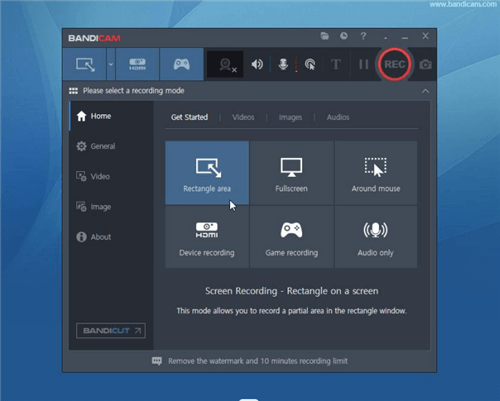
Bandicam
Bandicam is professional software that allows you to record any specific area of your device. You can capture a game using DirectX/OpenGL/Vulkan graphics technologies. With Bandicam, you can access multiple features and enjoy original recordings seamlessly.
Key Features
- Find it easy to get access to the Webcam recorder.
- Enjoy real-time drawing.
- Allows you to record any game anytime, anywhere.
- Quickly record audio without a screen.
- Use mouse effects for better editing.
Pros
- An easy-to-use tool.
- Mix your own voice easily.
- Get quick screenshots.
- Merge editing and achieve desirable results.
- Get device recording.
Cons
- Users complain about low performance.
- Bandicam does not support Mac and Android.
3. Loom
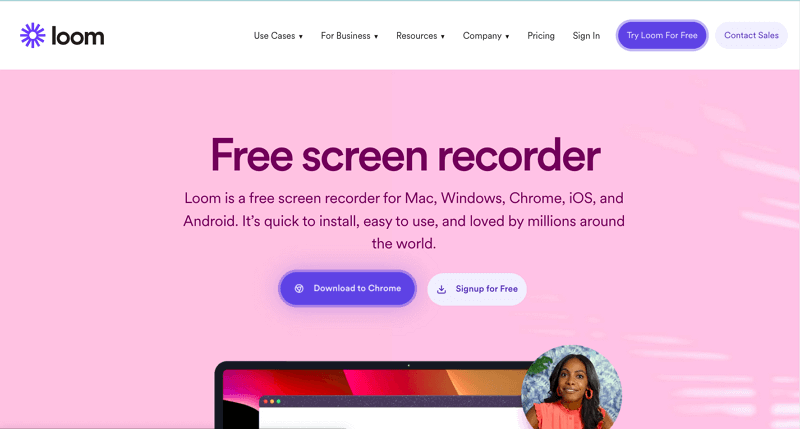
Loom Official Webpage Interface
With Loom, you can easily record and share AI video messages with others. Many users have marked this tool as one of the best Firefox screen recorders for managing workflows professionally. If you’re searching for a good tool for your routine tasks and increased productivity, you can look at Loom. With this outstanding tool, you can save a ton of working hours.
Key Features
- This software supports AI.
- Loom is highly compatible with Windows, Mac, and Computers.
- Share the recording with your teammates and others.
- Good collaboration with your team.
- Video messaging feature available.
- Get improved design and enjoy premium editing.
- Custom background available.
Pros
- Free unlimited screen and camera recording.
- Download and upload screen recordings and screenshots.
- Get full video Privacy.
- Complete control of all features.
- Trim and stitch videos professionally.
- Content management feature for daily tasks and increased productivity.
- Video interaction.
Cons
- It has a hardware issue.
- You need to buy costly packages to unlock premium features.
- Audio editing results are not satisfactory.
4. Gemoo Recorder
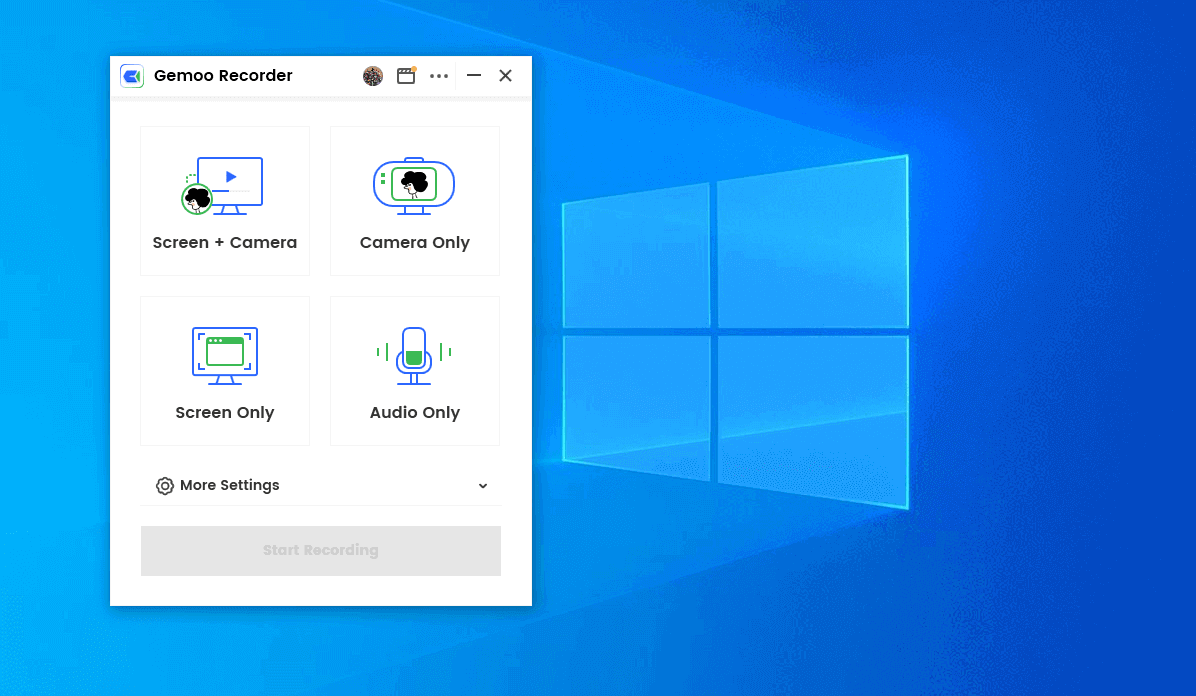
1080p Screen Recorder – Gemoo Recorder
Express yourself with Gemoo Recorder. With just one click, you can record and share your screen. It’s 100% clean software that works well on Windows and Mac. You can freely insert shapes, text, memes, and other animations with Gemoo.
Key Features
- Decorate the camera according to your requirements.
- Compatible with Windows and Mac.
- Record video, game, or any YouTube video.
- Communicate with multiple teammates at a single time.
Pros
- Gemoo recorder has no ads at all.
- No watermark, get excellent results.
- Get access to real-time annotations.
- Filters and backgrounds available.
- Video Editing feature available.
Cons
- Limited content management affects the productivity of users.
5. ScreenApp
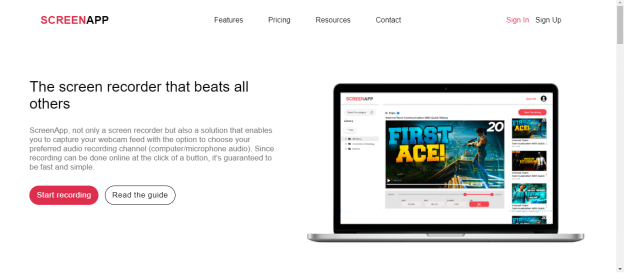
ScreenApp Official Webpage Interface
Record anything using ScreenApp. This tool lets you capture your screen without a watermark and summarize your recordings with AI support. You can quickly access this software by adding the screen recorder extension Firefox. Besides this, you can turn your videos into notes with a few clicks.
Key Features
- Record audio along or without the screen.
- Get fantastic translation with AI.
- Upload the video and share it with your friends and colleagues.
- Enjoy fast results.
Pros
- It gives you instant results and saves you time.
- Advanced AI capabilities for enhancing productivity.
- Summarize video quickly.
- Users can track data effortlessly.
Cons
- Extended recording may take time to save.
6. FireShot
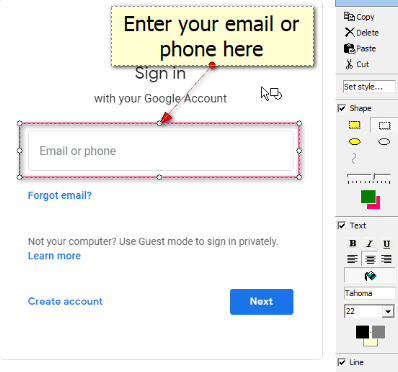
Sign in Fireshot
With FireShot’s support, it is easy to capture website screenshots and annotations. This tool helps you capture web pages and save screenshots within seconds. However, this software has some pro features in its pro version. So, for an authentic experience, you must buy a plan with an excellent range of features.
Key Features
- Convert image into video and get quick results.
- Took a website screenshot in a few clicks.
- Get a training brochure.
- Convert webpages into PDF.
Pros
- Edit and annotate screenshots.
- Text annotations available.
- Resize or crop screenshots.
- Get 100% customization.
- Save or print screenshots and screen recording.
Cons
- Need to buy premium for unlocking pro features.
7. Nimbus Screen Capture
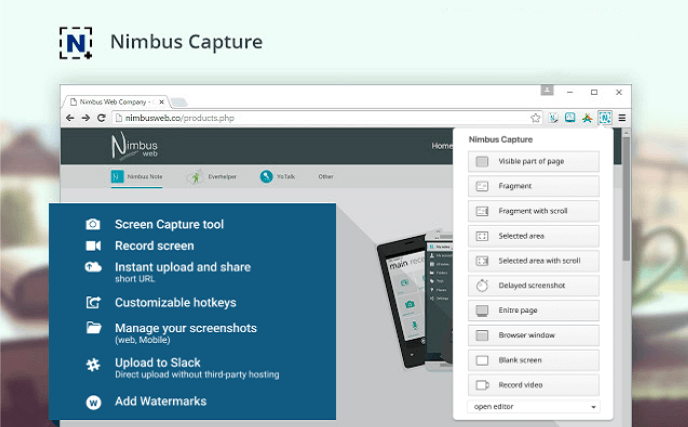
Nimbus Capture Webpage Interface
Enrich your screenshot journey by using Nimbus Screen Capture. Record any video from your screen and get a smooth editing procedure. Get color change and background change options without paying a single penny. This record screen Firefox allows you to crop or trim your recordings anytime.
Key Features
- Trim and crop videos and screenshots.
- Change the background by choosing from the gallery.
- Color change available.
- Compatible with Windows and Mac.
- Powerful image editor.
Pros
- Capture total pages of half-page screenshots.
- Easy-to-use user interface.
- Record how-to guides.
- Record webcam.
Cons
- Limited storage, not suitable for extensive use.
Frequently Asked Questions
1. How do you record a screen on a Mac?
If you want to record the screen of your Mac, you need to choose reliable and fast software such as Screenify. This is one of the most advanced tools of 2026, and it comes with unique features and no charges.
2. How do you choose a new screen recording software?
Check some basic features and then focus on compatibility. The software should be compatible with the device and provide decent features even in the basic version.
3. How do you save a screen recording in a window?
Screenify supports saving recordings in Windows. This software allows you to edit and save your recordings or screenshots quickly. After the record is completed, you will find a save option.
Final Words
We hope you’ve found it possible to get your hands on the best Firefox screen recorder and add-ons 2026 to enrich your experience. Whether you’re searching for software to save your routine tasks or manage personal images or videos, Screenify gets you covered. We have explored your different software, but no one can beat the Screenify level. This is one of the best software that fits your needs. For easy screenshots or screen recording journeys, you can use this software.



Senior writer of the iMobie team as well as an Apple fan, love to help more users solve various types of iOS & Android-related issues.
Product-related questions? Contact Our Support Team to Get Quick Solution >
