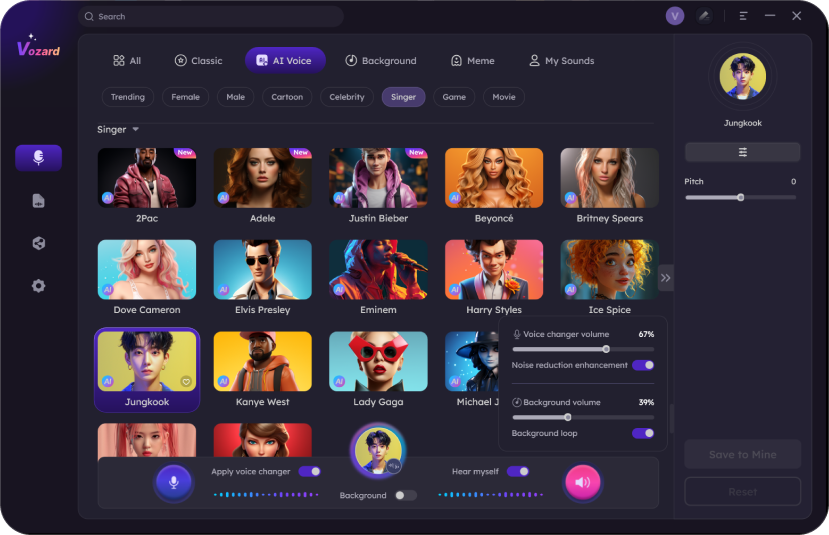
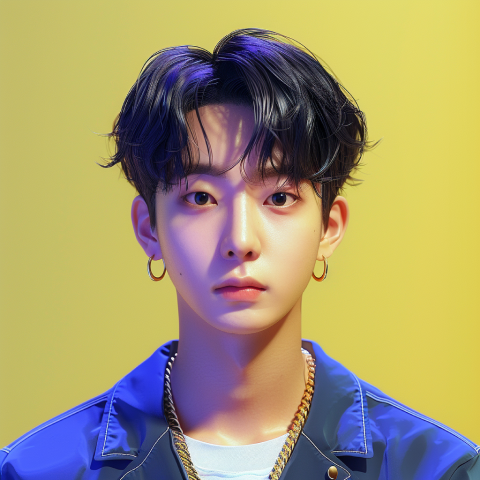
Jungkook AI Voice

Who is Jungkook?

Jeon Jungkook, commonly known as Jungkook, is a South Korean singer, songwriter, and dancer who has captured the hearts of millions around the world as the youngest member of the global sensation BTS. His versatile talent spans powerful vocals, dynamic dance skills, and impressive songwriting, making him a cornerstone of the group's multifaceted appeal. Beyond his contributions to BTS, Jungkook has also made significant strides as a solo artist.

Original

Modified

Now you can make your voice sound like Jungkook in Vozard. Try it! Embark on a remarkable way of expression and entertainment with the Vozard AI voice generator.

Free DownloadFor Win & Mac | 100% Clean & Secure

People also like

Where Can I Use Vozard Jungkook AI Voice?

Ready to explore the possibilities of Vozard? Diverse and lifelike AI voices perfectly adapt to different scenarios, enhancing your voice-changing experience and letting your imagination run wild.
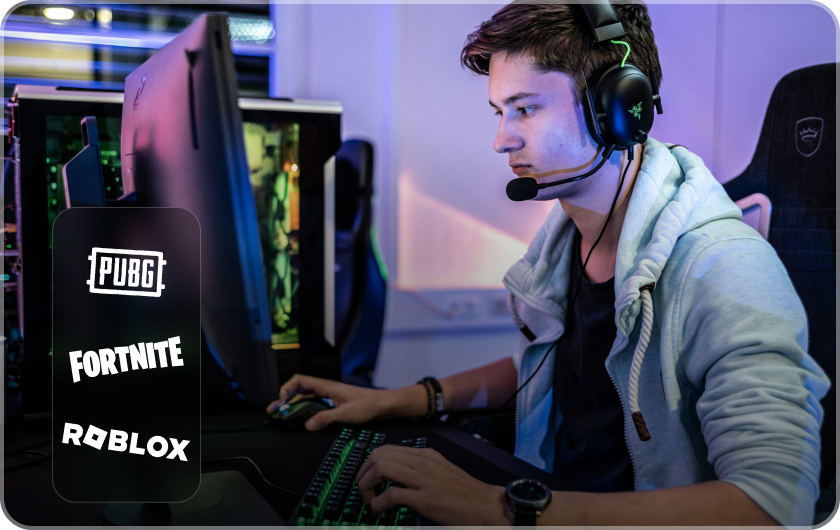
Gaming
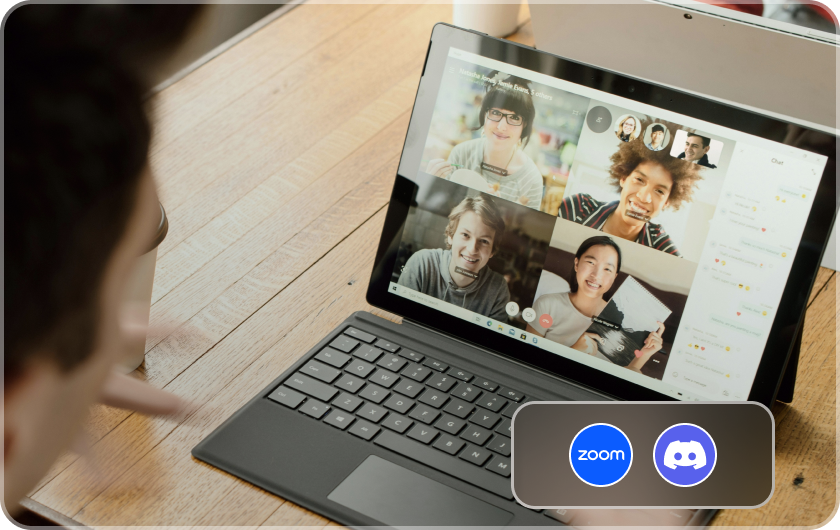
Online Chatting
Live Streaming 
Content Creation

Change Your Voice to Jungkook with Vozard AI Voice Changer Now!

1

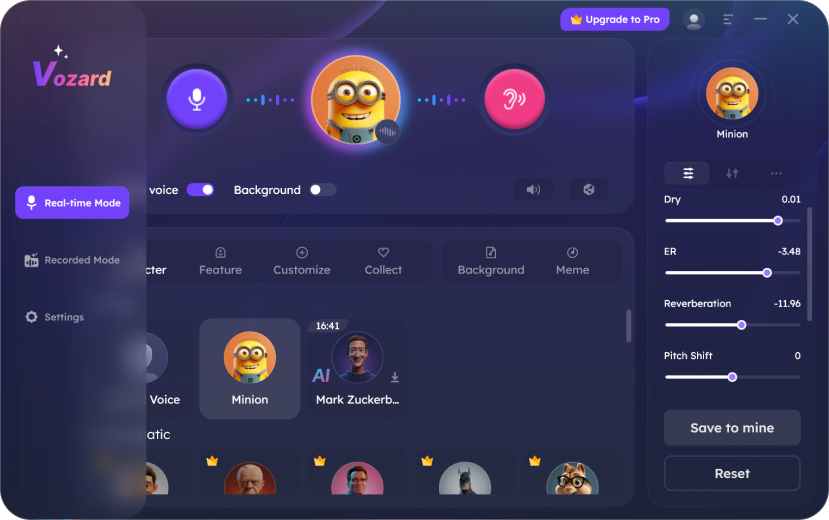
Choose the voice-changing mode

2

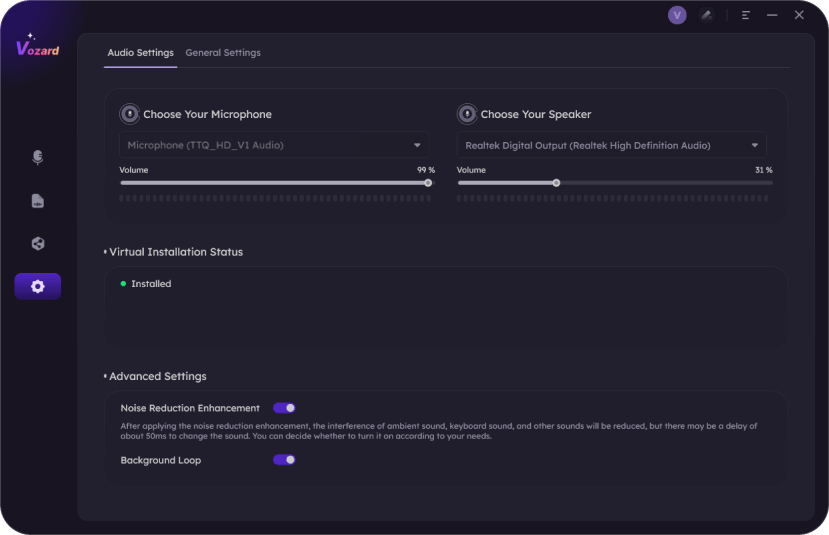
Check your microphone input

3

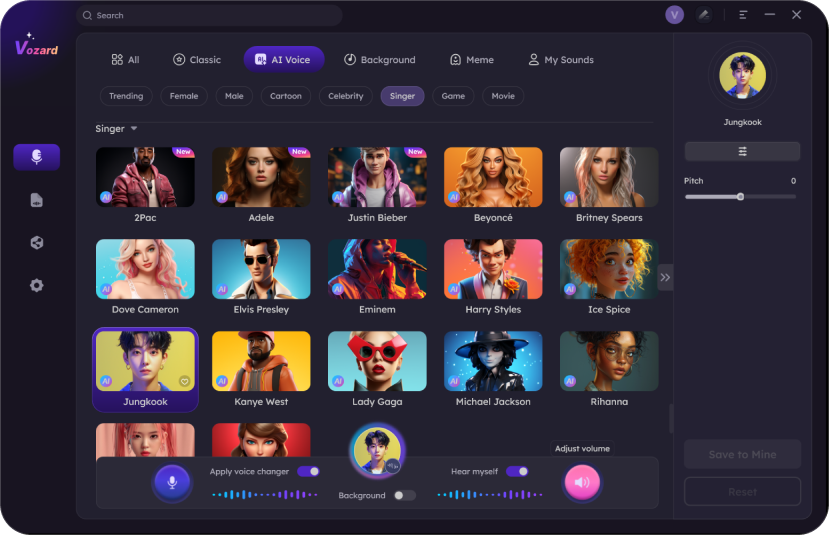
Choose the Jungkook voice effect

4

Speak and you can hear your voice changing

Why Choose Vozard As the Best AI Voice Changer?

With 180+ realistic voice effects, Vozard spices up your voice as you can transform it into any character you like. Break the limitation of your voice with Vozard’s AI voices!

High-Quality Voice

Adopting AI-enhanced algorithms to change your voice to the target character, Vozard real-time voice changer, leads to a natural and lifelike voice change.

Rich Sounds Library

Vozard includes diverse voice effects, from celebrities to cartoon characters, from video game figures to movie roles, and it’s constantly updating its voice library.

Excellent Compatibility

It integrates seamlessly with popular gaming, live streaming, and online chat platforms, including Discord, Twitch, OBS, Zoom, Fortnite, Roblox, and more.

Easy to Use

Vozard voice changer has an intuitive and user-friendly design. For beginners, it provides you with a built-in user manual. You can generate AI voice with Vozard quickly.

3 Voice-Changing Methods

Vozard gives 3 voice-changing options - Real-time, Recorded, and Upload File. Change your voice for instant talking or content creation, Vozard can satisfy your needs.

Customization and Control

Vozard AI voice changer lets you modify and customize the pitches and tones. Customize the AI voices, control the pitches of the voice effects, and change your voice.

Try it Now

Unlock More Trends in AI Voice-Changing

Find more voice-changing tips and hot sound effects for ultimate fun.

Frequently Asked Questions

Q1: How can I change my voice to sound like Jungkook on my PC?

To change your voice into Jungkook on your PC, you can use AI voice changer software like Vozard. Download and install the application, adjust the settings, select and download the Jungkook AI voice effect, and start voice-changing.

Q2: Are voice changers legal?

Yes, real-time voice changer such as Vozard provides you with many AI voice effects, helping you change your voice to different famous characters. Whether you want to change your voice in online chatting or online gaming, Vozard will help.

Q3: What is the most realistic AI Jungkook voice changer?

Vozard. Supported by cutting-edge AI algorithms, Vozard can keenly capture the essence and soul of each character’s voice to set the proper tone. As a result, you can change the voice with one click.