Top 5 Windows 10 Webcam Recorders 2026
This article looks at the top 5 webcam recorders Windows 10 in 2024. We will explain each and what makes them suitable so you can choose the best one for your needs. This article has all the information you need if you need something easy to use or full of options!
Do you want the best webcam recorder for high-quality videos on your Windows 10 PC? You’re at the correct spot! If you are vlogging, teaching, or joining video meetings, a good webcam is a must. This is why we have gathered this list of the best 5 webcam recorder Windows 10 in 2024. Each of them has its own characteristics, ready to match your requirements. A screen recorder with webcam will definitely help you make a great video. Let us begin the search!
Part 1. What is a Webcam Recorder?
If you create content, the webcam recorder is a door. It lets you record interesting videos and tutorials with your webcam. This tool lets teachers record lessons. It makes remote learning more enjoyable. Business meetings help capture all discussion details so everything gets noticed. Webcam recorders come in all sorts. Some are extremely simple, while others have complex features. They improve your creative and work tasks and meet all your recording needs.
Part 2. What Makes the Best Webcam Recorder?
When choosing the best webcam recorder, you might consider the following things:
- Video Quality: Video quality is essential when choosing the best apps to record video with webcam Windows 10. You need a clear and sharp image to capture good footage.
- User-friendliness: A webcam recorder that requires no technical expertise certainly makes your life easier.
- Features: The more features a webcam recorder has the better.
- Cost: Cost is one more thing to consider. Many free options are fine. But a paid version may help. Its extra features can be useful.
The best webcam recorders deliver high-quality results without any annoying bits.
Part 3. Best Webcam Recorders for Windows 10
In 2026, we discuss the finest apps to record video with webcam Windows 10. They are great for recording short videos, streaming games, and taking screenshots of important video chats.
Here’s a rundown of the top 5 webcam recorders that you should check out:
1. Screenify
Let me introduce Screenify, a new webcam recorder to launch in 2024. If you want a free tool that does not place intrusive watermarks on your recordings, Screenify could be an ideal choice. This advanced program provides different recording options, such as capturing the whole screen, only one window, or solely webcam input.
Additionally, it works smoothly on both Windows and Mac systems. This means that you will have full coverage no matter which operating system you choose.
Key Features
- Totally Free and No Watermark: Record without fees or watermarks.
- Flexible Recording Choices: Capture the webcam, window, or the entire screen.
- Works on Windows and Mac: Great for both operating systems.
Pros
- Cost-Free: No expenses or watermarks involved.
- Multi-Purpose and User-Friendly: Easy for various recordings.
- Cross-Platform: Works on both Windows and Mac.
Cons
- It doesn’t support AI features.
Free Download * 100% Clean & Safe
2. Windows Camera
Now, we will discuss Windows Camera. It is an app already installed on Windows 10 that allows you to record videos using your webcam.
This app is for you if you want a simple method of recording video. It’s great for easy and fast recordings, such as sending video messages, making basic tutorials, or participating in short video chats.
It only has some of the advanced features that some other tools offer. Still, it works reliably for simple webcam recording. If you want something easy to use and quick, Windows Camera is a good option.
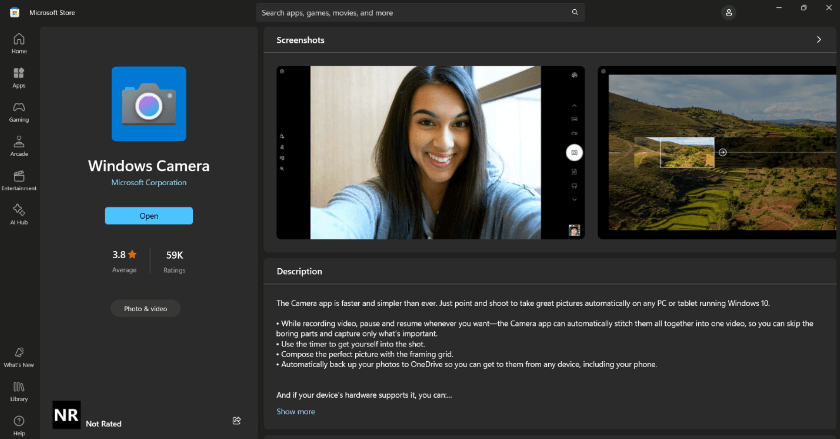
Windows Camera Website Interface
Key Features
- Already Included: Built into Windows 10, no extra downloads needed.
- Straightforward Recording: Great for quick, hassle-free video captures.
Pros
- Free and Ready to Use: Open it and start recording at no cost.
- Simple Interface: Ideal for straightforward recording without extra features.
Cons
- Limited Features: Lacks advanced editing and high-definition recording options.
3. Screen Capture
Introducing Screen Capture, the premier tool for recording webcam videos on Windows 10.
Whatever your purpose—whether creating educational lessons, displaying notable moments in games, or presenting materials—this tool can serve all these needs.
Screen Capture is about doing tasks smoothly, and it’s the perfect answer for people who want a quick and efficient way to take a screen capture without any extra difficulties.
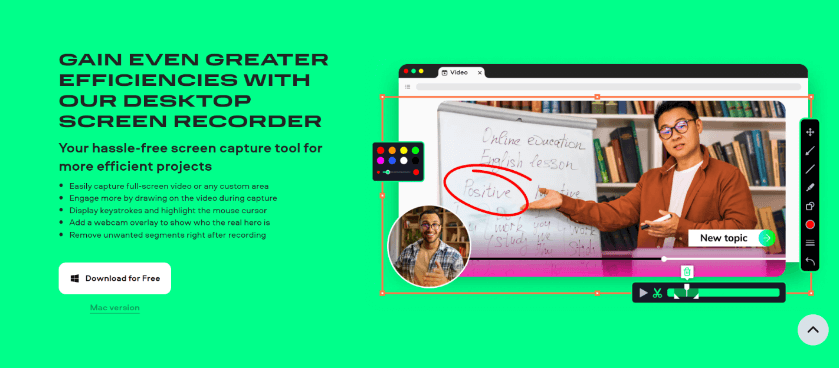
Screen Capture Website Interface
Key Features
- Web-Based: Record directly from your browser; no downloads are needed.
- Flexible Recording: Capture webcam, screen, or both and share easily.
Pros
- No Installation: Start recording without adding extra software.
- Quick and Convenient: Ideal for fast recording and sharing.
Cons
- Feature Limitations: May lack advanced features of desktop apps.
- Internet Required: Needs a stable internet connection to use.
4. EaseUs RecExperts
EaseUs RecExperts is a powerful and flexible tool for smoothly capturing screens. It’s great for anyone who wants something better than basic webcam recorders on Windows 10.
EaseUs RecExperts allows you to make detailed teaching videos, take presentation pictures, or record your best gaming times with excellent clarity.
It has all the crucial qualities required to enhance and improve your recordings.
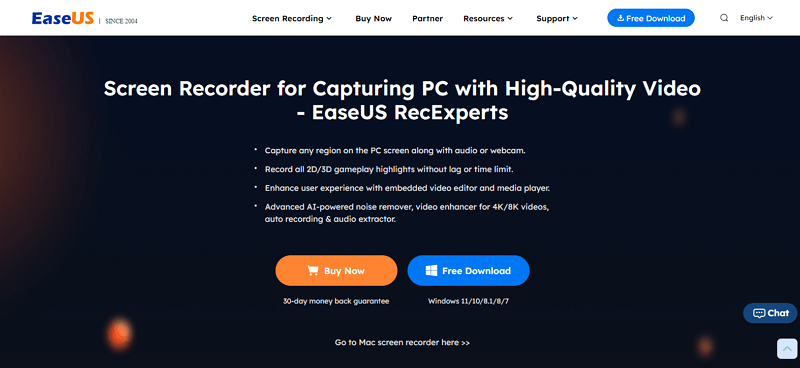
EaseUS RecExperts Official Website
Key Features
- High-Quality Recording: Clear, high-definition video for a professional look.
- Custom Settings: Adjust resolution and frame rate to your preference.
- Scheduled Recordings: Set up recordings to start and stop automatically.
Pros
- Quality and Control: HD recordings with customizable settings.
- Scheduling: Record without being present—super convenient.
- Multiple Formats: Save in various file formats.
Cons
- Paid Features: Advanced options may require payment.
- Difficult for Starters: Too many choices can be overwhelming.
5. Wondershare Democreator
Wondershare Democreator is a flexible program that makes tutorial videos, records webinars and captures gaming highlights.
Its user-friendly interface eliminates any complicated configurations that may hinder your progress.
If you want an option that makes your webcam recording sessions easier, think about Wondershare Democreator.
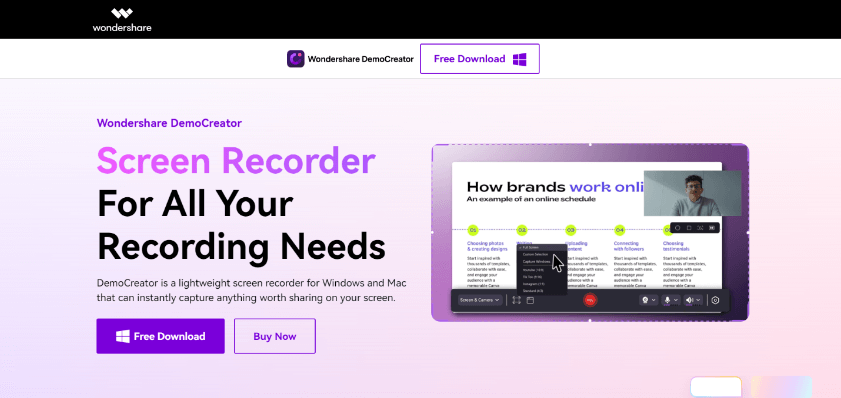
Wondershare Democreator Website Interface
Key Features
- Advanced Editing: Tools for live drawing, annotations, and trimming.
- Multi-Screen Recording: Capture from multiple screens or devices.
- Green Screen Effects: Add professional touches with green screen support.
Pros
- Editing Power: Lots of tools to enhance your recordings.
- Multi-Screen: Perfect for complex setups and detailed content.
- Green Screen: Adds a professional touch with visual effects.
Cons
- Price: Higher cost may not fit everyone’s budget.
- Learning Curve: Extensive features might take time to master.
Comparison of Webcam Recorder Windows 10
| Feature | Screenify | Windows Camera | Screen Capture | EaseUs RecExperts | Wondershare Democreator |
| Free | Yes | Yes | Yes | No | No |
| No Watermark | Yes | Yes | Yes | No | No |
| Versatile Recording(webcam, window, full/partial screen) | Yes | No | Yes | Yes | Yes |
| Cross-Platform(Windows & Mac) | Yes | No | No | No | Yes |
| Web-Based | No | No | Yes | No | No |
| High-Definition Recording | Yes | No | No | Yes | Yes |
| Customizable Settings(resolution, frame rate) | Yes | No | No | Yes | Yes |
| Scheduled Recording | Yes | No | No | Yes | No |
| Advanced Editing Tools | Yes | No | No | No | Yes |
| Multi-Screen Recording | No | No | No | No | Yes |
| Green Screen Effects | No | No | No | No | Yes |
Conclusion
There you go—a list of the most excellent webcam recorder Windows 10 in 2024. Screenify is loaded with awesome features and is entirely free. However, EaseUs RecExperts and Wondershare Democreator are lovely options if you desire superior recording and editing capabilities.
Windows Camera and Screen Capture are excellent for simple, direct tasks. Each tool has its benefits, so consider what features you require the most. Are you prepared to record? Pick the tool that fits your needs and dive in!



Senior writer of the iMobie team as well as an Apple fan, love to help more users solve various types of iOS & Android-related issues.
Product-related questions? Contact Our Support Team to Get Quick Solution >
