Many fake GPS apps that worked a few years ago no longer function properly on modern iPhones and Android devices. After recent iOS 26 and Android 16 security updates, users now face common problems like rubber-banding, location drift, Error 12, failed teleporting, and instant spoofing detection.
To find out which spoof location tools still work in 2026, we tested the most popular fake GPS apps across multiple iPhone and Android devices. This guide compares the best GPS spoofers for stable teleporting, joystick movement, route simulation, and low-detection location spoofing — without rooting or jailbreaking.
Table of ContentsHide
Why People Use Phone Spoofing Apps in 2026
GPS spoofing is still widely used in 2026, especially among users who need stable location simulation on modern iPhone and Android devices.
The most common use cases include:
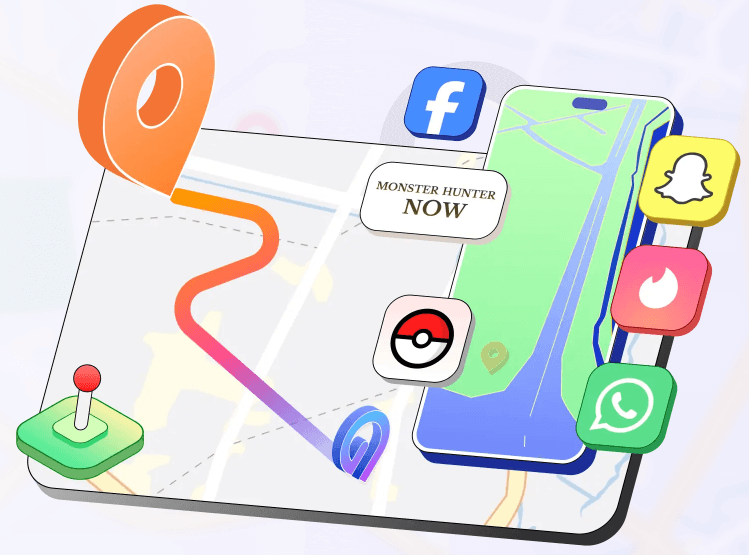
- Playing location-based games like Pokémon GO, Monster Hunter Now, and Pikmin Bloom
- Teleporting to different regions instantly
- Simulating walking routes with joystick controls
- Bypassing regional content restrictions
- Testing location-based mobile apps
- Avoiding GPS tracking in certain apps
- Managing multiple in-game accounts more safely
- Simulating realistic movement to reduce detection risks
As anti-spoofing systems become more advanced, users now prefer desktop-based GPS spoofers that offer better stability and lower detection risk compared to older mobile-only fake GPS apps.
How We Tested These GPS Spoofing Apps
To evaluate real-world spoofing stability, we tested each GPS spoofer across multiple devices and operating systems, including:
- iPhone 15 Pro (iOS 26.1)
- iPhone 14 (iOS 18)
- Samsung Galaxy devices
- Pixel devices running Android 16
Testing focused on:
- Teleport success rate
- Rubber-banding frequency
- Joystick stability
- Route simulation accuracy
- Detection behavior in location-based apps
- Long-session GPS consistency
Tools that frequently failed teleporting, triggered location resets, or showed unstable movement behavior were ranked lower.
Best Phone Spoofing Apps Tested for 2026
After extensive hands-on testing, these are the top-performing GPS spoofing tools currently available.
1. Fonelora Location Changer — Best Overall GPS Spoofing Tool for iPhone & Android
During testing on iPhone 15 Pro (iOS 26.1) and Pixel devices running Android 16, Fonelora Location Changer delivered one of the most stable spoofing performances among all tested tools.
Unlike many older fake GPS apps that frequently caused rubber-banding or failed teleport attempts, Fonelora maintained stable GPS movement during long testing sessions, including joystick movement and multi-spot route simulation.
The software supports:
- Instant GPS teleporting
- Real-time joystick controls
- Multi-spot movement routes
- Adjustable walking and driving speeds
- iOS & Android support
- No jailbreak or root required
One limitation is that some advanced features require a desktop connection, which may not appeal to users looking for a fully mobile-based spoofing setup.
For users focused on stable spoof location performance, lower detection risk, and iOS 26 compatibility, Fonelora currently remains one of the more reliable GPS spoofing tools available.
2. Tenorshare iAnyGo — Tools for iPhone
During iOS 18 testing, Tenorshare iAnyGo consistently delivered the highest success rate. The software changes GPS coordinates externally through a secure USB connection, avoiding the risks associated with jailbreaking.
Key features include:
- One-click GPS teleport mode
- Realistic movement simulation
- Cooldown timer to reduce detection risks
- Support for the latest iOS versions
- No jailbreak required
- Stable performance after system updates
The interface is beginner-friendly and works well for both casual users and advanced testers.
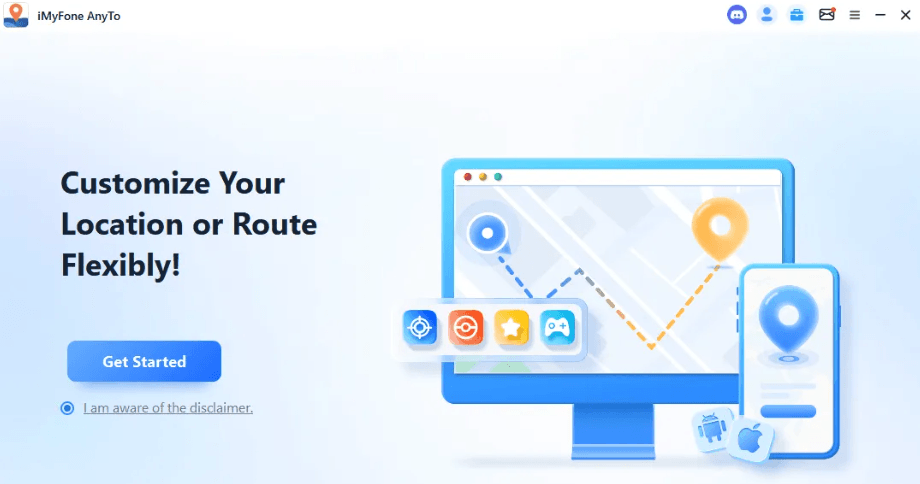
3. iMyFone AnyTo — Cross-Platform GPS Changer
iMyFone AnyTo performed exceptionally well on both Android and iPhone devices.
One standout feature is its Wi-Fi mode. After initial USB setup, users can spoof their location wirelessly without reconnecting the phone repeatedly.
Advantages include:
- Wireless location spoofing
- Android and iOS compatibility
- Route simulation features
- Smooth movement controls
- Frequent software updates
For users wanting a long-term privacy-focused solution, AnyTo is one of the choices.
4. Foneazy MockGo — Tools for Multiple Devices
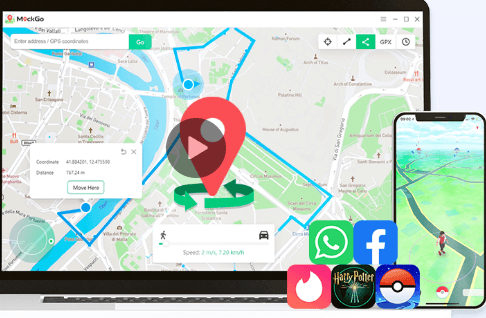
Foneazy MockGo is particularly useful for users managing several devices simultaneously.
In testing, the software successfully simulated synchronized movement across:
- iPhone
- iPad
- Android devices
without crashes or instability.
Top features include:
- Support for up to five devices
- Realistic route simulation
- Joystick movement controls
- Stable multi-device synchronization
Why Most Free Fake GPS Apps Fail in 2026
Many free fake GPS apps that previously worked on older Android devices are now unreliable on modern systems.
During testing, common problems included:
- GPS rubber-banding
- Instant location reset
- Failed teleporting
- Error 12 warnings
- Mock location detection
- Map desynchronization
- Frequent crashes after iOS updates
Modern apps now cross-check multiple location signals simultaneously, including:
- GPS coordinates
- Wi-Fi positioning
- Bluetooth signals
- Device movement sensors
- Cellular tower data
This is one reason desktop-based GPS spoofers have become significantly more reliable than older APK-based fake GPS apps.
Free Fake GPS Apps vs Professional GPS Spoofing Tools
Many users initially search for free GPS spoofing apps, but there are major differences in reliability and security.
| Feature | Free Fake GPS Apps | Fonelora Location Changer | Other Desktop Spoofers |
|---|---|---|---|
| iPhone & Android Support | Limited | Excellent | Good |
| No Root/Jailbreak | Sometimes | Yes | Usually |
| GPS Joystick | Basic | Advanced | Moderate |
| Route Simulation | Limited | Realistic & Stable | Standard |
| Stability After Updates | Poor | Excellent | Good |
| Detection Risk | High | Lower | Moderate |
| Ease of Use | Inconsistent | Beginner-Friendly | Moderate |
Professional GPS changers maintain compatibility through continuous updates, while many free apps quickly become unusable after Android or iOS security patches.
How to Set Up Fonelora Location Changer
Fonelora Location Changer makes it easy to spoof GPS locations on both iPhone and Android without rooting or jailbreaking your device. The software supports teleport mode, joystick control, and realistic route simulation while remaining compatible with the latest iOS and Android systems.
Step-by-Step Setup Guide
1. Download and install Fonelora Location Changer on your Windows PC or Mac.
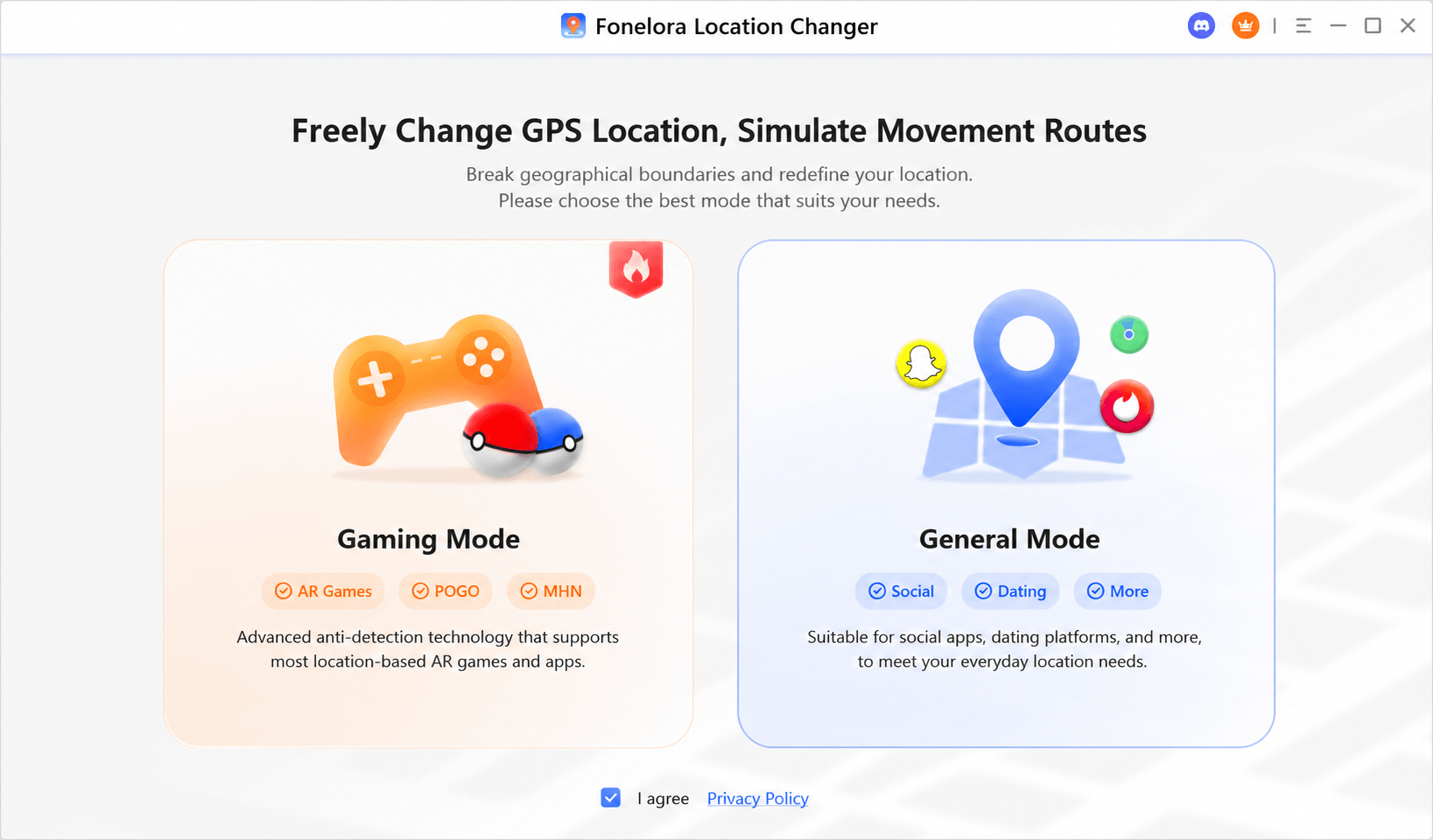
2. Connect your iPhone or Android device to the computer using a USB cable.
2.1 If you are using an iPhone:
- Tap “Trust This Computer”
- Enable Developer Mode under: Settings → Privacy & Security → Developer Mod
2.2 If you are using Android:
- Enable Developer Options by tapping “Build Number” seven times
- Turn on USB Debugging

3. Launch Fonelora Location Changer and choose a spoofing mode:
- Teleport Mode
- Joystick Mode
- Multi-Spot Route
4. Select a destination directly on the map or enter GPS coordinates manually.

5. Click “Move” to instantly change your device’s GPS location.
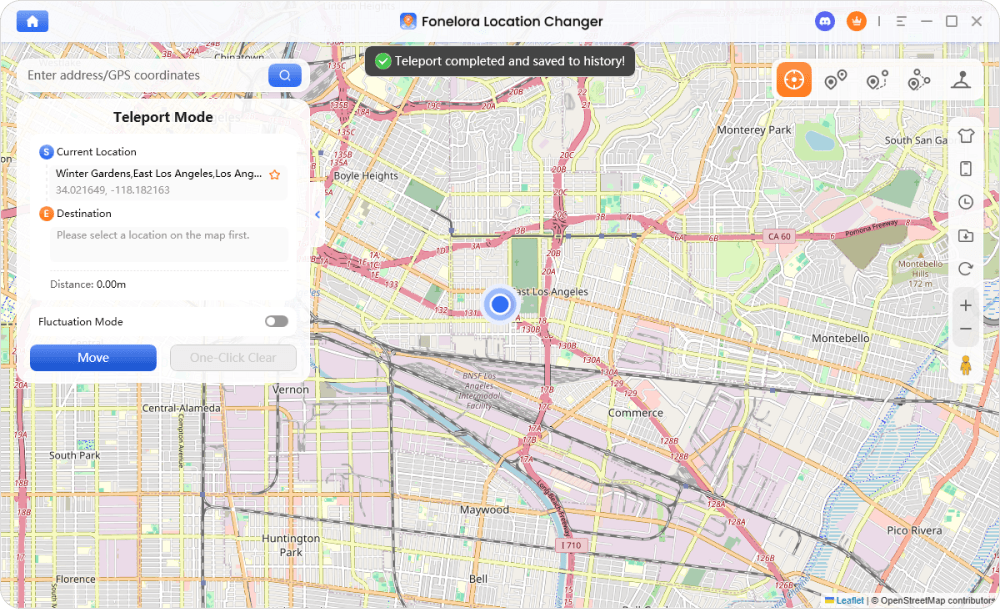
Fonelora also supports realistic movement simulation, allowing users to customize walking, cycling, or driving speeds for more natural GPS behavior and lower detection risk in location-based apps.
Why Older Fake GPS Apps Stop Working
Modern mobile operating systems no longer rely solely on GPS chips to verify location.
Today, Android and iOS cross-check:
- GPS coordinates
- Wi-Fi network positioning
- Bluetooth scanning
- Cellular tower triangulation
- Device movement patterns
If these data sources conflict, apps can detect spoofing attempts. This is why older mock GPS tools fail frequently on modern smartphones.
Professional spoofing tools work because they simulate more realistic location behavior while integrating better with current operating system security frameworks.
Rooting & Jailbreaking Risks
Rooting Android devices or jailbreaking iPhones introduces major security risks.
Potential consequences include:
- Malware exposure
- Banking app failures
- Voided warranties
- Device instability
- Permanent security vulnerabilities
Modern desktop GPS changers eliminate the need for dangerous system modifications.
Is GPS Spoofing Legal?
In most regions, including the United States and much of Europe, spoofing your own location for privacy protection or software testing is legal.
However, using fake GPS tools for:
- Fraud
- DRM circumvention
- This method is relatively time-consuming
- Manipulating commercial services
may violate laws or platform terms of service.
Responsible usage is essential.
Frequently Asked Questions
- Can Pokémon GO detect fake GPS apps?
- Yes. Pokémon GO uses advanced anti-spoofing systems that analyze movement behavior, GPS consistency, altitude data, and travel speed. Older fake GPS apps are much easier to detect compared to modern desktop GPS spoofers.
- Why does my fake GPS keep snapping back to my real location?
- This problem is commonly known as rubber-banding. It usually happens when the spoofed GPS signal conflicts with Wi-Fi positioning, Bluetooth scanning, or device sensor data.
- What is the best fake GPS app for iPhone in 2026?
- Based on testing across iOS 26 devices, desktop-based GPS spoofers with joystick support and route simulation currently provide the highest stability. Fonelora Location Changer is one of the strongest options because it supports iPhone and Android, teleport mode, joystick movement, route simulation, and no-jailbreak setup.
- Can you spoof location on iPhone without jailbreak?
- Yes. Most modern GPS spoofing tools now work through external desktop connections without requiring jailbreak access. Fonelora Location Changer also supports GPS location changing on iPhone without jailbreak.
- Why do many free GPS spoofing apps stop working after updates?
- Apple and Google continuously improve anti-spoofing protections. Many older free apps fail to adapt to new location verification systems after major iOS and Android updates.
Final Verdict: Best Fake GPS & Spoof Location Tools in 2026
Location privacy is becoming increasingly important as apps continue collecting real-time movement data in the background. Many older fake GPS solutions no longer function reliably after modern security updates, especially on iPhones.
For users who want:
- Stable performance
- Lower detection risk
- Easy setup
- No rooting or jailbreaking
- Better privacy protection
dedicated desktop GPS changers remain the best option in 2026. Among all tested solutions, Fonelora Location Changer delivered the most reliable results across both iOS and Android platforms.
If you are tired of fake GPS apps snapping back, failing after updates, or triggering detection, Fonelora Location Changer is the recommended choice. It combines teleport mode, joystick control, multi-spot route simulation, adjustable speed, and no-root/no-jailbreak setup in one beginner-friendly desktop tool.
By using a professionally maintained location changer, you can regain control over who sees your real-world movements while avoiding the security risks associated with outdated spoofing methods.


Hot Topics
