Where to Download Android Firmware 2026
In this article, we will cover everything you need to know about the firmware download for Android. From what it does to why you might need it, we will answer everything. This article will also show you the safest and quickest way to download the right firmware.
Need to update or fix your Android phone in 2025? Maybe your phone is stuck in a boot loop. Or the system feels slow. Or you just want the latest features. In all these cases, firmware download for Android is the first step. But finding it isn’t always simple. Pick the wrong file, and you could cause more problems. In this guide, we’ll show you where to get safe, official Android firmware for your device in 2025.
What Does Android Firmware Do?
Firmware works as the brain behind everything your phone does. It’s built into the device and syncs hardware and software to work together. Without firmware, you will not be able to perform any action on your phone. There will be no screen, no apps, no sound, etc.
It also decides the basics, like how the phone starts up, how it runs, and how it shuts down. It also managed your camera, Wi-Fi, Bluetooth, and even how the battery charges. Every tap, swipe, or press you make is quietly processed in the background. Having the right firmware download for Android is very important. It’s what makes your phone feel quick, dependable, and ready to respond the moment you touch it.
You may also like: How to fix Android system corruption issues
Why Do You Need to Download Android Firmware?
At times, downloading firmware is not just an option; it’s the only fix. Your phone might freeze, crash, or lose features. In that case, installing the right firmware is the way forward. It also keeps your device up to date. New firmware brings better performance, bug fixes, and stronger security.
You may even be dealing with the incorrect version from a previous repair or update. Replacing it with the correct one restores order and allows your phone to function normally.
Where to Download Firmware for Samsung
To download firmware for a Samsung device, you can go to the Samsung website or use a third-party firmware download site. SamMobile is one of the most popular sites for Samsung users to download firmware. Here are the steps:
Step 1. On SamMobile website, click “Download Samsung Firmware” and continue.
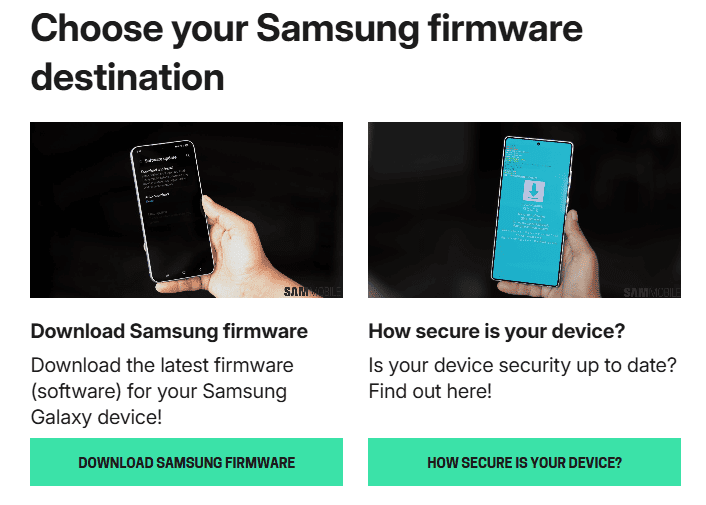
Download Firmware on SamMobile
Step 2. Enter your device models and country information to pair the firmware. You can also check the latest firmware list on this page.
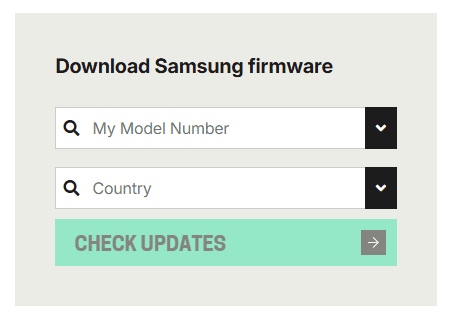
Enter Details for Firmware Download
Step 3. Download the target firmware directly from SamMobile. After downloading, you can use it for device optimization or system repair.
How to Download Firmware for Android
Finding the right firmware on your own can be a headache. That’s where DroidKit comes in. Its System Repair feature determines exactly which firmware your phone needs and downloads it directly from official sources. No guessing or risky files from random sites.
Everything it pulls is safe and made for your specific model. Once downloaded, DroidKit installs itself and fixes all the system issues in the process. Your phone gets a fresh, clean start without you having to follow manual steps.
Steps to Download Firmware for Android Using DroidKit:
First, you need to download DroidKit and install it on your desktop. Then you can follow the instructions given below:
Step 1. Launch DroidKit on your desktop and select “System Fix” mode from the options.
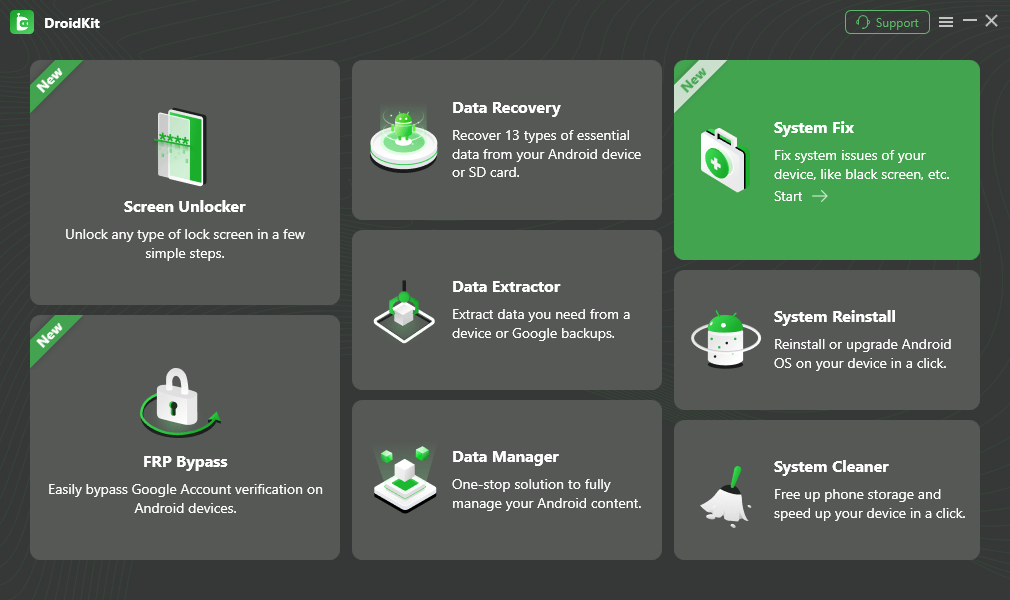
Choose System Fix Mode
Step 2. Connect your Android device to your desktop via a USB cable and click “Start” on the DroidKit screen.
Step 3. Then, follow the on-screen instructions and put your Android device in recovery mode.
Step 4. Once your device is in recovery mode, find the PDA code and enter it in the given box. Then, click the “Download Firmware” button and proceed. DroidKit will start downloading the relevant and latest firmware.
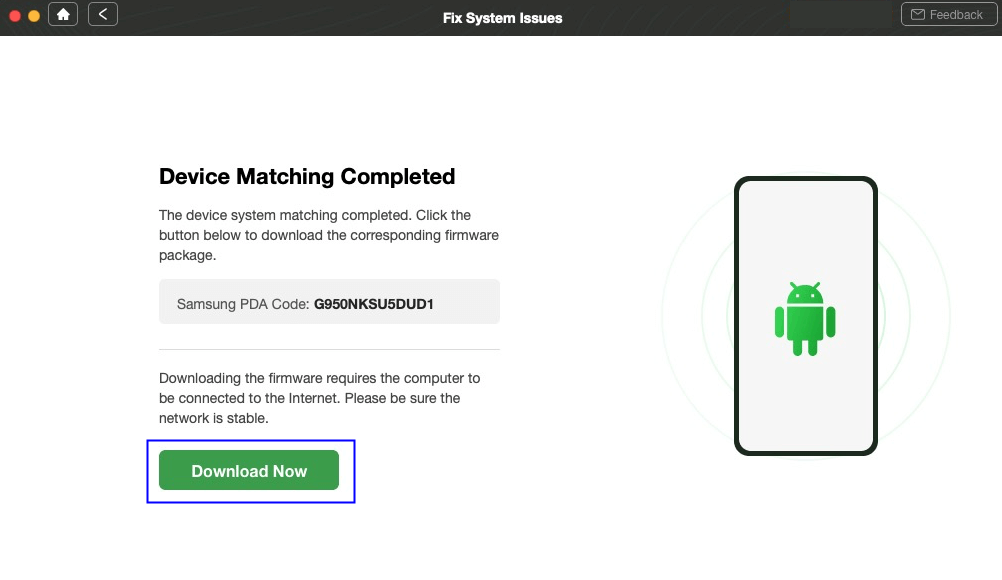
Start to Download Firmware Package
Step 5. After the download is completed, you will be taken to the next window. Here, click “Fix Now” and put your device into download mode. You can select your device type (with or without a home button) and follow the instructions.
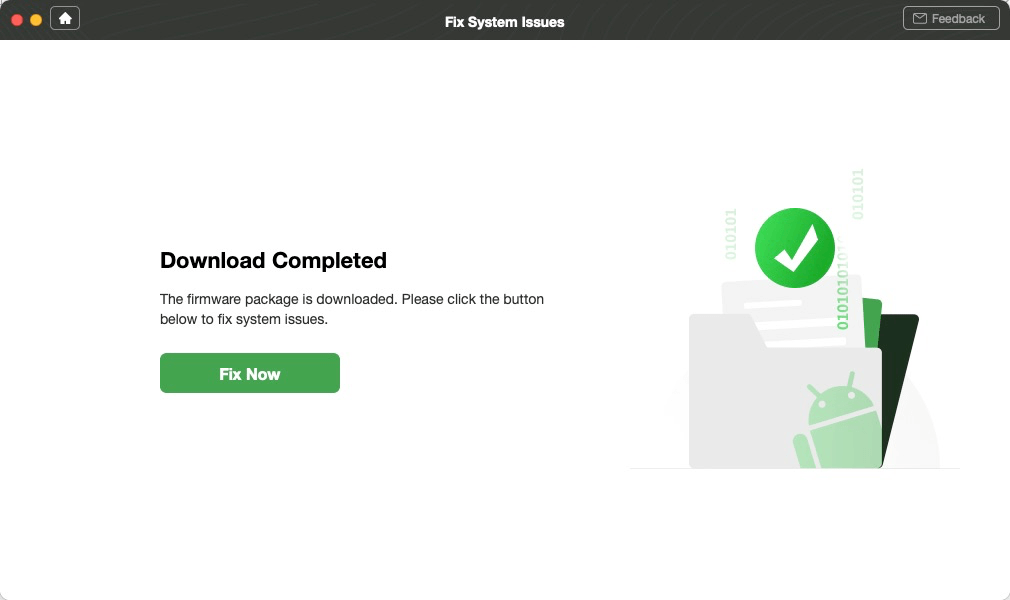
Click Fix Now after Firmware Downloaded
Step 6. Once your device is in download mode, click “Next,” and DroidKit will start repairing the device’s system issues. Within a few seconds, the process will be completed and you will see the interface below on your screen.
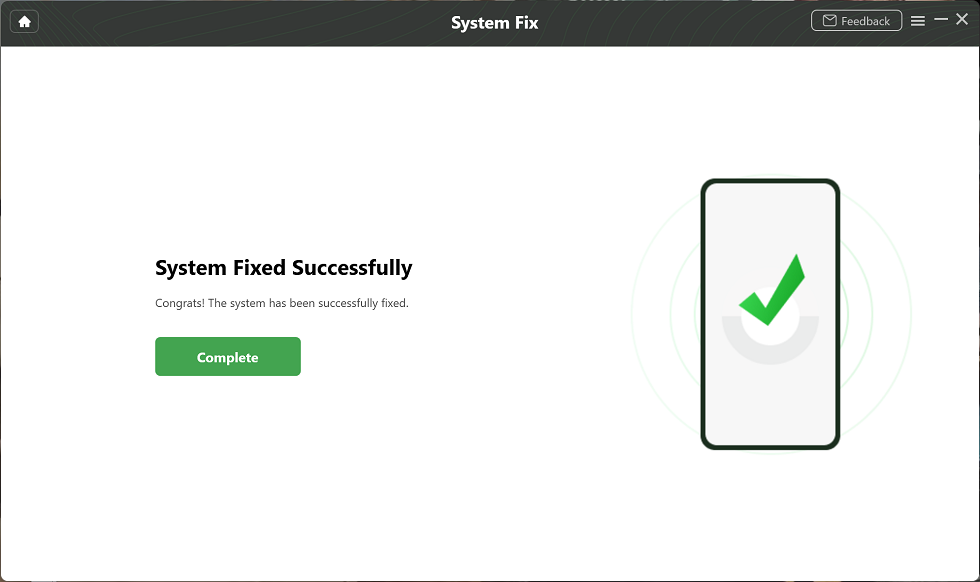
System Fixed Successfully
That’s it! This is how you can get a firmware download for Android. The best part? It will not only download the latest firmware but also fix all your Android system issues in just a few minutes. No need to go through the manual and complicated steps. Just a few clicks and you are done.
FAQs About Firmware Download for Android
1. How to get an Android firmware version?
It’s very simple. Open your phone’s “Settings” > “About Phone.” Scroll down and you will see “Build Number.” And if you are a Samsung user, you can also dial ** #1234#* to see the details right away.
2. How to download firmware for Samsung?
The direct way to download Samsung firmware is through Samsung’s official Firmware & Software support page. If you want an easier method, you can try downloading it through DroidKit.
Conclusion
Your phone works smoothly and fast if it has the right firmware installed. It not only works best but also fixes bugs and brings in new features. When problems show up, the right firmware download for Android can turn things around fast. We’ve talked about what firmware does, when you might need it, and where to get it without the risk of bad files. If you want an easier way, DroidKit searches the firmware by itself and installs the right one for you. Download it now and get your phone working like it should.
Free Download * 100% Clean & Safe



Jeremy Feron is a writer for iMobie with a deep passion for Android. He specializes in creating clear guides on Android tips and the latest updates, helping users navigate their devices and get the most out of new features.
Product-related questions? Contact Our Support Team to Get Quick Solution >
