How Long Does a Factory Reset Take for a Computer/Phone
In this article, we will discuss how long a factory reset take for different devices, including Android, PCs, and iPhones. You’ll learn typical reset times, what to expect for each device, and the differences between various reset methods.
A factory reset can take anywhere from a few minutes to several hours. Various factors like device type, the amount of data stored, and the reset method you pick can affect the time. Some devices finish in minutes. Others can keep you waiting an hour or more. Even two of the same model can take different times. In this guide, we’ll provide you with the answers to how long a factory reset takes on iPhones, Androids, and computers.
“I’m doing a factory reset on my Lumia 920 and after confirming that I wanted to erase everything on the phone, the spinning cogs came up and have been spinning for just under three hours now. Starting to think that something might be wrong but it’s always scary messing with a phone during a restore. Has anyone done a factory reset yet? How long did it take?” A user asked on Reddit.
Why Is My Factory Reset Taking So Long?
A factory reset may take time for several reasons. The main one is the data size. If your device contains thousands of files, it takes longer than usual to erase them. Old or slower hardware can also be the reason. The storage type matters as well. If your device has an SSD instead of a hard drive, it will wipe faster.
If you are using any software to reset your device, it might go through extra checks to make sure that everything is deleted. This process can take even more time. A low battery or an overheating device can also cause the reset process to pause.
How Long Does a Factory Reset Take for PC?
Reset times on PCs vary a lot by hardware, data, and the options chosen. On most Windows PCs, expect anything from thirty minutes to three hours. Windows gives two main reset choices: Keep my files or Remove everything. Keeping files is faster because personal files stay on the drive. Removing everything wipes apps, settings, and user data and takes longer.
Windows also offers Cloud download and Local reinstall options in recent versions. Cloud download fetches a fresh Windows image and adds time for downloads. Local reinstall uses files already on your PC and usually runs faster.
Driver type matters, too. SSDs clear data much faster than HDDs. Large drives that are nearly full take extra time to erase. Older CPUs and slow interface speeds can stretch reset times considerably.
If you’re wondering how long a factory reset takes on a PC, simple resets typically finish in fifteen to forty-five minutes. Full reinstalls or deep cleans commonly take one to two hours. If downloads are required, add thirty minutes or more to that time.
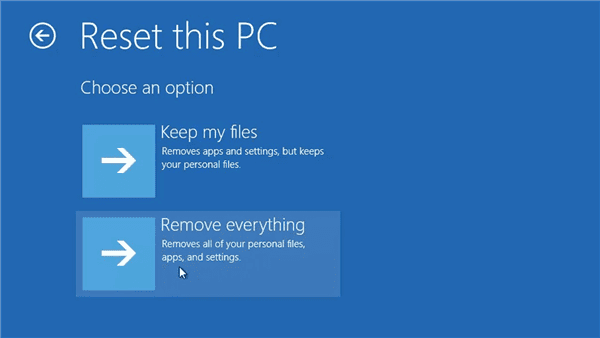
How Long It Takes to Reset PC
How Long Does a Factory Reset Take for Android?
Generally, a full factory reset isn’t very long. On a modern phone, it’s usually done in just a few minutes. Most tech guides and support sites say roughly 5–10 minutes under normal conditions. In practice, after you tap Reset, the phone will reboot, wipe its user data, and return to the setup screen in maybe ten minutes or less. (We’re talking about the erase/reboot process itself – not the time you spend later signing back into Wi-Fi or reinstalling apps.)
That said, official Android guidance often tells you to expect more time just to be safe. Google’s support docs note that a factory reset “can take up to an hour,” especially on older or very full devices.
In short, most resets finish quickly (minutes), but in rare cases, they may stretch toward an hour. For example, a Nexus 5 owner reported one reset took “well over an hour” before it finally finished. These long times are exceptions, though – usually, a reset is done in a fraction of that.
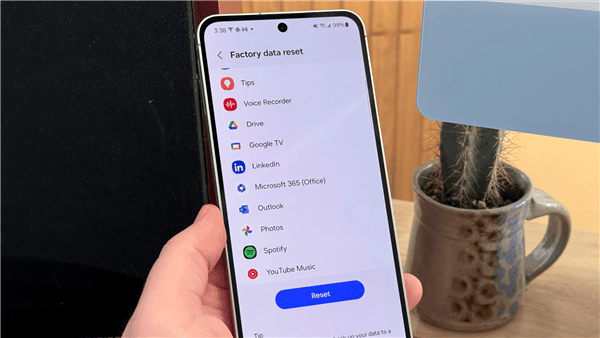
How Long It Takes to Reset Android
How Long Does a Factory Reset Take for iPhone?
Resetting an iPhone using its Settings is usually pretty quick. Apple says it “might take a few minutes” to erase the data. In practice, most people see it finish in well under 5–10 minutes, often just a minute or two. If your phone has almost no personal data on it, it can be done in under a minute. In one report, wiping an 80GB iPhone took about 38 minutes. Also, a packed 240GB worth of photos was still running after 3 hours – these are extreme cases.
So, when it comes to how long a factory reset takes, most iPhones complete the reset process within ten minutes. If you notice that the phone has been frozen for more than a few minutes, you should go for a force-restart. After it’s done, the “Hello” screen is supposed to appear right away.
Wiping an iPhone with a computer takes longer. That’s because it erases your data and also installs the latest iOS. Many people say the iTunes or Finder method can take anywhere from 20 minutes to close to an hour. One test summary found the process often falls in the 25–60 minute range, depending on how much data is on the phone and how fast the connection is. That same source noted “between 25 minutes and 1 hour” in typical cases.
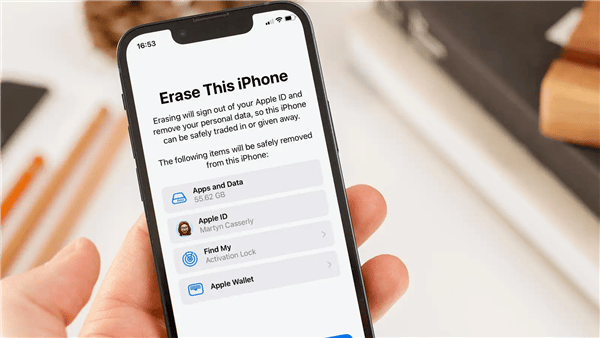
How Long It Takes to Reset iPhone
What to Do If Android Factory Reset Taking Too Long
Now you know the general factory reset time required for an Android, but you may still encounter the device taking too long to erase all data. This is especially annoying when you are locked out of the device. In this case, you can consider resetting on a computer. DroidKit, with a powerful screen unlock feature, allows you to factory reset your Android in a few minutes. It helps users unlock their locked Android phones without a password, pattern, PIN, or any other screen locks. After unlocking, the phone will be reset to factory settings easily. Check the steps below and boost your Android reset speed now.
Step 1. Download and install DroidKit on your computer. Both Windows and Mac are supported.
Free Download * 100% Clean & Safe
Step 2. Launch DroidKit and choose Screen Unlocker. Then use a USB cable to connect your device.
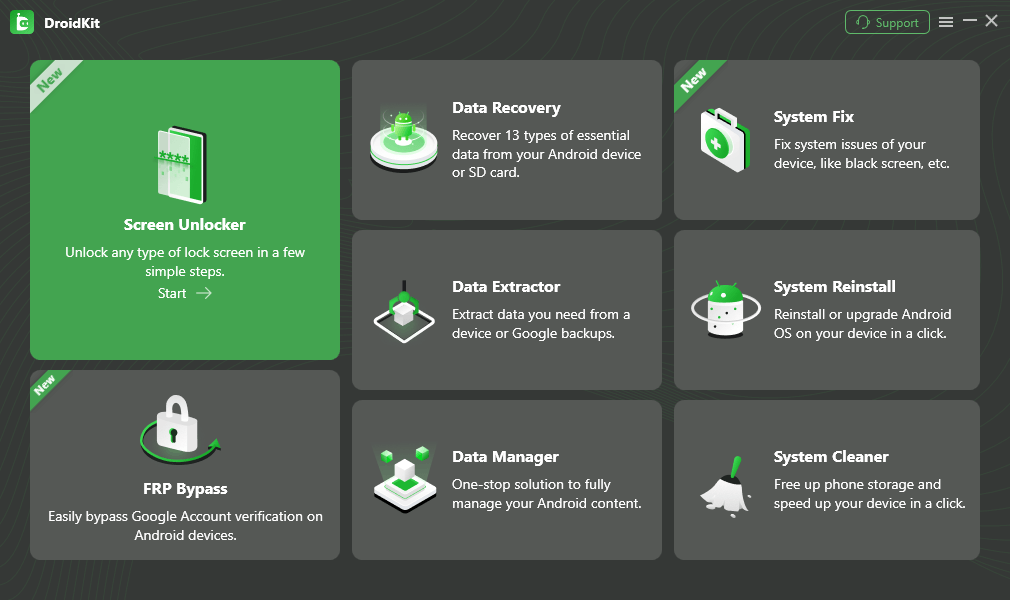
Select Screen Unlocker Mode
Step 3. Follow the instructions for Android screen unlock and wait for the reset process to finish. After that, your phone should be factory reset.
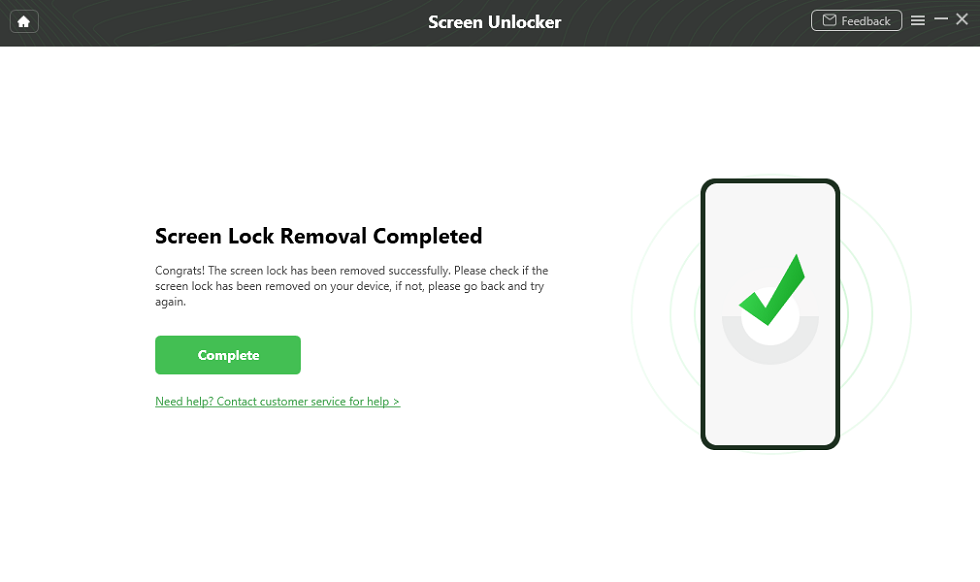
Unlock Screen Successfully
This method is available for factory resetting a locked Android device. If your phone takes too long time erase, try to delete some files before the factory reset.
FAQs About Factory Reset
Q. Does a factory reset erase everything?
Yes, it wipes almost everything on your device. The apps, settings, photos, and all other data saved to the internal storage will be deleted. However, anything on an SD card or backed up to the cloud will stay safe.
Q. How long does a Samsung factory reset take?
Usually around 5–10 minutes. If the phone’s older or loaded with files, it might take 15–30 minutes. That’s just the reset part – getting it set up again will take longer.
Q. Does a factory reset remove Google account from phone?
Not by itself. If you don’t sign out of your Google account first, it’ll still be linked because of Factory Reset Protection. After resetting, you’d need that same login to get back in.
Conclusion
Now you must know, how long does a factory reset take? A factory reset on an empty phone might take only minutes, while a full PC restore with downloads can take hours. However, the speed varies according to your device. It can depend on how much data it has and the reset method you choose. Other factors like phone model, hardware, and Android version can also affect the time duration. For a locked Android phone, you can factory reset it quickly with DroidKit. No matter which situation you are in, we hope this article helps, and you can get a satisfying answer.



Joy Taylor is a seasoned technical writer with over a decade of experience in mobile technology. At iMobie, she specializes in producing in-depth content on iOS data recovery, iPhone unlocking solutions, and iOS troubleshooting.
Product-related questions? Contact Our Support Team to Get Quick Solution >
