ad_guide_banner_img

AnyDroid Guide

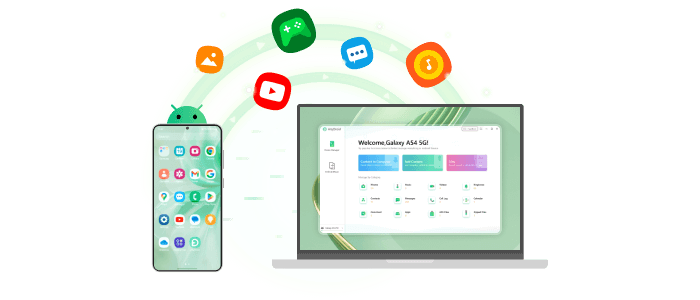
Learn how to transfer your music, photos, videos, contacts, messages, files and more data for Android devices. AnyDroid is the unique Android device manager for PC and Mac. Get started to manage your Android data.

Basic Information

Learn the computer system requirements, differences between the free and activated versions, activation instructions, menu bar settings, and so on.

1-Click Transfer

Enables one-click transfer of data between Android device and computer with simplicity and efficiency.

Personal Data

Manages and handles personal information such as contacts, messages, call logs, calendars and documents.

Audios

Facilitates the transfer, management, and organization of audio files like music and ringtones.

Photos

Photos allows for the easy transfer, backup, and management of photo files.

Videos

Allows you to conveniently manage, transfer, import, and delete videos, enabling seamless organization and enjoyment of video content on Android devices.

Android Mover

Specializes in seamless data transfer from iOS, Android, iCloud, or iTunes to Android devices.