How to Unlock an Android Phone Based on Your Situation
Forgot your Android password? Learn how to unlock any Android phone based on your specific situation. Whether you remember your Google account or need to bypass FRP on a second-hand device, find the safest unlock method here.
Use the quick selector below to identify your exact scenario before choosing an unlock method.
Quick Unlock Scenario Selector
Choose the situation that best matches yours to find the right solution quickly:
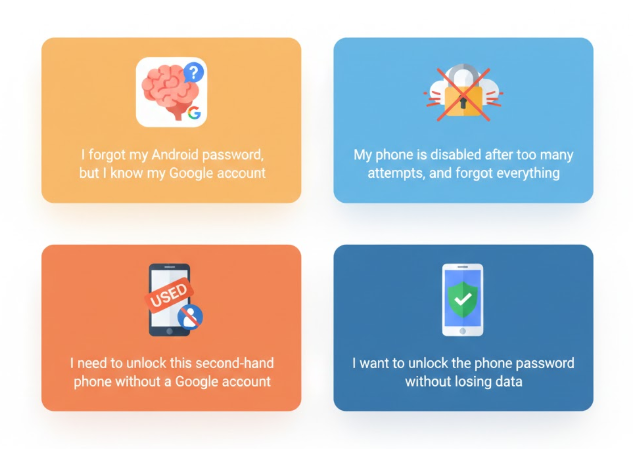
- I forgot my Android password, but I know my Google account → Scenario 1
- My phone is disabled after too many attempts, and I forgot everything → Scenario 2
- I need to unlock this second-hand phone without a Google account→ Scenario 3
- I want to unlock the phone password without losing data→ Scenario 4
Scenario 1 – Forgot Screen Lock but Know Google Account
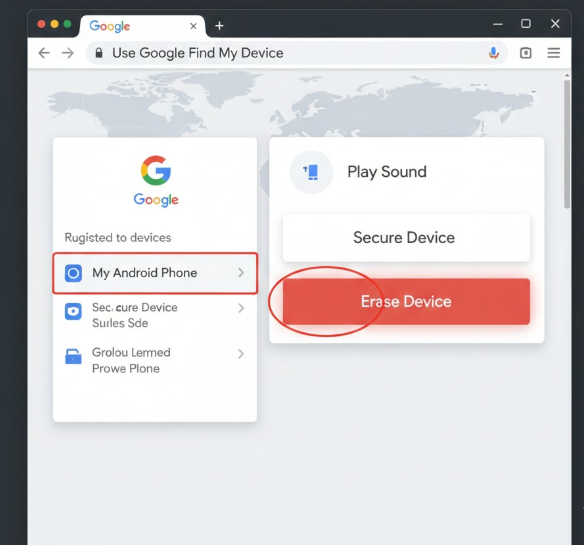
If you forgot the screen lock password but still remember the Google account, you can use Find My Device by Google to reset the device remotely. This is an official method provided by Google for account-linked Android phones.
- Data loss: Yes
- FRP triggered: Yes
Scenario 2 – Forgot Everything (Lock + Google Account)
When you forget both the screen lock and the Google account, standard recovery options no longer work. Many users in this situation search “How do I unlock a phone without the password?” or “How to get into a phone without a passcode” to find a workable solution.
In this situation, third-party unlock solutions may be required to remove the screen lock when standard recovery options are unavailable.
Tools such as iMobie DroidKit are designed for this type of scenario.
- Data loss: Usually yes
- FRP triggered: Yes
Scenario 3 – Second-Hand Android Phone
Buying a used Android phone can lead to two different lock situations, depending on what the previous owner did before selling the device. The phone may be protected by a screen lock, or it may ask for the previously synced Google account after a reset.
Situation 1 – Screen Lock
This happens when you buy a used Android phone and discover it is still protected by the previous owner’s screen lock. You cannot access the device because the PIN, pattern, or password is unknown.
In this case, removing the screen lock requires a reset-based unlock method. Tools such as DroidKit can perform this type of unlock.
- Data loss: Yes
- FRP triggered: Yes
Situation 2 – Google Account Verification After Reset (FRP)
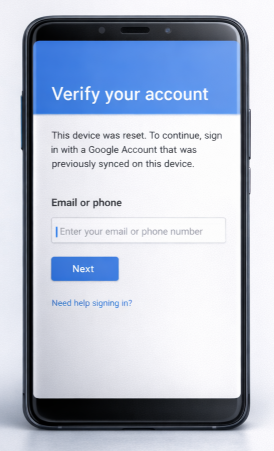
The phone has already been reset, but during setup it asks for the Google account previously used on the device. This security feature is called Factory Reset Protection.
In this case, third-party solutions can bypass the verification screen. See the dedicated FRP guide for detailed steps and supported devices.
- Data loss: Already erased
- FRP triggered: Already active
Scenario 4 – Need to Unlock Without Data Loss
This applies when the device is not permanently disabled and certain Android versions still allow unlocking without a factory reset. Success depends on the phone model, Android version, and current lock status.
In this case, a third-party Android unlock tool may be required to remove the existing screen lock without losing data, such as iMobie DroidKit.
- Data loss: Depends on device status
- FRP triggered: No
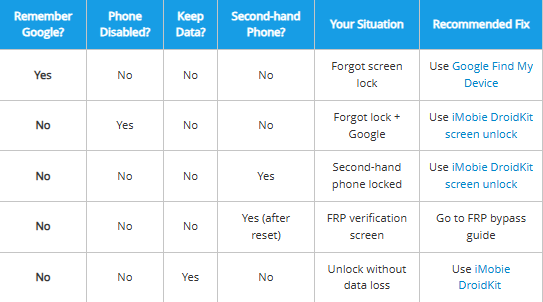
Quick Android Unlock Decision Table
Find the right unlock method based on your situation:
| Remember Google? | Phone Disabled? | Keep Data? | Second‑hand Phone? | Your Situation | Recommended Fix |
| Yes | No | No | No | Forgot screen lock | Use Google Find My Device |
| No | Yes | No | No | Forgot lock + Google | Use iMobie DroidKit screen unlock |
| No | No | No | Yes | Second‑hand phone locked | Use iMobie DroidKit screen unlock |
| No | No | No | Yes (after reset) | FRP verification screen | Go to FRP bypass guide |
| No | No | Yes | No | Unlock without data loss | Use iMobie DroidKit |
If data was erased during unlocking but has not yet been overwritten, it may still be recoverable using tools such as iMobie DroidKit.
DroidKit
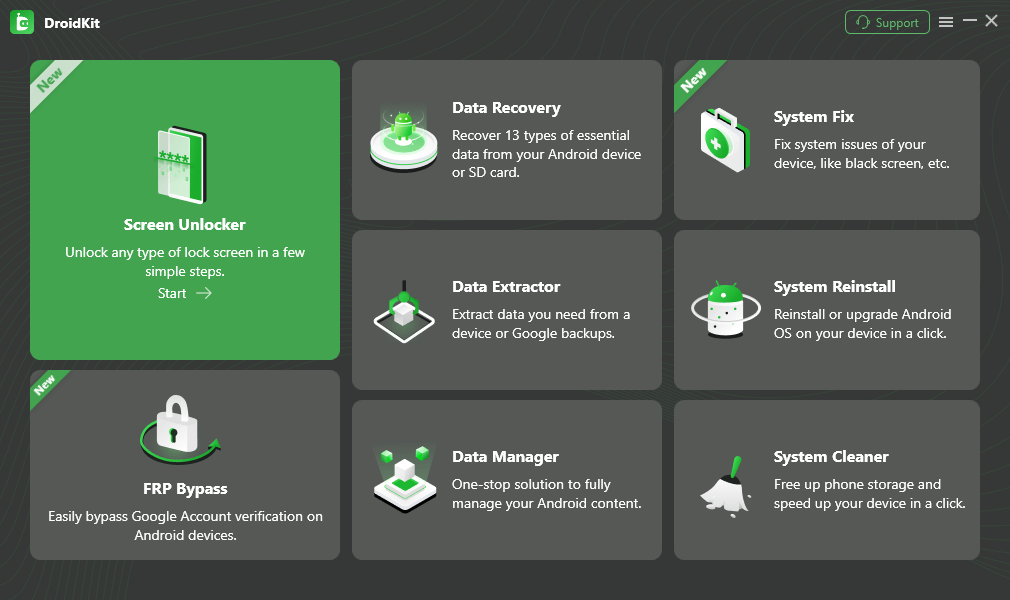
As an all-round Android solution, DroidKit has multiple functions such as Android data recovery, screen password unlock, Google account lock removal, SD card data recovery, Android data management, etc., fully meeting the various needs of Android users.
Free Download
for all windows & 100% safe
Free Download
for all mac & 100% safe
Free Download 100% Clean & Safe


Roger Smith is a senior technical writer with years of experience in providing Android solutions. He loves to help users solve various problems such as Android unlock, Android data recovery, and Android system repair.
Product-related questions? Contact Our Support Team to Get Quick Solution >
