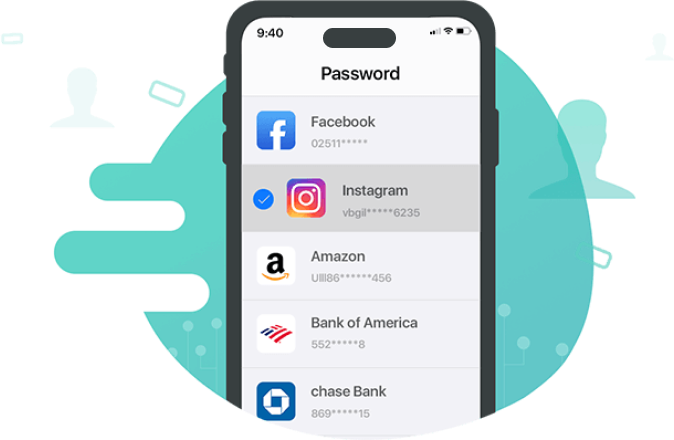
Too many iPhone passwords to remember? Let AnyUnlock help. It enables you to find and view the most important passwords you need in daily use of iPhone. Passwords stored in iCloud Keychain, credit card details, and passwords for SNS accounts, Wi-Fi accounts, browsers, apps, email accounts, etc. As long as they are saved on your iPhone, you can view them clearly via an intuitive interface using AnyUnlock.
Not just find and view, AnyUnlock also makes it easy for you to export these passwords to your preferred password manager apps. Whether you want to transfer accounts and passwords to 1Passsword, Dashlane, LastPass, Keeper, or Chrome, it’s just a simple click away. You can then better manage your passwords on your iPhone, iPad, or iPod touch.
AnyUnlock is designed to help all iOS users better manage their passwords. So, there is no doubt that it is fully compatible with iPhone, iPad, and iPod touch of all models. Also, it supports all iOS versions later than iOS 5, including the latest iOS 26. Feel free to manage your iOS passwords easily in a better way.
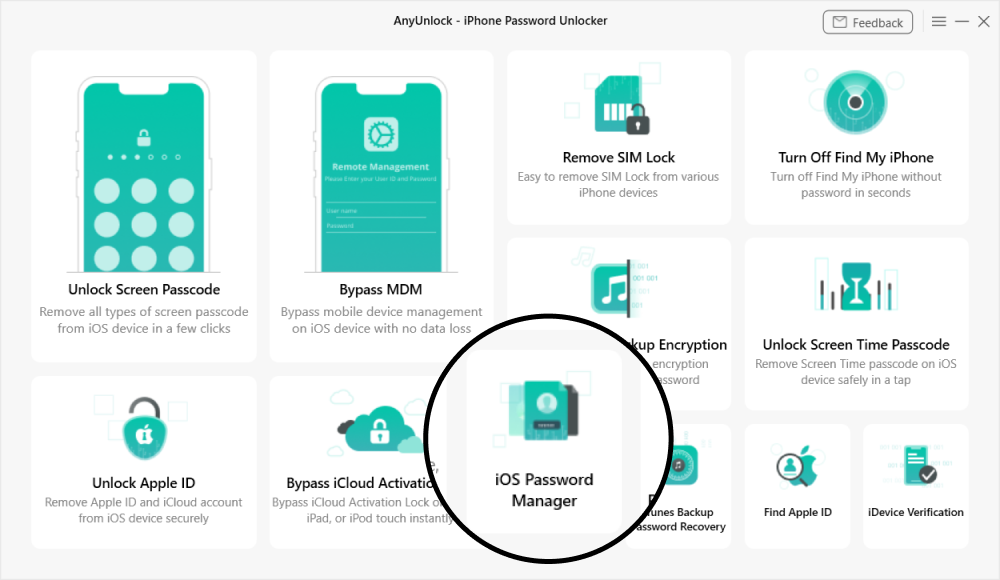
Launch AnyUnlock and choose “iOS Password Manager” on the homepage.
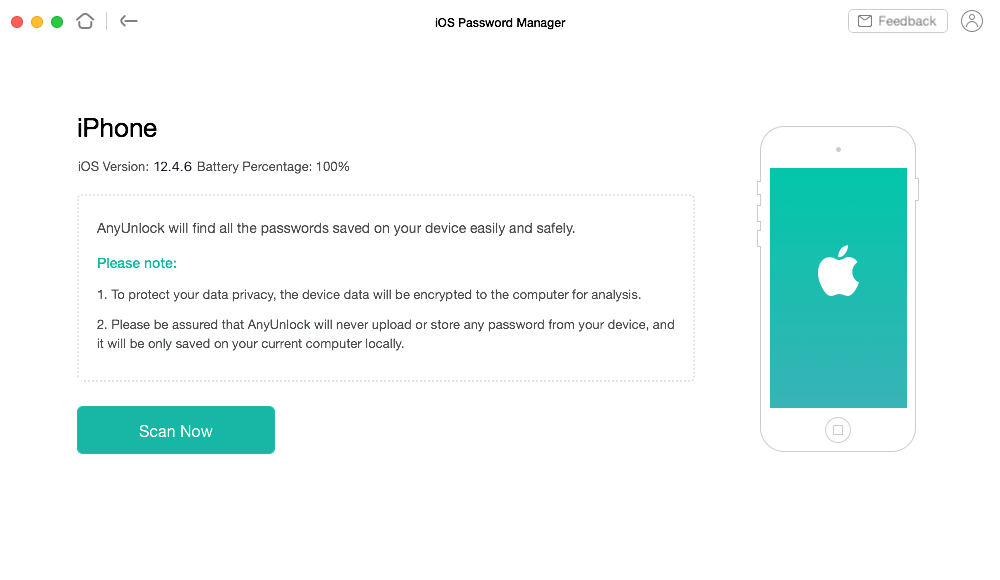
Connect your iOS device to the computer and click “Scan Now”.
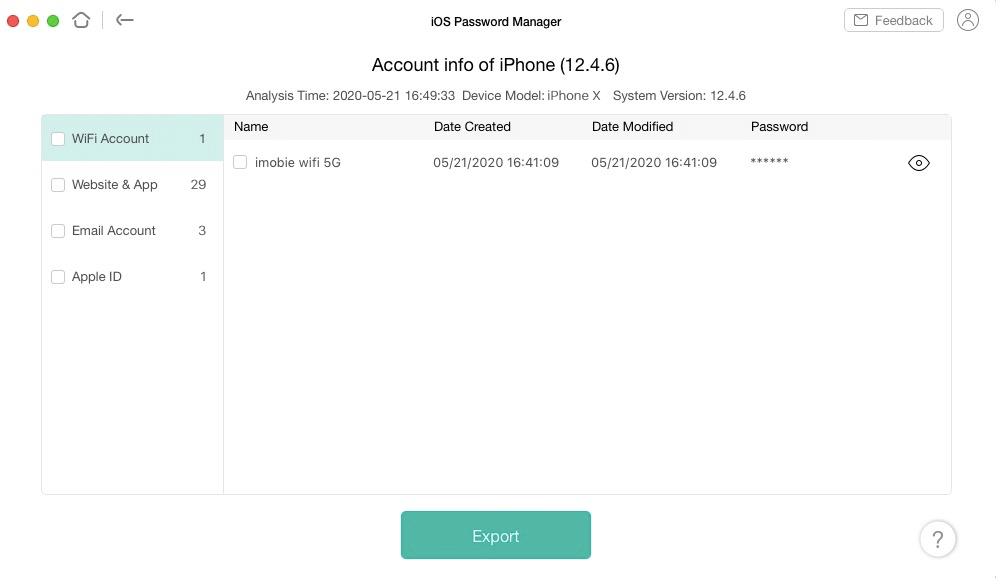
View and export the passwords saved on your iPhone/iPad/iPod touch.
AnyUnlock lets you view multiple types of passwords and account details stored on your iOS device, including Wi-Fi credentials, website and app logins, email accounts, Apple ID info, and saved credit card data—so you can manage everything in one place.
AnyUnlock prioritizes privacy and data security, allowing users to view and export passwords directly from their own iOS devices without uploading data to third-party servers. It’s designed for personal password management, keeping sensitive information fully under the user’s control.
After scanning your iOS device, AnyUnlock lets you export passwords in CSV format. You can then import the file into a password manager like 1Password to securely store and manage them.
AnyUnlock is designed from the ground up to help iPhone/iPad/iPod touch users unlock forgotten passwords, bypass MDM and iCloud Activation Lock, and remove SIM Lock on their own devices. It is for personal use only. Any misuse of AnyUnlock for commercial or illegal purposes is strictly forbidden.
Unlock iPhone Screen Passcode of Any Kind
Bypass Remote MDM & Remove Local MDM
Bypass iCloud Activation Lock in 3 Steps
Remove Apple ID from iPhone without Password
Decrypt iTunes Backup & Remove Encryption Settings
Remove Screen Time / Restrictions Passcode
Unlock your iPhone/iPad/iPod touch passcode and get full access to your device again, easily and immediately.