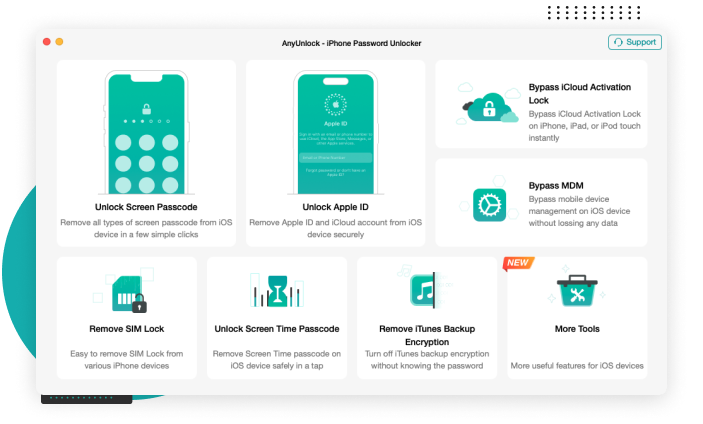
iPhone provides many types of passcode for you to choose from: 4-digit or 6-digit numeric code, custom numeric code, custom alphanumeric code, Touch ID, or Face ID. No matter which kind it is, AnyUnlock iPhone Unlocker can unlock iPhone passcode for you in a single click.
There are many reasons that you may be locked out of iPhone. You may forget iphone passcode that hasn't been used for a long time. iPhone is disabled or stucks on iPhone unavailable screen due to several failed attempts. Get a second-hand iPhone with an unknown screen passcode. Face ID or Touch ID does not work for no reason. Or, you just can’t enter the passcode on a broken screen. Then, how to unlock iPhone? Don’t worry. AnyUnlock iPhone Unlocker can save you from any of these troubles immediately.
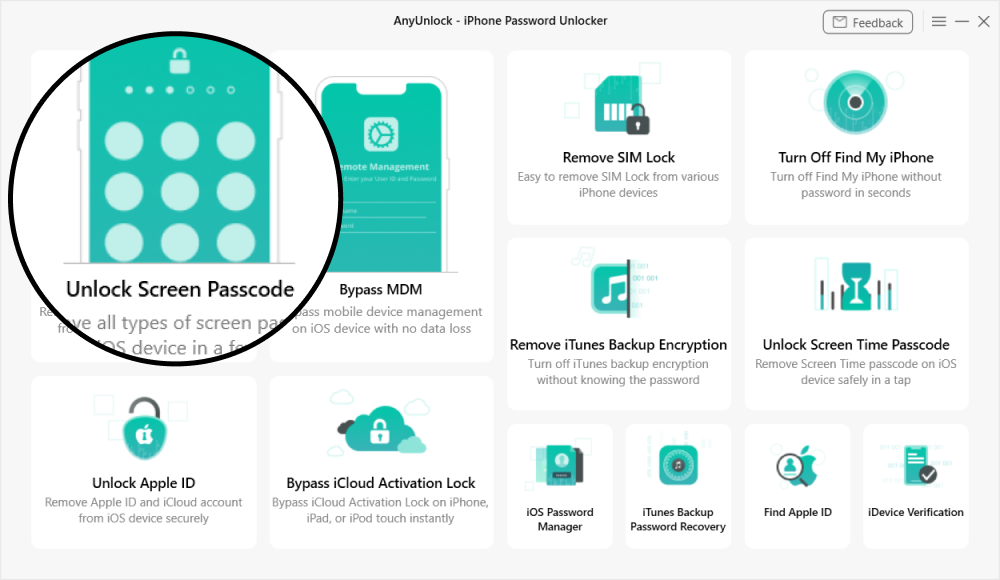
Launch AnyUnlock and choose “Unlock Screen Passcode” on the homepage.
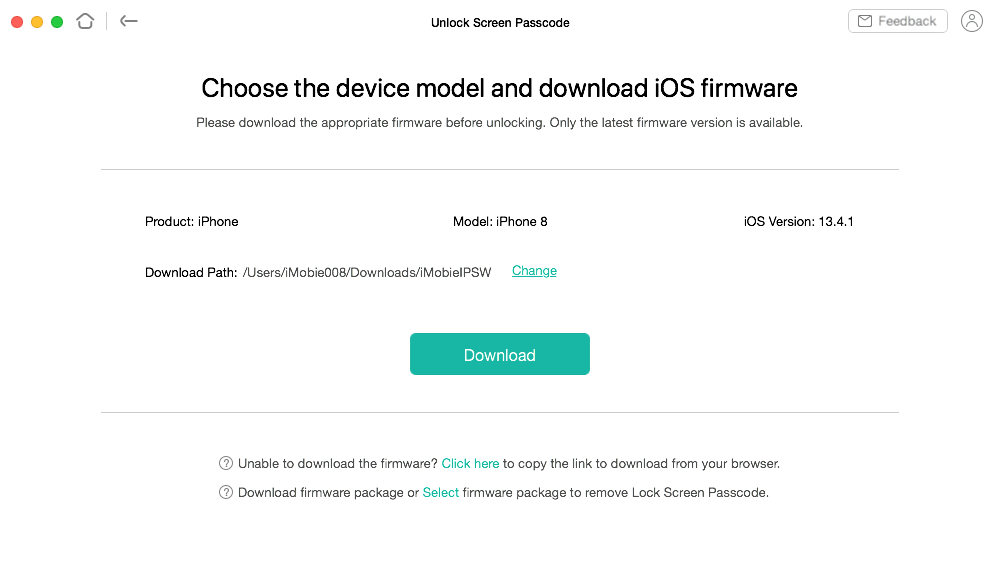
Connect your iOS device to the computer and download iOS firmware.
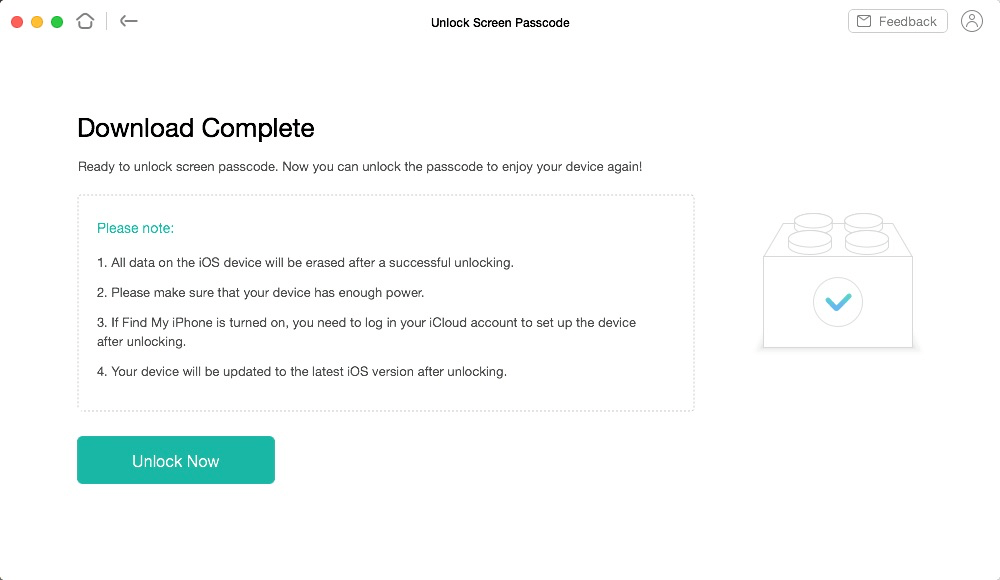
Click “Unlock Now” to unlock the screen passcode easily and instantly.
AnyUnlock supports the removal of common iOS screen lock types, including 4-digit and 6-digit passcodes, as well as Touch ID and Face ID.
AnyUnlock is built with privacy and security in mind and is intended for managing and unlocking devices and backups you own. It does not upload or share personal data with third parties—everything is processed locally to keep your information private and under your control.
Yes. Because of Apple’s security design, removing a screen passcode with AnyUnlock will erase all data on the device. Currently, no tool can unlock an iOS screen without data loss. If you have an iTunes or iCloud backup, you can restore your data during setup.
AnyUnlock supports unlocking screen passcodes on iPhone, iPad, and iPod touch models running iOS 5 and later. This includes both older devices and the newest models. For the most up-to-date device and iOS version compatibility, please refer to the official support list.
AnyUnlock is designed from the ground up to help iPhone/iPad/iPod touch users unlock forgotten passwords, bypass MDM and iCloud Activation Lock, and remove SIM Lock on their own devices. It is for personal use only. Any misuse of AnyUnlock for commercial or illegal purposes is strictly forbidden.
Bypass Remote MDM & Remove Local MDM
Bypass iCloud Activation Lock in 3 Steps
Remove Apple ID from iPhone without Password
Decrypt iTunes Backup & Remove Encryption Settings
Remove Screen Time / Restrictions Passcode
Find, View and Export iPhone/iPad Passwords
Unlock your iPhone/iPad/iPod touch passcode and get full access to your device again, easily and immediately.