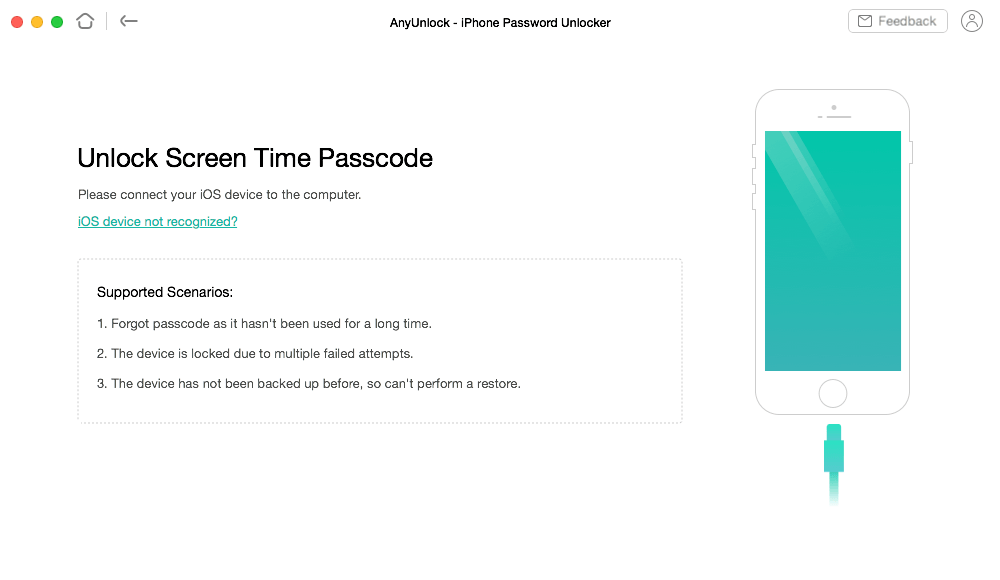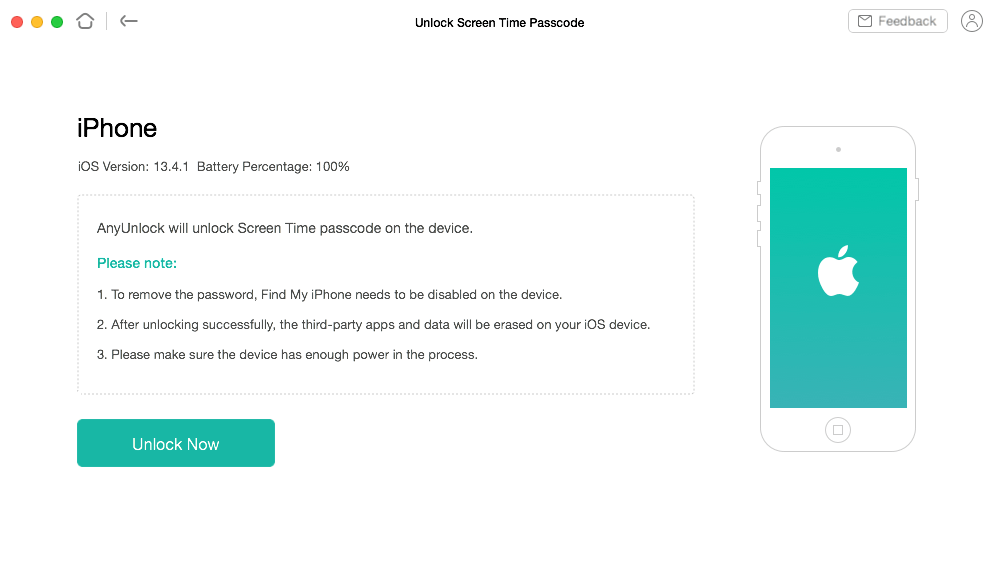
Whether you’re using Screen Time passcode or the older Restrictions passcode, AnyUnlock handles them both. It can remove Screen Time passcode directly, or recover the Restrictions passcode for you. Either way, you’ll be set free from the limits, and be able to use your apps as you want again.
Note: If your device is running iOS 13 or above, your Screen Time passcode will be removed directly. If your device is running a lower version than iOS 13, your passcode will be recovered and then you can turn off Screen Time or Restrictions passcode manually.

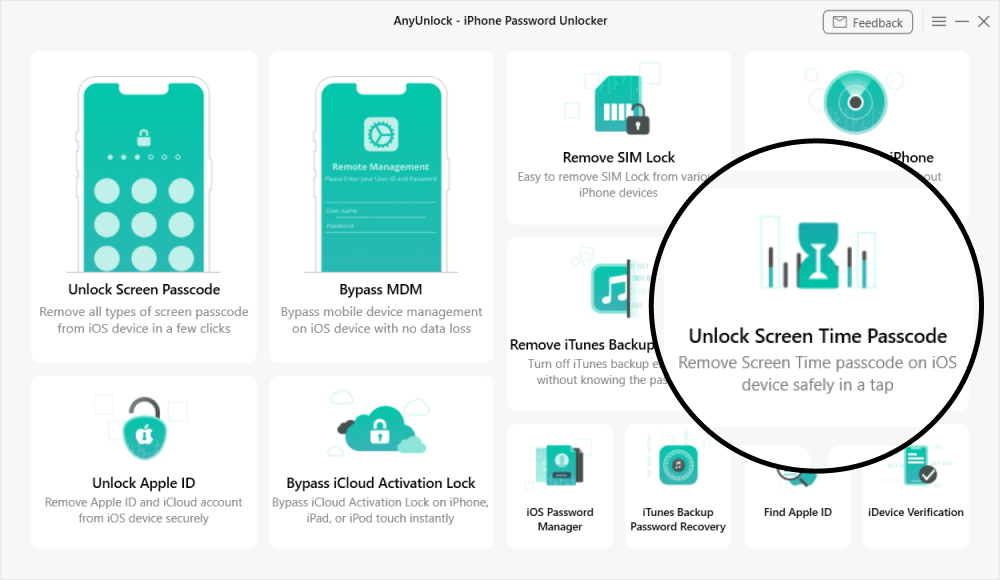
On iOS 13.4 or later, you can use Apple ID to reset Screen Time passcode, while if you’re unluckily below iOS 13.4, the only way to remove Screen Time / Restrictions passcode is to erase all content and settings. That means you’ll have to lose all important data on your device, like photos, messages, contacts, etc. Now, AnyUnlock offers you a way to remove Screen Time / Restrictions passcode with all important data staying intact, no matter which iOS version your device is running.
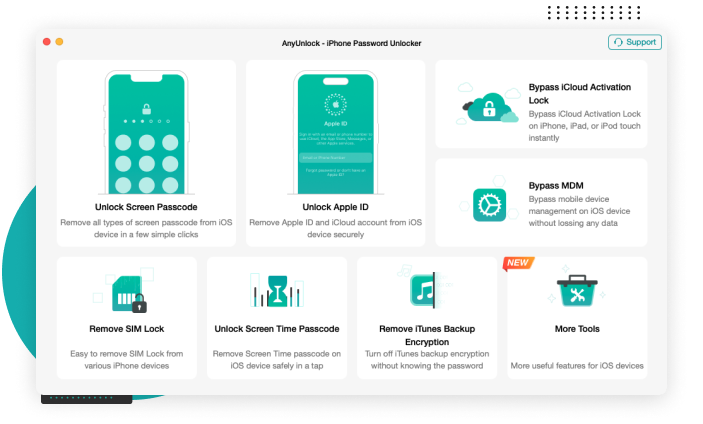
Launch AnyUnlock and choose “Unlock Screen Time Passcode” on the homepage.
Connect your iPhone/iPad/iPod touch to the computer using a USB cable.
Click “Unlock Now” to remove Screen Time passcode or recover Restrictions passcode.
AnyUnlock is designed to protect your data, but results vary by iOS version: on iOS 12 and earlier, all data is preserved, while on iOS 13 and later, system data like photos, messages, and contacts stays intact, though some third-party apps and their data may be removed.
No. While Apple allows resetting via Apple ID on iOS 13.4+, AnyUnlock does not require an Apple ID or password to perform the removal. This makes it an ideal solution if you have forgotten your Apple ID credentials as well.
The removal process is very fast. Simply connect your iPhone, iPad, or iPod to your computer and click “Unlock Now”, and the Screen Time passcode is typically removed or recovered within a few minutes.
AnyUnlock is designed from the ground up to help iPhone/iPad/iPod touch users unlock forgotten passwords, bypass MDM and iCloud Activation Lock, and remove SIM Lock on their own devices. It is for personal use only. Any misuse of AnyUnlock for commercial or illegal purposes is strictly forbidden.
Unlock iPhone Screen Passcode of Any Kind
Bypass Remote MDM & Remove Local MDM
Bypass iCloud Activation Lock in 3 Steps
Remove Apple ID from iPhone without Password
Decrypt iTunes Backup & Remove Encryption Settings
Find, View and Export iPhone/iPad Passwords
Unlock your iPhone/iPad/iPod touch passcode and get full access to your device again, easily and immediately.