Unlock Apple ID without Password in Simple Clicks
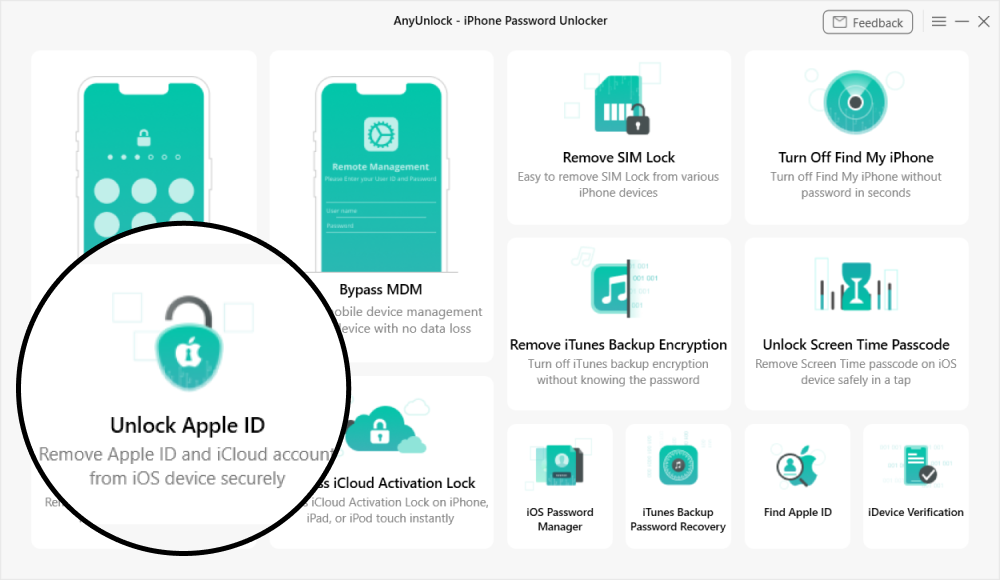
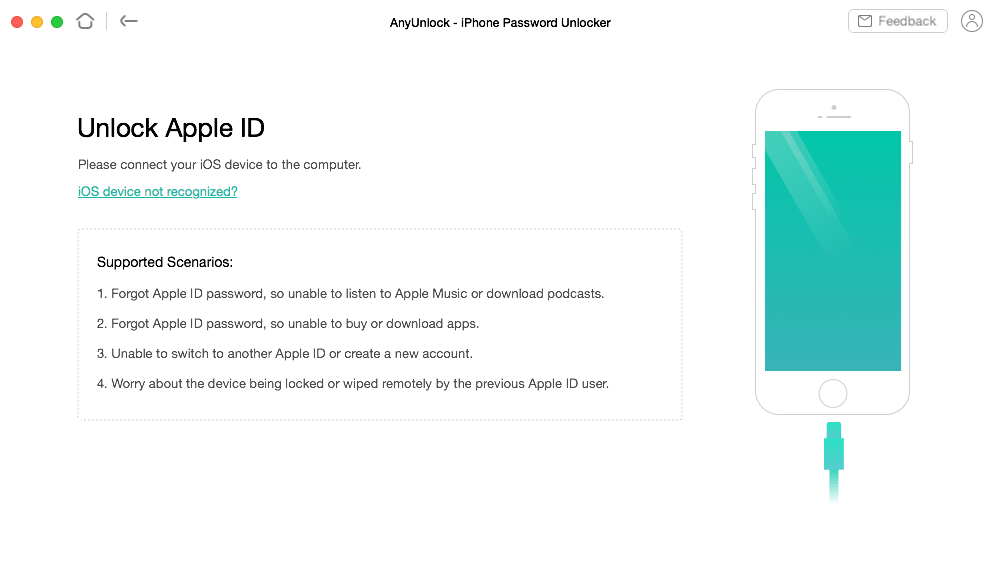
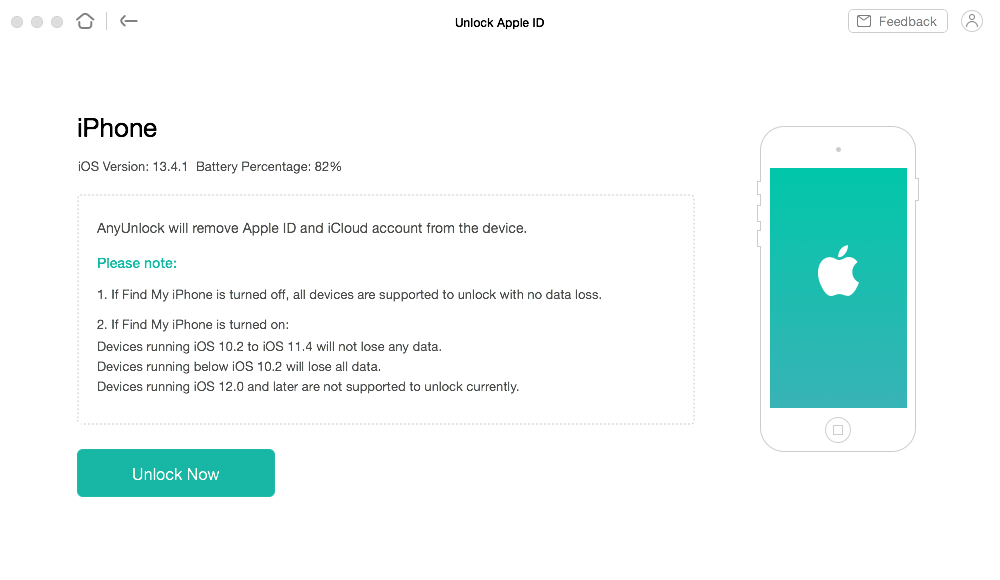
Your Apple ID is locked, but you just forgot the password? Stuck on the "Apple ID locked for security reasons" screen? Or your iPhone keeps saying this Apple ID is not active? So, how to remove Apple ID from iPhone/iPad? No worries. AnyUnlock helps you remove Apple ID from iPhone without password in just a few simple clicks. You’ll then be able to fully enjoy your iPhone, iPad, or iPod touch as you like.
Watch how to unlock Apple ID Sign
in with another Apple ID to enjoy Apple services
Sign
in with another Apple ID to enjoy Apple services Create a new account
and associate iPhone with it
Create a new account
and associate iPhone with it Download and purchase
apps and games
Download and purchase
apps and games Listen to Apple Music
and download podcasts
Listen to Apple Music
and download podcasts Turn
on/off Find My iPhone
Turn
on/off Find My iPhone Back
up your iPhone/iPad/iPod touch via iTunes
Back
up your iPhone/iPad/iPod touch via iTunes Can’t
be tracked via the previous Apple ID
Can’t
be tracked via the previous Apple ID Not
be remotely locked by the previous Apple ID user
Not
be remotely locked by the previous Apple ID user No
risk of being remotely erased by the previous user
No
risk of being remotely erased by the previous user Take
complete control of your iPhone by logging into another Apple ID
Take
complete control of your iPhone by logging into another Apple ID