How Much Does It Cost to Unlock iPhone [Full Price]
This article provides the detailed costs for unlocking iPhone screen passcode, SIM lock, Apple ID, and activation lock. You can choose the most valued way to unlock your iPhone in different cases.
Apple provides some security features to protect iPhone data, including the screen passcode, Apple ID, activation lock, and SIM lock. Once you have forgotten any of the passwords, you will be locked out. In this case, unlocking your iPhone is necessary. Generally, you don’t want to contact Apple support and would like to unlock the iPhone by yourself. Then you may ask, “How much does it cost to unlock an iPhone”? Don’t worry, we will introduce the price of unlocking all kinds of iPhone locks in the following parts. Let’s check them out now!
“How much to remove the SIM lock from devices purchased at Best Buy or Walmart but shipped to another country or state that doesn’t use Verizon. Where do I check the IMEI if the device is eligible for unlock or not?” – A user asked on Verizon Community.
How Much Does It Cost to Unlock Network-Locked iPhone
When you check your iPhone is SIM-locked, you can contact the carrier and ask for unlocking if possible. How much to unlock iPhone SIM card depends on the carrier and whether you can unlock it at present. Common iPhone carriers you are using include AT&T, Verizon, and T-Mobile. The price for iPhone SIM unlock varies from $0 to $200. Additionally, each carrier has its own requirements for unlocking the SIM on iPhone.
| AT&T | T-Mobile | Verizon | |
| Carrier Price (If eligible) | $0 | $0 | $0 |
| Carrier Price (If ineligible) | $20-$50 | $30-$200 | $50-$150 |
| AnyUnlock | $19.99 | $19.99 | $19.99 |
How to Check If Your iPhone Is SIM-locked
You can check the SIM lock status in the Settings app on your iPhone. Just follow the steps:
Step 1. Go to the Settings app and tap on General > About.
Step 2. Scroll down and find the carrier lock section. If it shows “SIM locked”, your iPhone is locked to the carrier.
Then you can choose to unlock your iPhone according to the above price and device status, or just try the following instructions to unlock SIM card on your iPhone with AnyUnlock.
To unlock the SIM lock on your iPhone:
Step 1. Free download AnyUnlock and launch it.
Free Download * 100% Clean & Safe
Step 2. Click on “Remove SIM Lock”.
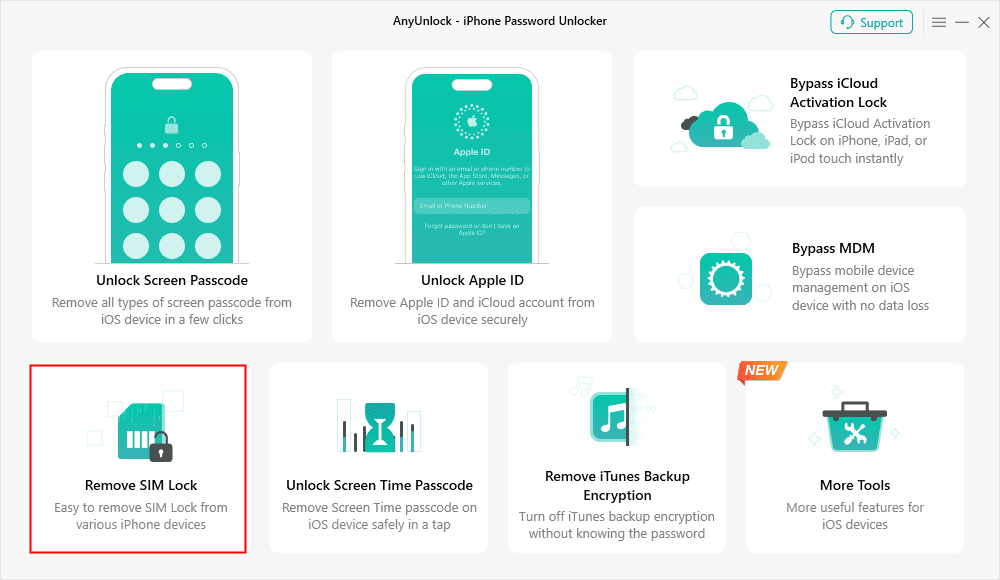
Choose Remove SIM Lock
Step 3. Use a USB cable to connect your iPhone to the computer.
Step 4. Follow the instructions to remove the SIM lock.
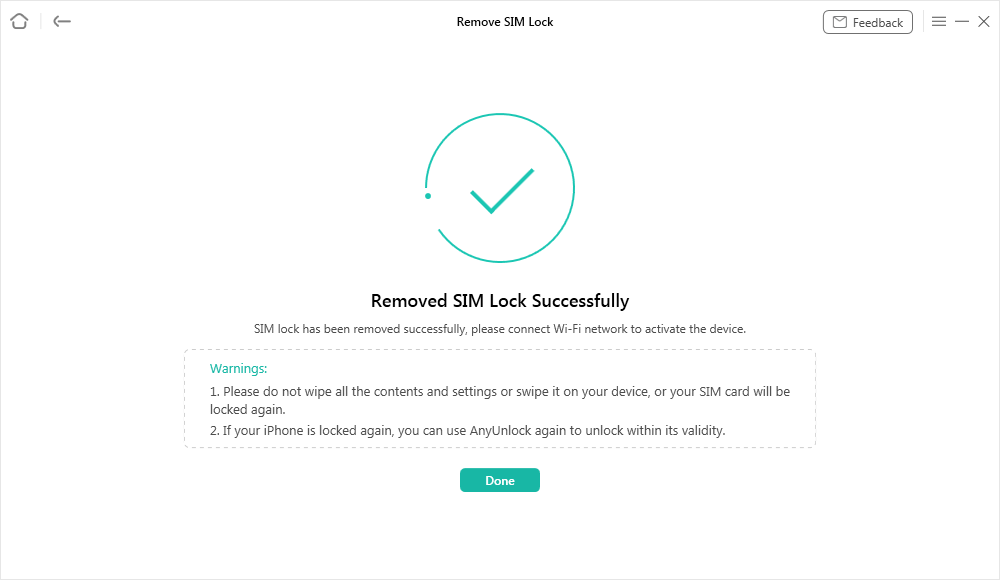
SIM Lock Removed Successfully
AnyUnlock provides a convenient and safe way to unlock it by yourself. No personal data will be collected, and the installation package is tested clean. Millions of iPhone users have used it to unlock the SIM lock successfully.
How Much Does It Cost to Unlock iPhone Screen Passcode
It costs $0 to $50 to unlock the screen passcode of your iPhone, depending on what iOS version it’s running and the tool you use for unlocking. You can check the price of each method in the following table:
| Method | iTunes | iCloud | AnyUnlock |
| Price | $0 | $0 | $35.99 |
| Requirement | You should have your iPhone recognized in iTunes before locking. | The iPhone is linked to the iCloud account before locking. | No requirements. |
To unlock the screen passcode:
Step 1. Launch AnyUnlock and click on “Unlock Screen Passcode”.
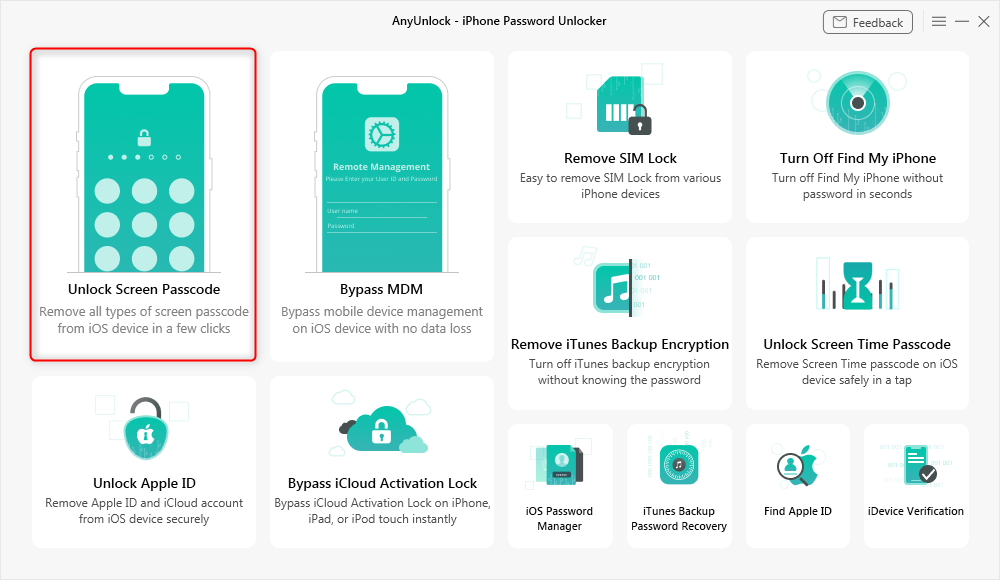
Choose Unlock Screen Passcode
Step 2. Connect your iPhone and the computer with USB.
Step 3. Follow the guide to remove the screen lock.
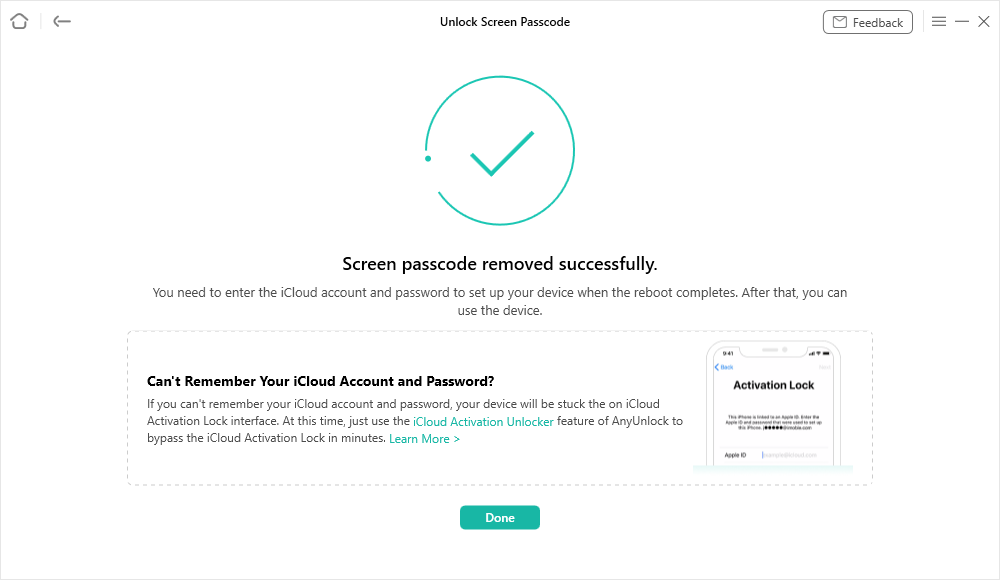
Screen Passcode Removed Successfully
After that, you can enter your iPhone without passcode when it restarts.
You should always remove the Apple ID before unlocking the passcode with a factory reset, or you will be activation-locked after erasing.
How Much Does It Cost to Unlock Apple ID
The price for Apple ID unlock ranges from $0 to $30. You can always contact the previous owner to remove the Apple ID for free, or use an Apple ID unlocker like AnyUnlock for $29.99. After unlocking the Apple ID, use another one to set up your iPhone and remember the password.
To unlock the Apple ID in AnyUnlock:
Step 1. Click on “Unlock Apple ID” and connect your iPhone.
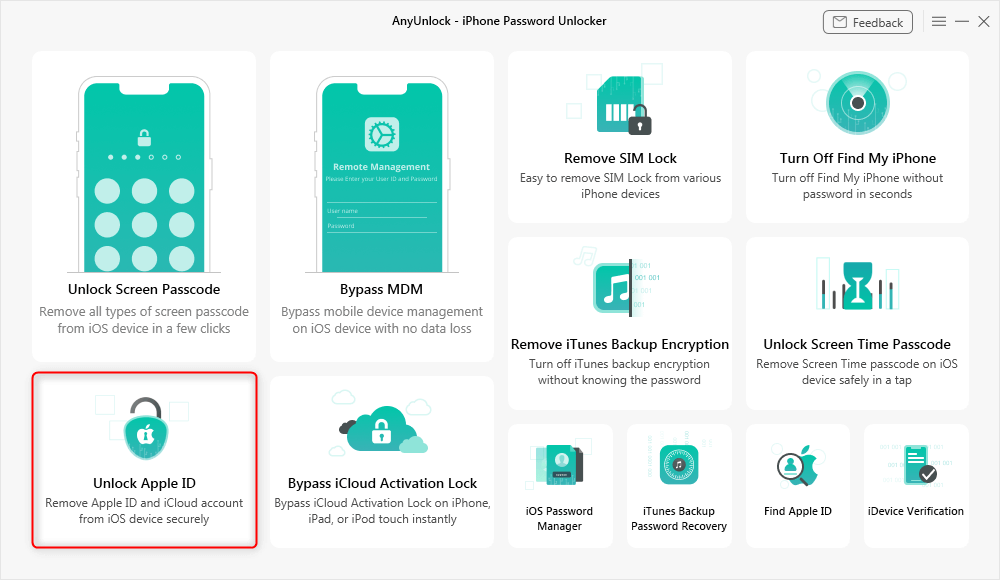
Click Unlock Apple ID from the Homepage
Step 2. Check your iPhone information and follow the instructions according to your iOS version.
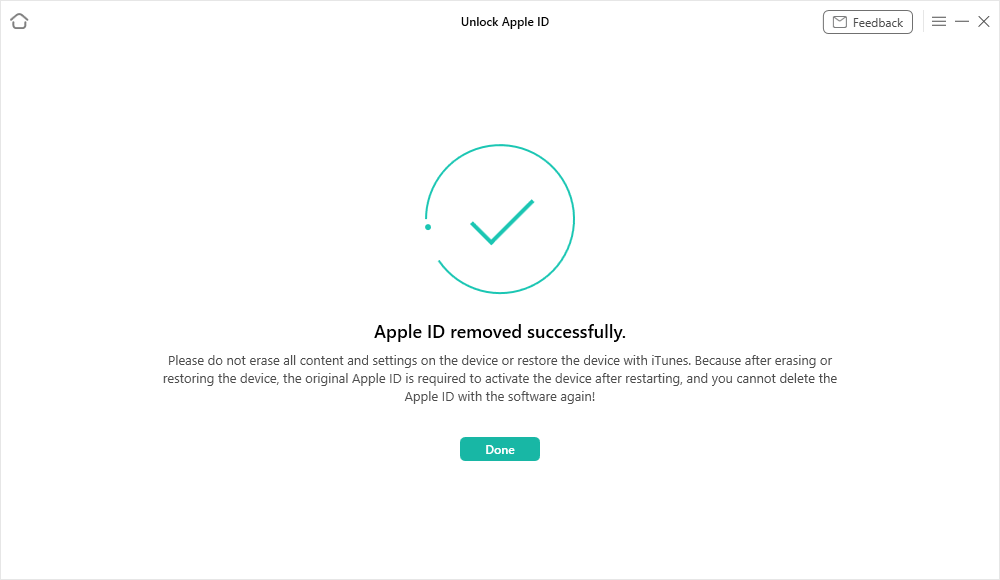
Apple ID Removed Successfully
After unlocking the Apple ID, use another one to set up your iPhone and remember the password.
How Much Does It Cost to Unlock iCloud Activation Lock
Similar to Apple ID unlock, it costs around $0 to $40 to bypass iCloud activation lock on iPhone. For those who bought or received a second-hand device, asking for the account information from the previous owner is the best choice, allowing you to unlock the activation lock for $0. However, if the previous owner can’t help, you will need to use a third-party unlocker and spend about $40 to get your iPhone unlocked.
To bypass iCloud activation lock with AnyUnlock:
Step 1. Choose Bypass iCloud Activation Lock in AnyUnlock, then connect your iPhone to the computer.
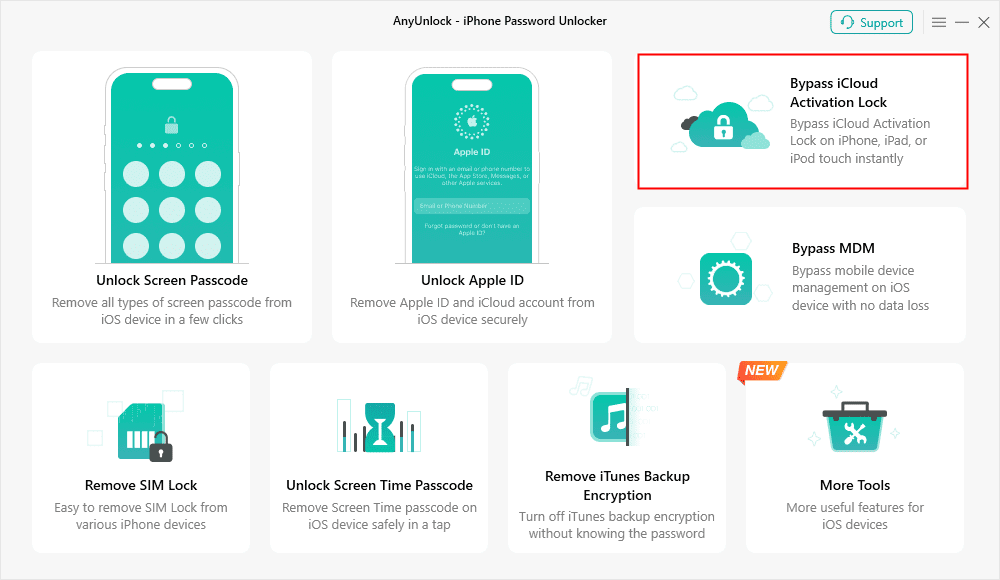
AnyUnlock Bypass iCloud Activation Lock
Step 2. Follow the instructions to jailbreak your iPhone.
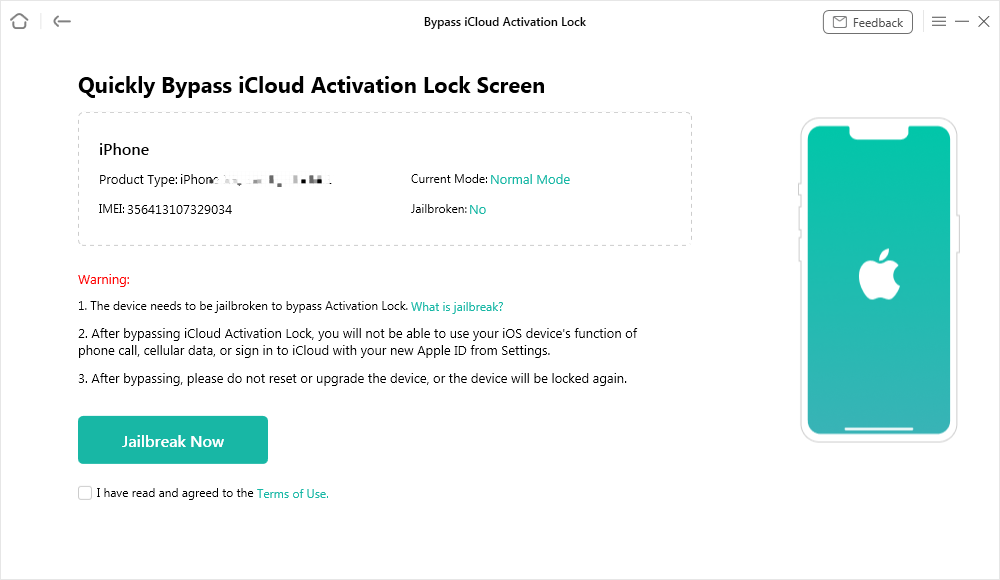
Jailbreak Your Device
Step 3. Finish the steps to bypass the activation lock on your iPhone.
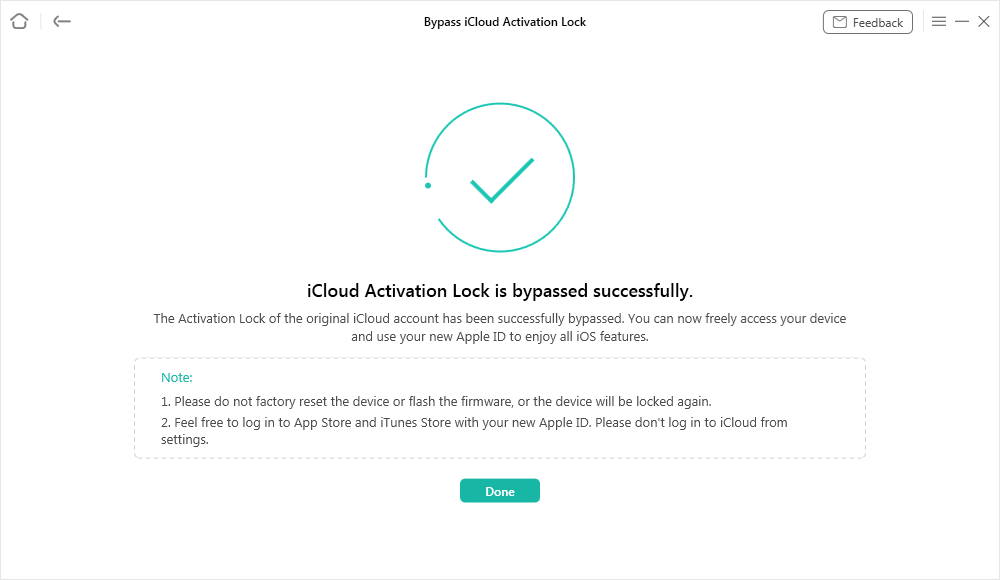
iCloud Activation Lock Is Bypassed Successfully
Ultimate Price for iPhone Unlock [All Included]
No matter what iPhone lock prevents you from accessing, AnyUnlock always provides the best price for unlocking. It is a powerful iPhone unlocker that supports unlocking iPhone screen passcode, Apple ID, SIM lock, activation lock, and screen time password. Moreover, the full kit covers all functions and you can just pay once and remove all locks. Simply check the price of AnyUnlock in the following:
| Features | Price | Link |
| Screen Lock | $35.99 | Unlock Screen |
| SIM Lock | $19.99 | Unlock SIM |
| Apple ID | $29.99 | Unlock Apple ID |
| Activation Lock | $35.99 | Unlock Activation Lock |
| MDM Lock | $35.99 | Unlock MDM |
| Screen Time Password | $25.99 | Unlock Screen Time |
| Fullkit | $59.99 | Unlock All |
FAQs About iPhone Unlock Cost
1. Can I unlock my iPhone by myself?
It depends; you can always unlock iPhone screen passcode on your own with iCloud service. For Apple ID, SIM card unlock, using a third-party tool like AnyUnlock allows you to unlock iPhone by yourself.
2. How much does it cost to unlock an iPhone 11?
It costs $0 to $300 to unlock iPhone 11, depending on the lock you want to unlock. Unlocking iPhone 11 carrier charges $0 if you meet the requirements of the carrier, or you can pay $19.99 to unlock SIM on iPhone 11 with AnyUnlock.
3. Will a phone shop unlock my iPhone?
If the phone shop provides the carrier’s service, then yes, it can probably unlock your iPhone SIM lock. But if it’s not, you should contact the carrier and get your iPhone network unlock.
Final Words
All in all, how much to unlock an iPhone depends on the lock type and how you get it unlocked. The price always changes from $0 to $200 for iPhone SIM unlock, $0 to $50 for screen unlock, $0 to $30 for Apple ID unlock, and $0 to $40 for iCloud activation unlock. Free chances are attractive, but they come with limitations. Only those who meet the requirements can unlock an iPhone without paying.
The better choice is AnyUnlock, which helps to unlock all kinds of iPhone locks at a reasonable price. With this all-in-one iPhone unlocker, you don’t need to contact the carrier or previous owner. All locks can be unlocked by yourself. Download AnyUnlock now and get your iPhone unlocked right away.
Free Download * 100% Clean & Safe
Vital iPhone unlock Tips



Joy Taylor is a seasoned technical writer with over a decade of experience in mobile technology. At iMobie, she specializes in producing in-depth content on iOS data recovery, iPhone unlocking solutions, and iOS troubleshooting.
Product-related questions? Contact Our Support Team to Get Quick Solution >
