FRP Bypass Tool DM Repair Tech: Download, Use & Alternative
Looking for FRP Bypass Tool DM Repair Tech? Learn what the DM Repair Tech site offers, how its Samsung FRP tools work, important download risks, limitations, and a guided alternative for supported Android devices.
If you searched for FRP Bypass Tool DM Repair Tech, you are probably trying to regain access to a Samsung phone that stops at Google verification after a factory reset. DM Repair Tech is still an active website covering Samsung FRP removal, Android utility programs, unlock tools, firmware resources, and related repair software.
However, there is an important distinction in 2026: DM Repair Tech is better understood as a third-party repair and tool resource site rather than one clearly defined FRP application with universal compatibility. Its current tool pages cover multiple utilities, versions, download hosts, and device-specific procedures. Before downloading anything, check the exact tool name, supported phone model, Android version, security patch, and download source.
What Is FRP Bypass Tool DM Repair Tech?
DM Repair Tech is a third-party website that publishes tools and guides related to Android phone repair, Samsung unlocking, Factory Reset Protection, firmware, and other technician-oriented tasks. Its current website includes sections such as Bypass Tool DM, Samsung Unlock, FRP Bypass Tool, and other Android utility tools.
Factory Reset Protection, or FRP, is an Android security feature designed to protect a device after an unauthorized factory reset. When FRP is active, Android may require a Google account that was previously synced with the phone before setup can continue.
The phrase “FRP Bypass Tool DM Repair Tech” is commonly used for FRP and unlock utilities distributed or introduced through the DM Repair Tech site. But users should not assume that every tool listed there has the same developer, compatibility, update schedule, or safety profile.
What You Can Find on DM Repair Tech
| Category | What the Site Currently Covers | What to Check |
| Samsung FRP tools | Utilities and procedures related to Google FRP on Samsung devices | Exact model, Android version, security patch, and supported mode |
| Android utility tools | Multiple PC-based service and repair programs | Developer, version, download source, and required drivers |
| Samsung unlock resources | Samsung account, FRP, firmware, and repair-related material | Whether the function actually applies to your type of lock |
| Firmware and technician tools | Firmware packages and advanced servicing workflows | Device model, region, bootloader version, and data-loss risk |
Pros and Limitations of DM Repair Tech Tools
| Potential Advantages | Important Limitations |
| Provides access to many Samsung and Android repair resources. | There is no single compatibility list covering every tool published on the site. |
| Includes free utilities and technician-oriented information. | Some downloads are hosted by external file services rather than directly on the site. |
| Can be useful for experienced users who understand Samsung service modes and drivers. | Different tools may require ADB, MTP, special drivers, firmware operations, or other technical steps. |
| The website continues to publish Android and Samsung repair content. | An older tutorial may not work after a newer Android or Samsung security patch. |
Use FRP or unlock software only on a device you own or are authorized to service. FRP exists to discourage unauthorized reuse of a factory-reset device.
FRP Bypass Tool DM Repair Tech Download & Use
The current DM Repair Tech site does not function like a conventional software vendor page where one universal “DM FRP Tool” installer covers every Samsung phone. Instead, its Bypass Tool DM section contains different utilities and articles for different devices and situations.
For that reason, do not download a file simply because it contains “DM,” “FRP,” or “Samsung” in the title. Start from the DM Repair Tech website, identify the specific tool referenced by the guide, and review the requirements before running an executable file.
Before Downloading a DM Repair Tech FRP Tool
1. Confirm your Samsung model. A procedure for one Galaxy A-series device should not automatically be applied to another model.
2. Check your Android and One UI version. FRP procedures can change after Android and Samsung security updates.
3. Identify the actual program. DM Repair Tech currently publishes multiple utilities rather than one single tool with one universal feature set.
4. Check the download host. Some tool downloads may lead to external file-hosting services. Treat executable and ZIP files from third-party hosts cautiously.
5. Read the requirements. A tool may rely on Samsung USB drivers, MTP, ADB, diagnostic modes, firmware packages, or other device-specific conditions.
6. Back up accessible data first. Some service operations, resets, or firmware procedures can erase device data.
General DM Repair Tech Tool Workflow
The exact procedure depends on the utility selected, but a typical PC-based workflow looks like this:
Step 1. Identify the specific tool and version recommended for your Samsung model and Android build.
Step 2. Download the required package from the source referenced by that tool’s page and inspect the archive before running it.
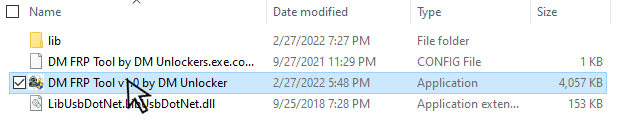
Step 3. Install the drivers required by that particular utility when instructed.
Step 4. Connect the Samsung phone with a reliable USB cable and follow the device-specific connection instructions.
Step 5. Use only the function relevant to the device and lock state, and wait until the tool reports that its operation has finished before disconnecting the phone.
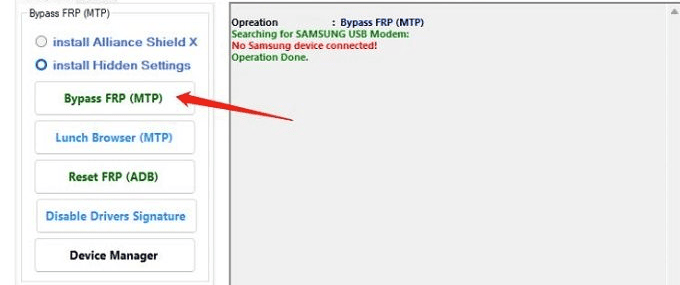
Do not disable security software, flash firmware, or modify protected device settings merely because an old tutorial tells you to. First confirm that the instructions apply to your exact model and current security patch.
Is FRP Bypass Tool DM Repair Tech Safe?
It is more accurate to evaluate the specific file than to label every DM Repair Tech download “safe” or “unsafe.” The site links to multiple tools and external download sources, and those files can come from different developers.
Before opening a downloaded executable:
- Confirm that the filename and version match the guide you intended to use.
- Avoid unexpected redirects and unrelated download buttons.
- Scan downloaded files with your normal security tools.
- Do not enter Google, Samsung, financial, or unrelated account credentials into an unknown utility.
- Avoid a tool if its instructions or source cannot be clearly identified.
DM Repair Tech vs DroidKit FRP Bypass
DM Repair Tech may appeal to technically experienced Samsung users who want to research individual free tools. If you prefer a more guided workflow with one defined interface, DroidKit FRP Bypass is another option for supported Android devices.
The important difference is not simply “free versus paid.” The two approaches organize the process differently:
| Comparison | DM Repair Tech Resources | DroidKit FRP Bypass |
| Format | Collection of different tools, tutorials, and servicing resources | One guided FRP Bypass workflow |
| Best suited to | Users comfortable identifying tools, drivers, modes, and device-specific instructions | Users who prefer step-by-step software instructions |
| Compatibility | Depends on the individual utility selected | Depends on DroidKit’s current supported-device list |
| Download source | May vary between tools and external hosts | Distributed through iMobie’s DroidKit product |
| Windows / Mac | Many DM Repair Tech tools are Windows-oriented; check each utility separately | Check the current DroidKit FRP Bypass page for platform and device support |
| Technical complexity | Can vary substantially between utilities | Designed around guided on-screen steps |
How to Use DroidKit FRP Bypass
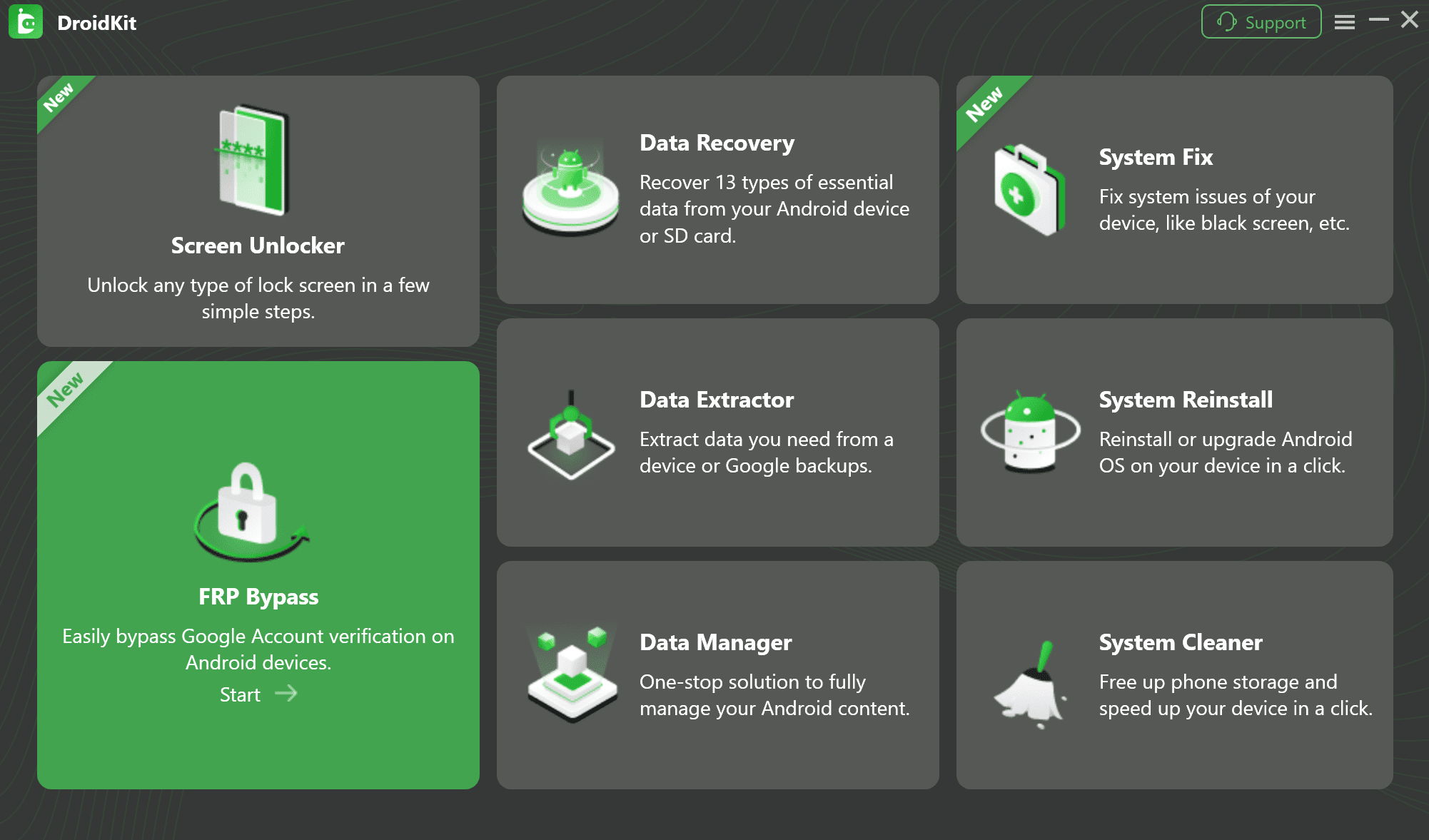
Step 1. Launch DroidKit and select FRP Bypass.
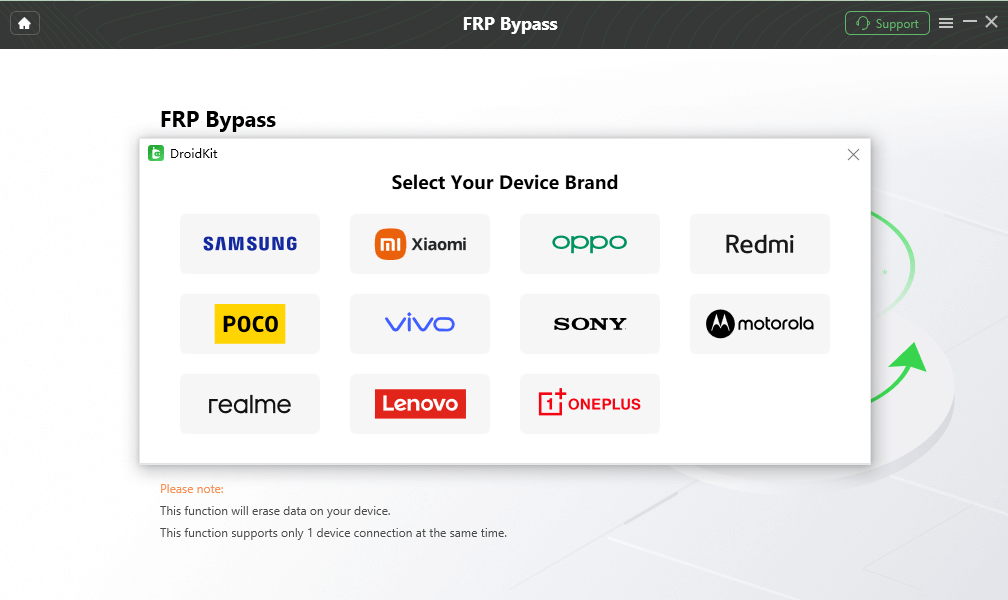
Step 2. Connect the Android phone to the computer and select the device brand when prompted.
Step 3. Let DroidKit prepare the configuration required for the connected device.
Step 4. Follow the instructions shown for that model and Android version. The required screens and settings can differ between devices.
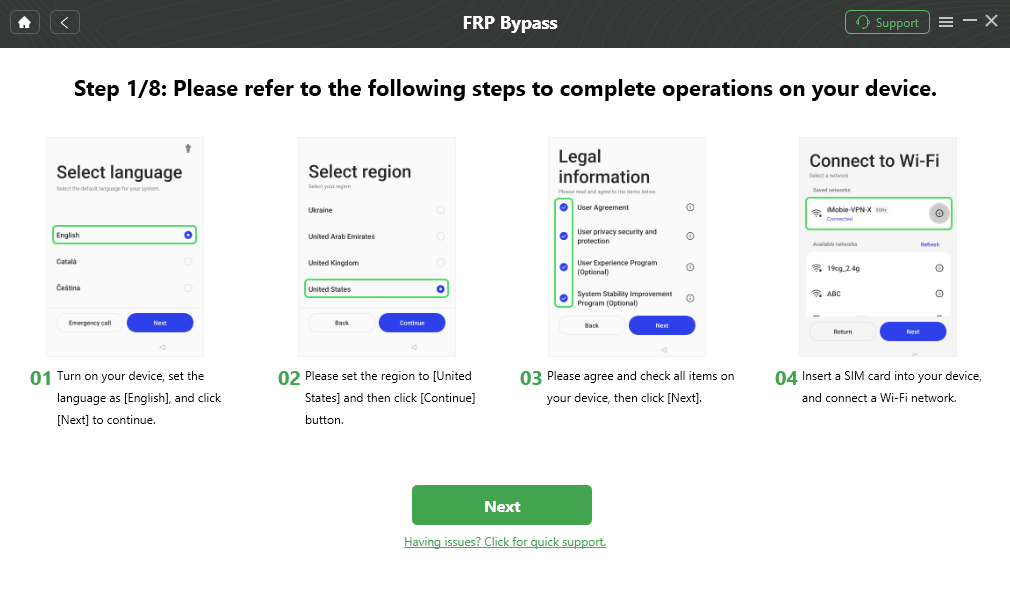
Step 5. Complete the guided workflow and wait for DroidKit to report the result.
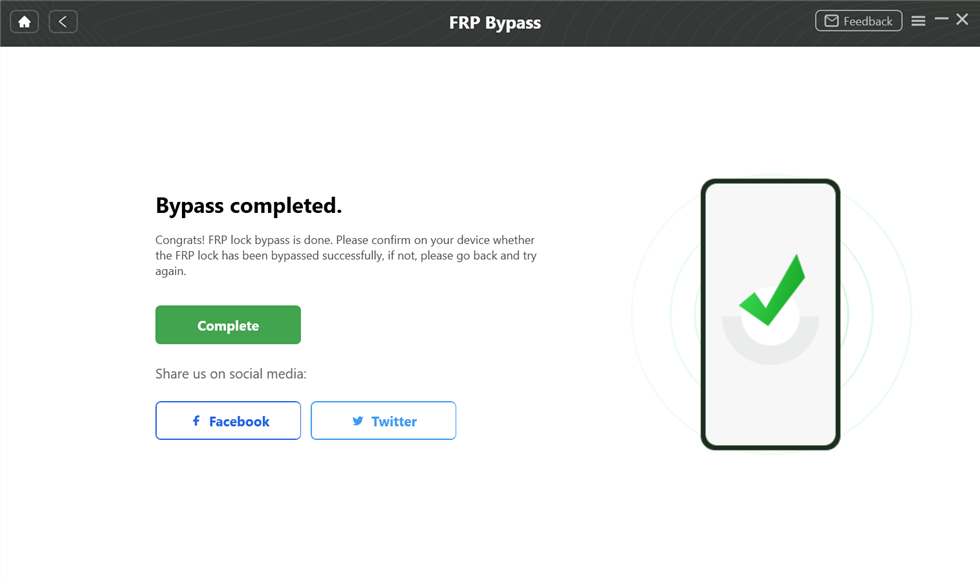
No FRP tool should be presented as universally compatible. Check the current supported models and Android versions before starting.
FAQs About DM Repair Tech
1. What is FRP Bypass Tool DM Repair Tech?
The term generally refers to FRP and Android service tools published or introduced through the DM Repair Tech website. In 2026, the site contains multiple utilities and repair resources rather than one clearly documented universal FRP application for every Samsung device.
2. Is FRP Bypass Tool DM Repair Tech free?
DM Repair Tech publishes links to various tools, including free utilities, but pricing and licensing depend on the specific program. Do not assume that every tool or related service on the site is free.
3. Is DM Repair Tech safe to download from?
Safety depends on the specific file, developer, version, and download host. Because some downloads can be hosted externally, inspect the source and scan the file rather than treating every download from or linked by the site as automatically safe.
4. Does DM Repair Tech work on every Samsung phone?
No universal compatibility should be assumed. FRP procedures can depend on the Galaxy model, Android version, One UI version, chipset, bootloader, and security patch.
5. Can DM Repair Tech remove Samsung FRP after a factory reset?
The DM Repair Tech site publishes Samsung FRP-related utilities and procedures, but whether a particular method works depends on the specific device and software version. Use only a method that explicitly matches the phone you are authorized to service.
6. Why is a DM Repair Tech FRP method not working?
A common reason is compatibility: an older tool or workflow may depend on a Samsung security behavior that has since changed. Also check the required drivers, USB connection, device mode, Android version, and security patch before repeating a procedure.
7. Is DroidKit an alternative to DM Repair Tech?
Yes, for supported devices. DroidKit FRP Bypass uses a guided interface rather than requiring users to choose among multiple third-party utilities. Device support still needs to be checked before starting.
Conclusion
FRP Bypass Tool DM Repair Tech remains a useful search term because the DM Repair Tech website continues to publish Samsung FRP, Android utility, firmware, and unlock resources. But it is important not to treat every file on the site as one universal DM FRP product or assume that an older tutorial will work on every new Samsung security patch.
If you are comfortable evaluating individual utilities, confirm the exact tool, source, Samsung model, Android version, and requirements before downloading anything. If you prefer a single guided workflow for a supported Android device, DroidKit FRP Bypass provides an alternative approach.
More Related Articles


Roger Smith is a senior technical writer with years of experience in providing Android solutions. He loves to help users solve various problems such as Android unlock, Android data recovery, and Android system repair.
Product-related questions? Contact Our Support Team to Get Quick Solution >
