8 Best Samsung FRP Online Tools for Remote Unlock [Latest]
This guide compares the 8 best Samsung FRP online tools. You will learn about the reliable and trusted options, as well as other third-party FRP online tools. Read the comparison of the top 8 tools to find the best one for you.
FRP tools are often used to bypass Google account verification after resetting Android phones, especially Samsung models. However, there are a lot of Samsung FRP online tools in the market that the user often confuses, which one to choose? On top of that, the presence of malicious and virus software also puzzles the user. But you don’t have to worry! This guide compares the 8 most effective and trusted FRP solutions, including their supported models, pricing, and performance. So, you can choose the tool that saves you time and keeps your business running smoothly.
Can I Remove Google FRP Lock for Samsung Phones Online?
Online Samsung FRP removal services can remove Google’s Factory Reset Protection without listing step-by-step procedures. Technically, providers typically use temporary exploits, authorized ADB/remote access, or one-time privileged operations to clear the lock.
Is Samsung FRP Online Service Safe & Legal?
Services for Samsung FRP removal—whether free or paid—carry legal, warranty, and security risks. Before using one, verify the provider’s reputation and documented success cases, insist on proof of ownership, never share account passwords or unnecessary personal data, limit submissions to device identifiers (IMEI/serial), and confirm the service’s legality and refund policy in your jurisdiction.
Top 8 Samsung FRP Online Tools/Services
The list of tools below shows what each one does, which Samsung phones it works with, how much it costs, how fast it is, and the main pros and cons so you can choose the one that suits you best:
1. Samsung FRP Online Tool
Samsung FRP Online Tool is an FRP-bypass solution that offers a single-click FRP solution you run from a computer, aimed at non-technical users. One can bypass their Samsung using it in a browser, without requiring any kind of installation.
Supported Devices: It supports many Samsung models running Android 14 and earlier.
Unlock Time: Within 10 minutes once the right method and device are supported.
Pros:
- High success rate in removing FRP on your Samsung.
- Offers clear step-by-step instructions with a user-friendly interface.
- Regularly updated and backed by a trusted developer.
Cons:
- Need to manually enter the IMEI or connect the device so the tool can detect it.
2. CPID Server Samsung FRP Removal
CPID Server is a remote unlocking service that removes FRP locks through secure online access, supporting all Samsung devices. It’s a fast, low-cost option for users who prefer technician-assisted remote unlocking, and if CPID Server is unable to unlock your device, it will return the amount you paid for the unlock.
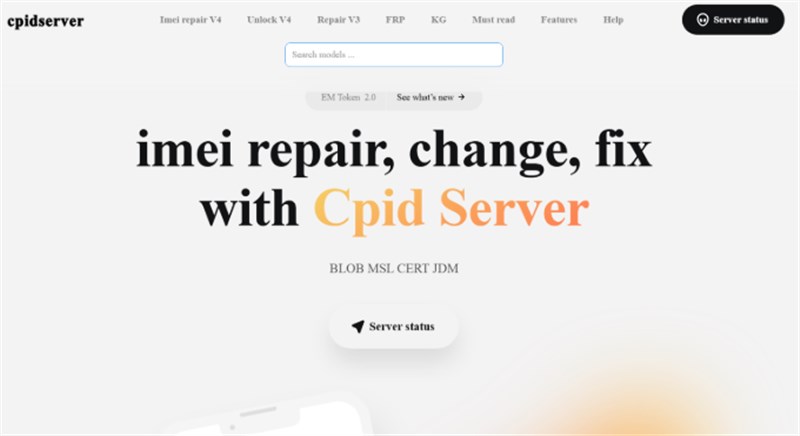
Price: An instant remote service costs around $15 and is routed via a cryptocurrency gateway for secure transactions.
Unlock Time: The process usually takes 5 to 10 minutes.
Pros:
- Affordable remote unlocking with quick response times.
- Works for many newer Samsung devices via EDL/CPID mode.
- Simple order process once you provide IMEI and model info.
Cons:
- Samsung FRP bypass service is often down.
- Uses crypto as its payment gateway, which can be inconvenient for some users.
3. UnlockHere
UnlockHere employs its AI assistant, Nifty, which helps you collect basic information about your Samsung device. To make sure that the correct details are provided to prevent any technical issues later on.
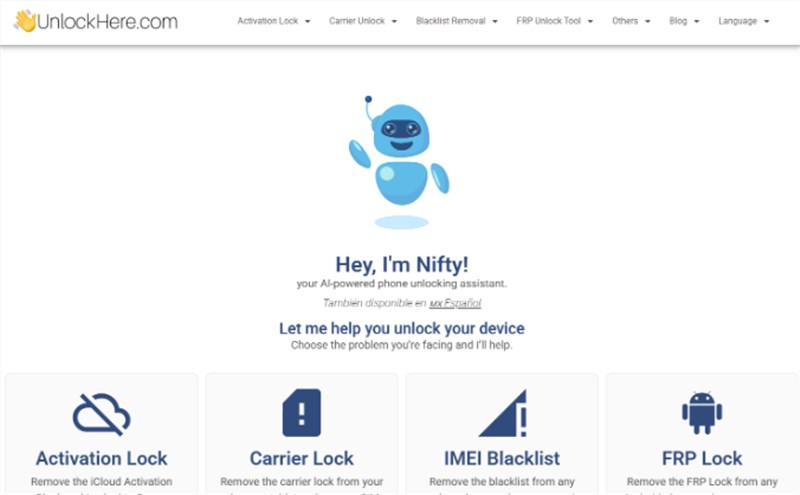
Price: You can get UnlockHere for just $1 for a single FRP bypass service.
Unlock Time: It takes 10 – 20 minutes.
Pros:
- Interface is designed for beginners with easy-to-follow instructions.
- Reasonable pricing for Samsung devices.
Cons:
- Several users have reported not receiving confirmation emails, regardless of completing their payment.
- Some users have also reported that after making a payment, they are redirected to suspicious gaming or movie websites.
4. FRPRemoval
FRPRemoval provides online FRP-bypass solutions for Samsung and other Android devices in just a few simple steps. It’s free, claims a 97.8% success rate, and supports users across 197 countries. The communications during the process, and all information received and sent, are protected by SSL encryption and TLS protocols.
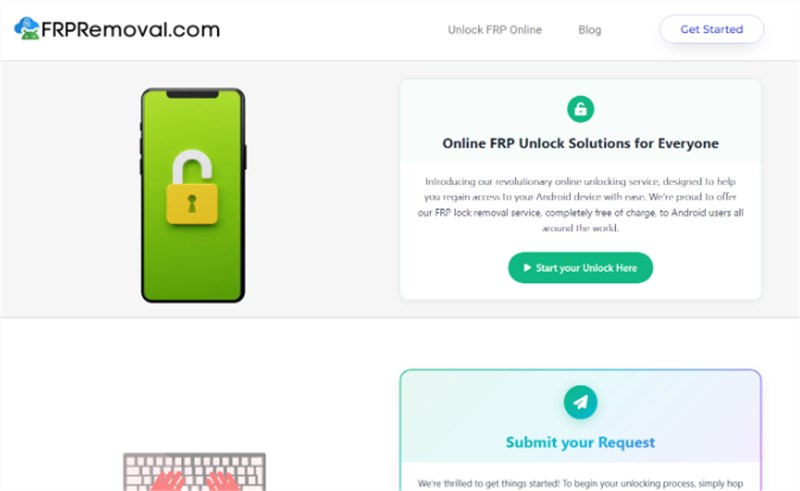
Price: It is essentially a free site with a one-time $1 verification fee.
Unlock Time: Unlocking FRP with UnlockFRP can take up to 5 minutes.
Pros:
- Unlocks are free once you have registered.
- With a 97% success rate, it is very likely to unlock your phone.
Cons:
- Users have reported that some “free” unlocks redirect to paid or third-party subscriptions.
5. UnlockBoot
UnlockBoot stands out for providing one of the quickest remote unlocking experiences available. The process is handled by real technicians, completing the job within minutes once connected to your device through TeamViewer, making it a great option for users who want reliability without complications.
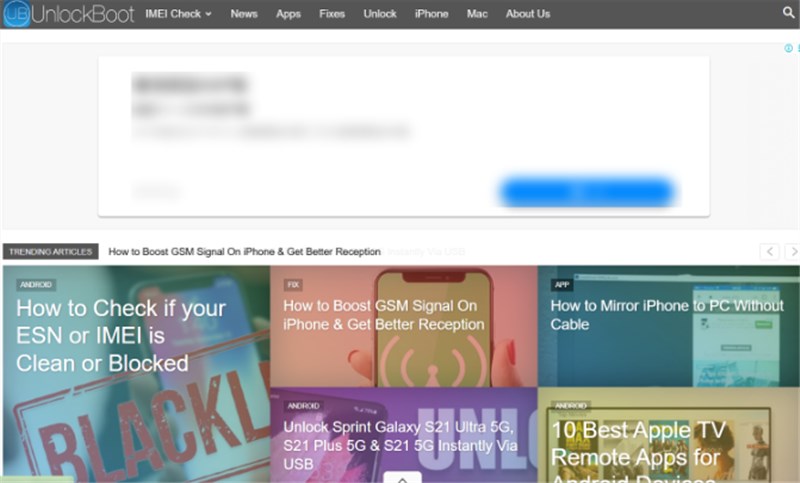
Price: Their prices range between $24 – $75 for the FRP removal process, depending on our carrier and model.
Unlock Time: They claim to remove FRP in under 30 minutes. They will pay a partial refund, in case of being late.
Pros:
- Supports Samsung and many other Android phones.
- Unlocks devices in under 30 minutes.
- Offers a guarantee of data protection.
Cons:
- Requires a PC and USB connection setup.
6. ExpressUnlocks
ExpressUnlocks provides IMEI-based unlocks for Samsung. The best thing is that their FRP bypass is more stable than others, as they offer carrier-grade bypass. On top of that, they match your Samsung’s IMEI with a database to find the possibility of unlocking your Samsung phone.
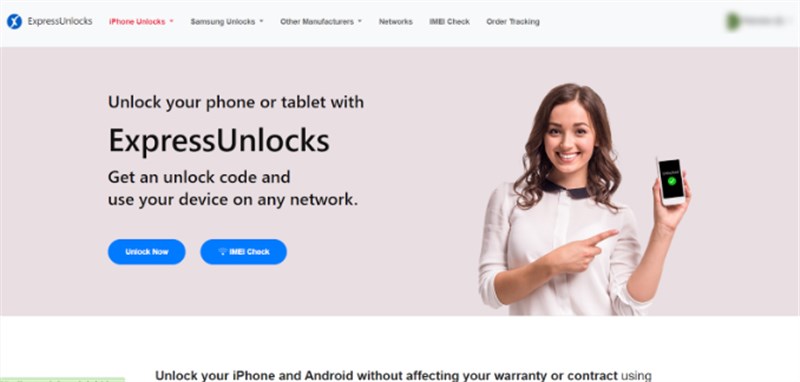
Price: Variable pricing structure, but the cost often starts from $19.95, depending on your model.
Unlock Time: It can unlock in 30 minutes.
Pros:
- Offers secure online payment and refund options.
- More stable than most of the online and offline methods.
Cons:
- FRP unlock success varies by device and software patch.
7. UnlockJunky
UnlockJunky takes pride in its services as they have hired Samsung technicians, having insider knowledge. They claim to provide a permanent Samsung FRP bypass service, along with a certificate to the users.
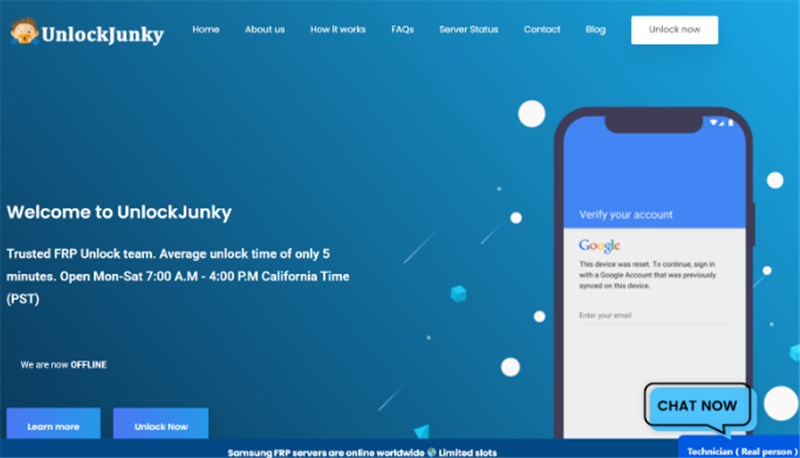
Price: FRP unlocks are one of the most selling services for UnlockJunky, and it costs 40$.
Unlock Time: They unlock your Samsung phone within 5 to 15 minutes..
Pros:
- Quick remote unlocks handled by real technicians.
- An unlocking system that can even survive factory resets.
- Fast and reliable live chat for excellent customer support.
Cons:
- Availability is limited to specific working hours.
You may also like: How-to Guide: Use UnlockJunky to Bypass FRP Lock >
8. SafeUnlocks
SafeUnlocks uses browser-based ADB to deliver instant, no-install FRP unlocks for Samsung devices with an overall success rate of 97%; connections are encrypted (HTTPS/SSL), the service is protected against DDoS, with a privacy policy that describes GDPR-style data handling.
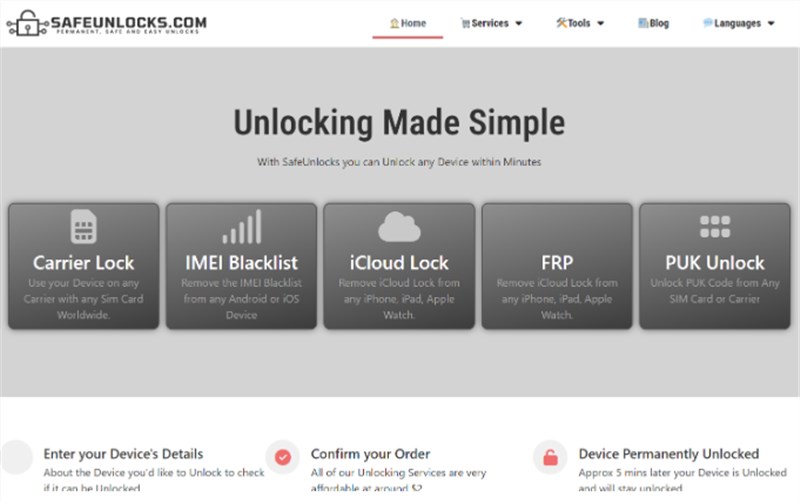
Price: SafeUnlocks charges a $1 registration fee followed by an automatic $45 subscription after five days, with users noting limited cancellation options.
Unlock Time: They unlock your phone within a few minutes.
Pros:
- Offers a completely online FRP unlock process.
- Straightforward web interface for beginners.
Cons:
- Refund and contact details are not always clearly stated.
Comparison of Samsung FRP Online Tools
The following table compares all eight Samsung FRP online services:
| Tool / Service | Supported Devices | Ease of Use | Unlock Time |
| Samsung FRP Online Tools | Samsung devices running Android 14 and earlier | Very Easy | < 10 minutes |
| CPID Server | Most Samsung models via EDL/CPID methods | Hard | 5 – 10 min |
| UnlockHere | Samsung + select Android brands | Easy | 10 – 20 minutes |
| FRPRemoval | Samsung and other Android phones | Moderate | 5 min |
| UnlockBoot | Samsung & many Android brands | Moderate | < 30 min |
| ExpressUnlocks | Samsung and other brands (IMEI-based) | Easy | 30 min |
| UnlockJunky | Samsung, LG, Motorola, etc. | Moderate | 5 – 15 min |
| SafeUnlocks | Samsung devices | Easy | A few minutes to 10 minutes |
Amongst all, Samsung FRP Online Tool is the top pick as it offers broad device support, updates, a clear desktop-based model, and a trusted reputation, making it a safer choice for those who prefer not relying on unverified services.
FAQs about Samsung FRP Online Tool
Q1. Can I remove FRP on Samsung remotely?
Yes, some reputable online services and tools can remove FRP remotely after verifying ownership and device details. These services carry legal, warranty, and security risks, so always confirm provider credibility and local legality first.
Q2. Can I use an FRP bypass service without a PC?
Yes, some providers offer code-based or on-device FRP services that don’t require a PC or USB connection; you typically only need to provide the IMEI/serial and a contact email.
Q3. Is there any Samsung S24 FRP unlock tool free?
Modern flagships like the Samsung S24 have strong protections, so free universal FRP tools are rare or ineffective. Expect to pay for vetted services or seek official support, and prioritize legal and secure options.
Conclusion
Choosing the right Samsung FRP online service can save you time and stress when you’re locked out of your device. In this guide, we’ve introduced 8 trusted Samsung FRP removal tools for different situations. Among them, Samsung FRP Online Tool stands out with its secure verification process, frequent updates, and simple request-based unlocking service. Consider trying Samsung FRP Online Tool to unlock a Google-locked phone with confidence.


Roger Smith is a senior technical writer with years of experience in providing Android solutions. He loves to help users solve various problems such as Android unlock, Android data recovery, and Android system repair.
Product-related questions? Contact Our Support Team to Get Quick Solution >
