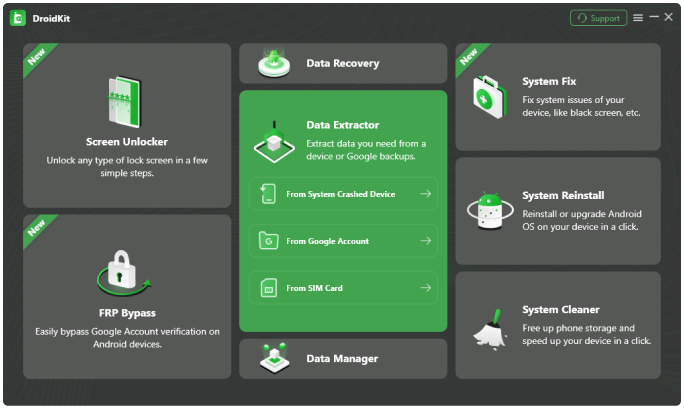

Google Drive can automatically back up your WhatsApp messages and other device data on a regular basis. Contacts, photos, and calendar events on the phone are also synced to your Google Account in real time. So, if you failed to recover lost data from the device directly, Google provides you with a silver lining. And iMobie DroidKit lets you preview and extract exactly what you need.
Free Download For Win & Mac | 100% Clean & Secure
See Pricing60-Day Money Back Guarantee

iMobie DroidKit enables you to preview your Google WhatsApp backup and Google backup, as well as everything in your Google Photos/Contacts/Calendar. So you'll be clear whether the data you want is inside or not. And then feel free to extract the data and files you need, to your Android phone or to the computer, as you wish.
| Google WhatsApp Backup |
|
| Google Backup |
|
| Google Photos |
|
| Google Contacts |
|
| Google Calendar |
|
The best solution must also be the most private. So iMobie DroidKit works with the strongest SSL-256 encryption to protect all your data from prying eyes. It never retains your Google account, password, or any content. Your data and personal information are guaranteed to be 100% private and confidential.
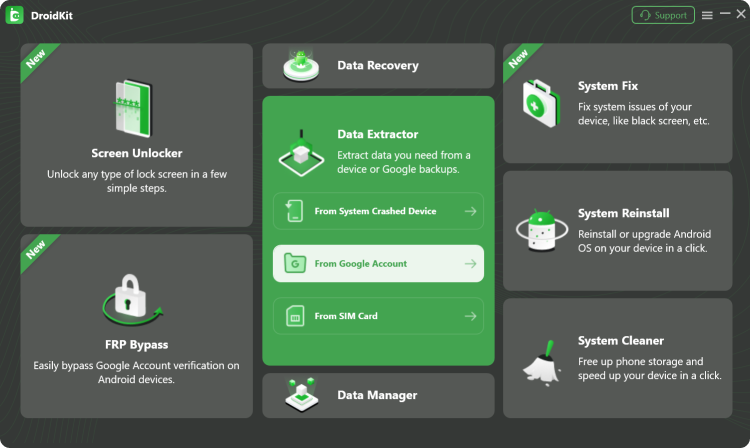
1 Download and install DroidKit on your computer. Open it and select “From Google Account” mode.
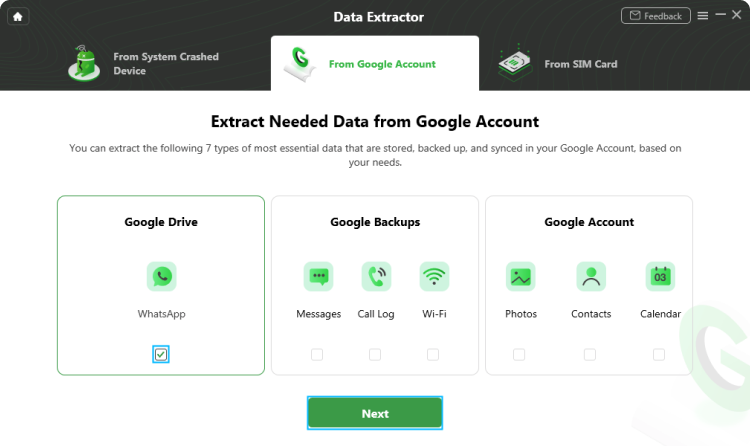
2 Choose either Google Drive or Google Backups option, then select the backup you want to extract.
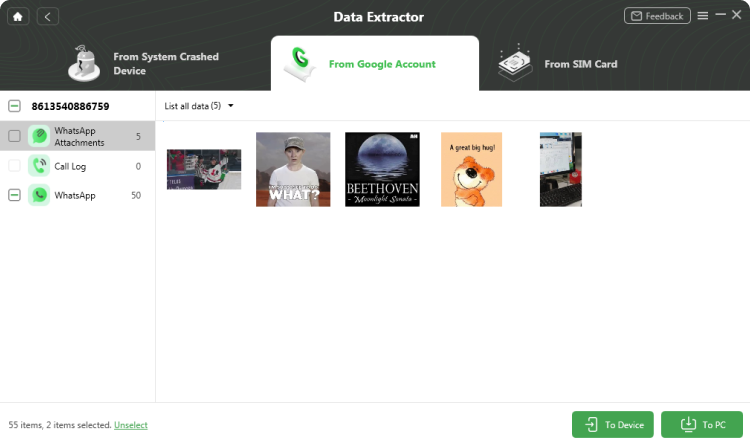
3 Preview your WhatsApp messages, photos, or contacts and extract them to your computer or Android device.
You can extract a variety of data stored in your Google Account, including WhatsApp messages and attachments, Google backups (messages, call logs, Wi‑Fi passwords), Google Photos, contacts (like phone numbers and email addresses), and calendar events.
Yes. DroidKit lets you preview the contents of your Google backups before extraction, including WhatsApp messages and attachments such as photos, videos, voice messages, and documents, so you can confirm that the data you need is available.
Yes. DroidKit uses strong SSL‑256 encryption to protect your information and never retains your Google account credentials, password, or personal content, keeping your data private and confidential.
Yes. DroidKit offers two options: you can either save the extracted data to your Computer (in formats like .csv, .vcf, or .html) or restore it directly to your Android Device.
The complete Android solution to save your lost data, revive your dead phone, and optimize your mobile experience in a way simple, smart, and secure.
Free Download Downloads and Counting 10,039,441
See Pricing
Rated 4.8/5
Based on 195 Customer Reviews >
Recover Lost Data from Device without Backup
Remove Screen Locks of Any Kind in Minutes
Remove Google Account Easily and Instantly
Fix All Android System Issues without Root
Preview and Extract Data from Google Account
Save Data from System Crashed Samsung Device
Recover Deleted or Formatted Files from SD Card
Manage All Android Data and Files at Your Fingertips