iMobie DroidKit enables you to recover lost WhatsApp messages and files from your phone/tablet, Google WhatsApp backups, and even the broken Samsung device, guaranteeing the highest success rate. No need to root your device. No skills or complicated operations required. You can restore WhatsApp messages, photos, videos, and other media files easily in no time.
Free Download For Win & Mac | 100% Clean & Secure
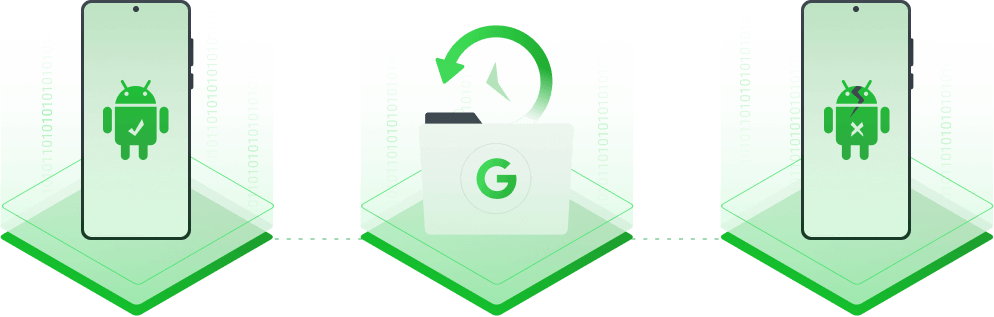
iMobie Droidkit believes the more recovery measures guarantee the higher recovery success rate. So it makes every effort to get back what you lost in every possible way - scan the device to find your lost chats, extract your WhatsApp data from Google backups, or even salvage them from a system crashed Samsung phone or tablet.
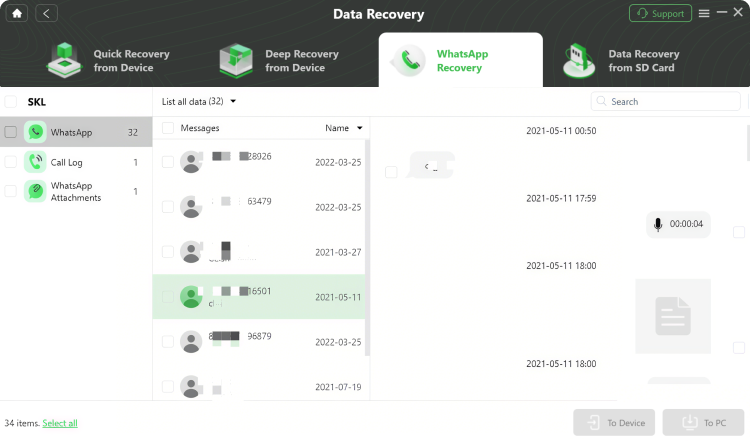
No matter which measure you choose, iMobie DroidKit allows you to preview what’s inside before making a restore or extraction. And then you can make a full restore in a click or just retrieve the messages or files you need. No overwriting of anything existing on your phone. What if you want to extract WhatsApp chats to the computer for future use, instead of restoring them to your phone? Sure, go ahead.
iMobie DroidKit makes the complicated WhatsApp recovery as plain as a few clicks. No tech skills or tedious operations required, and no need to root your device. With an intuitive UI and a friendly wizard, you can get back your lost WhatsApp messages and media files easily in minutes.
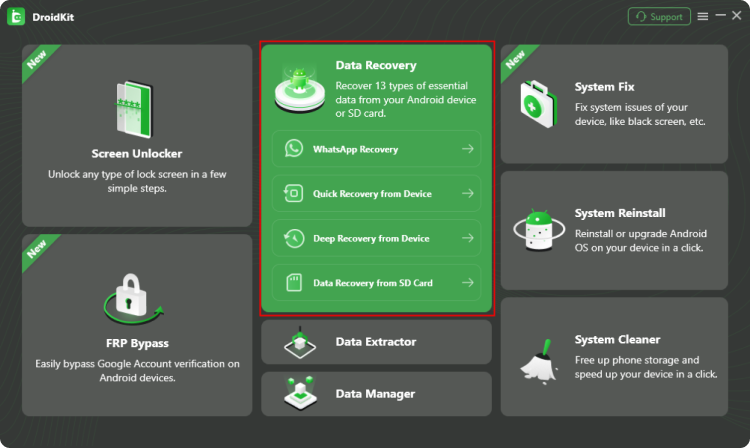
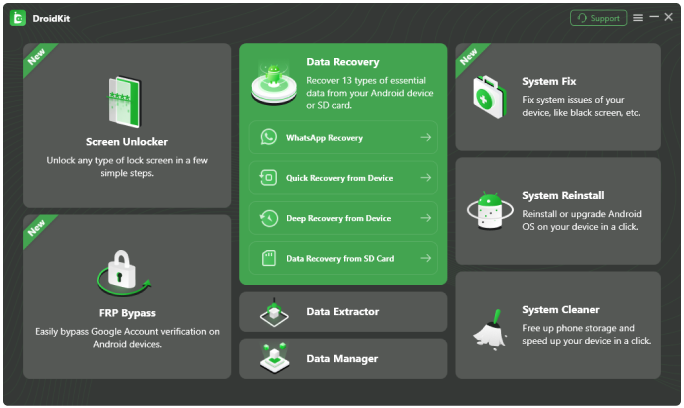
1 Launch DroidKit and select Data Recovery.
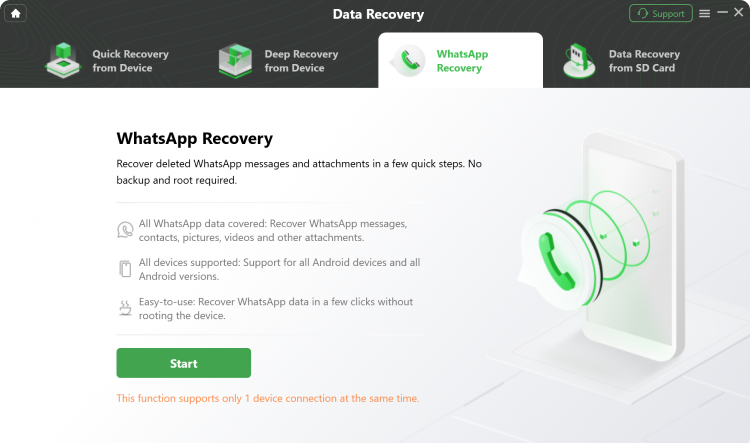
2 Select Whatsapp Recovery, and connect your Android device via USB.
3 Choose and preview the data and then recover to the computer.
DroidKit can recover WhatsApp messages, photos, videos, and other attached media files.
Yes, one of the supported recovery measures can salvage WhatsApp data even from a system‑crashed Samsung phone or tablet.
Yes, DroidKit can scan your device directly to find and restore deleted WhatsApp messages even if you have no backup.
DroidKit supports WhatsApp recovery on most Android phones and tablets running Android 5 and above.
The complete Android solution to save your lost data, revive your dead phone, and optimize your mobile experience in a way simple, smart, and secure.
Free
Download
Rated 4.8/5
Based on 195 Customer Reviews >
Recover Lost Data from Device without Backup
Remove Screen Locks of Any Kind in Minutes
Remove Google Account Easily and Instantly
Fix All Android System Issues without Root
Preview and Extract Data from Google Account
Save Data from System Crashed Samsung Device
Recover Deleted or Formatted Files from SD Card
Manage All Android Data and Files at Your Fingertips