How to Jailbreak iPhone 15/15 Pro With/Without Computer
There is currently no public jailbreak available for the iPhone 15 series, as Apple’s latest iOS updates have patched the critical vulnerabilities. However, there are still solutions for jailbreaking iPhone 15 with or without a computer, like Zeon Repo Extractor and Sileem Repo Extractor. As a safer solution, AnyUnlock provides a jailbreak-like experience by removing other iOS restrictions safely.
Jailbreaking your iPhone means removing Apple’s built-in restrictions to gain root-level access. With this, you can install unauthorized apps, apply custom themes, and use tweaks that are unavailable in the App Store. Since the release of the iPhone 15, many users have been asking whether a jailbreak is possible. The truth is: there is no official “jailbreak iPhone 15” solution yet. However, some community-driven tools and methods claim to work on newer models. In this guide, we explain what jailbreaking does and cover how you can even jailbreak a locked iPhone, examining tools both without a PC and with a PC.
What Does Jailbreaking an iPhone Do?
Jailbreaking essentially lifts Apple’s built-in restrictions to give you more control over your device. In practice, a jailbroken iPhone can run apps and themes that are normally blocked by developers. This means you can change system settings, apply custom icons, and animations.
Why Jailbreaking Isn’t Publicly Available for iPhone 15?
Right now, no public jailbreak exists for the new iPhone 15 series, mainly due to enhanced security. Older exploits, such as Checkra1n, only affect A5 to A11 devices and do not work on newer devices.
In addition, Apple quickly patches security holes in iOS updates, so any vulnerabilities found are often fixed before a public jailbreak can be released.
Can I Jailbreak My iPhone 15 or 15 Pro?
Right now, you cannot fully jailbreak the iPhone 15 using any tool. Most existing jailbreak tools only support older iPhones with A11 or earlier chips. Instead, many users rely on repo extractors that add limited jailbreak-like functionality.
Is a Jailbroken iPhone Illegal?
Most countries, such as the USA, do legally allow jailbreaking because of exemptions under the DMCA. The act of bypassing iOS restrictions is not considered a crime under current laws. However, Apple treats jailbreaking as a violation of its terms of service.
Is It Risky to Jailbreak an iPhone?
Yes, you can achieve limited jailbreak-like features on the iPhone 15 or 15 Pro—but not a full jailbreak. Most existing jailbreak tools only support older iPhones with A11 or earlier chips. Instead, many users rely on repo extractors that add limited jailbreak-like functionality. While these methods don’t provide the same deep control as classic jailbreaks, they are currently the only practical options for iPhone 15 devices.
How to Jailbreak iPhone 15/15 Pro Without a Computer for Free?
If you don’t have a PC, several on-device tools can add jailbreak-like features. The main options to jailbreak iPhone 15 include:
Zeon Repo Extractor
Being a popular jailbreak repo extractor for iOS 17, it installs jailbreak apps and tweaks by extracting repos correctly. Moreover, Zeon even offers light versions of Cydia and Sileo to help you find tweaks.
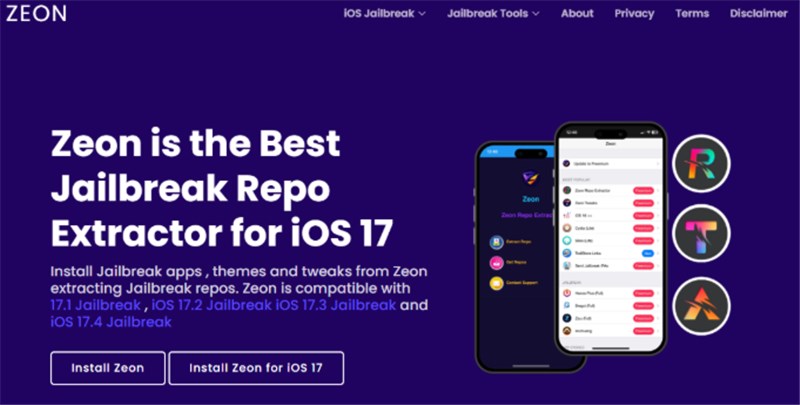
Zeon Repo Extractor
Pros:
- No computer needed, as everything runs on-device
- Install jailbreak tweaks from thousands of repos.
Con:
- Relies on external repos, so it could be a security risk.
Checkra1n Mirror
This app is a mobile-only spin on the Checkra1n jailbreak for iOS 17. It runs a code-generator app on the iPhone 15, so you generate a unique exploit code and install Cydia on your device.
Checkra1n Mirror
Pros:
- Supports A12 and newer iPhones (including iPhone 15 series).
- Simpler process compared to many jailbreaking options.
Con:
- Jailbreaking ability is limited to iOS 17 only.
Sileem Repo Extractor
Sileem is another on-device installer that extracts repos on iPhone. It lets you install third-party tweaks, games, and themes by extracting repository URLs.
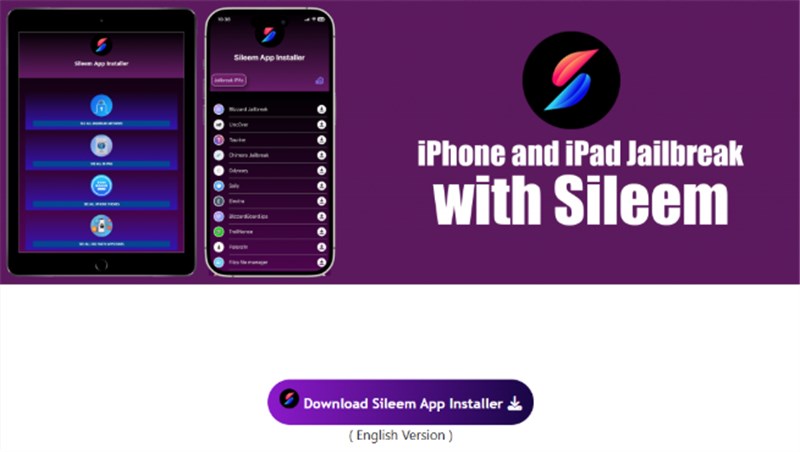
Sileem Repo Extractor
Pros:
- Covers the newest iPhones and iOS versions (16 to 18.3).
- No root access to jailbreak iPhone 15 means your warranty stays intact.
Con:
- Not a real jailbreak, as it only lets you install from pre-approved repos.
Unc0ver Black Edition
It is an online jailbreak tool for iOS 17, which allows you to install its profile on your iPhone. Afterwards, this tool checks compatibility and then installs a dark-themed Cydia client.
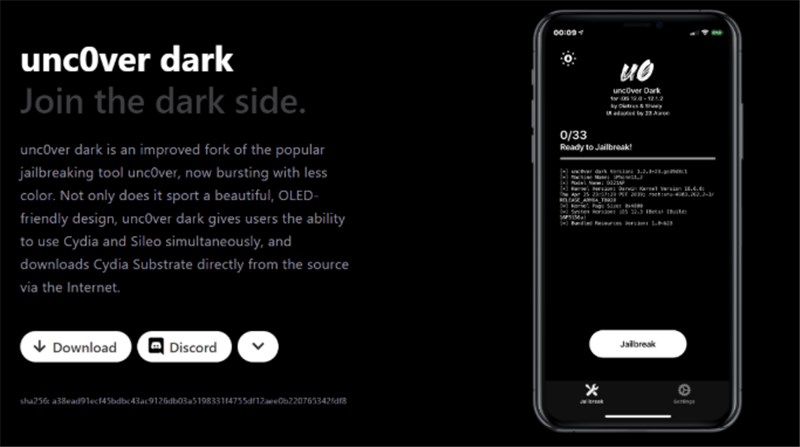
Unc0ver Black Edition
Pros:
- One-click process via the mobile app interface.
- Supports using Cydia to install tweaks on iOS 17.
Con:
- Limited to early iOS 17 versions, as newer updates are not supported.
How to Jailbreak iPhone 15/15 Pro with a Computer for Free?
With a computer, you can use more traditional jailbreak tools. However, most of the following methods may still be limited to older devices:
WinRa1n for Windows
WinRa1n is a free Windows app that jailbreaks iPhones with A7 to A11 chips. Moreover, it bundles the latest Checkra1n and Palera1n exploits into a one-click interface.
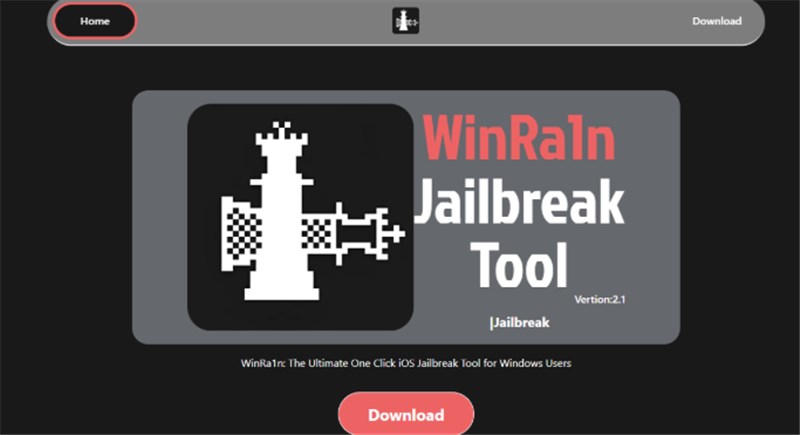
WinRa1n for Windows
Pros:
- No need for manual DFU or special cables.
- Works on a wide range of older iPhones (up to iPhone X).
Con:
- Cannot jailbreak iPhone 15, so you should look for alternatives.
Checkra1n for Mac
As a well-known semi-tethered jailbreak, it uses the checkm8 bootrom exploit on older iPhones. After that, this tool will jailbreak the device (installing Cydia) until the next reboot.
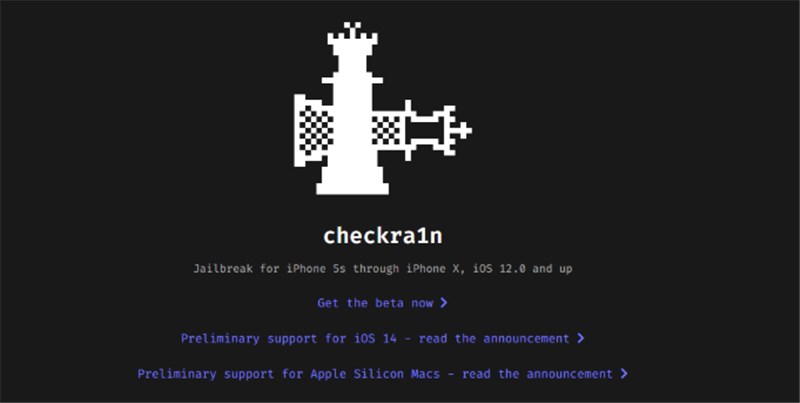
Checkra1n for Mac
Pros:
- Permanent hardware exploit to jailbreak any A7 to A11 device.
- Mature and reliable community tools are a plus point.
Con:
- Only available for Mac, as no Windows GUI has been built yet.
Palera1n Virtual Jailbreak for Mac
Palera1n is a developer-oriented jailbreak for iOS 15 and later devices. It’s designed for A8 to A11 iPhones and even Apple T2 Macs for an effective jailbreak.
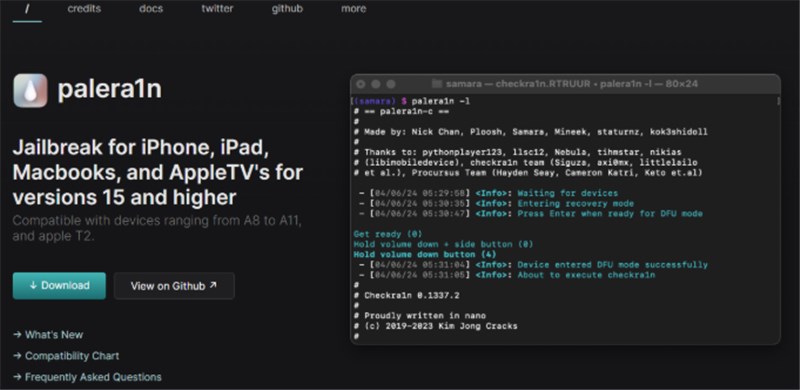
Palera1n Virtual Jailbreak for Mac
Pros:
- Actively maintained, so updates are released for new iOS versions
- Supports both rootless and full-root jailbreak types.
Con:
- Requires expertise in command-line tools, as it has no graphical interface.
Pangu for Windows and Mac
Pangu is a classic jailbreak team whose tools have targeted various iOS versions. Their apps typically provide a one-click jailbreak interface and install Cydia automatically.
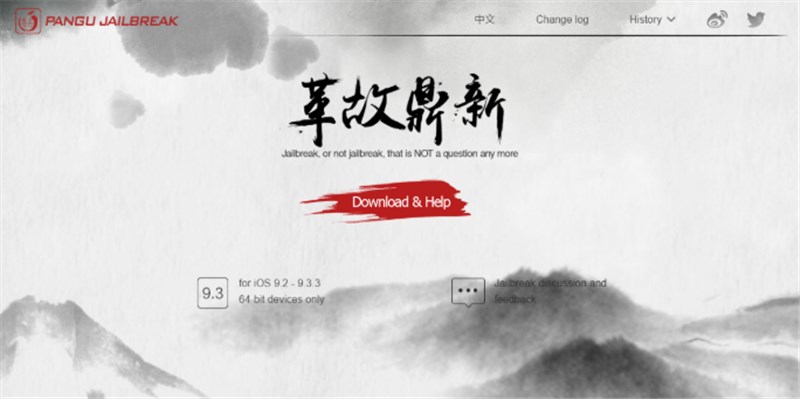
Pangu for Windows and Mac
Pros:
- It has guided on-screen instructions, which are easier for beginners.
- Well-known for releasing successful jailbreaks in the past.
Con:
- Do not support the iPhone 15 or iOS 17.
Jailbreak iPhone 15/15 Pro Even Locked [Easily & Safely]
For iOS devices locked by Activation Lock, AnyUnlock offers a simple solution. It automatically jailbreaks iPhone 15 and removes the iCloud lock in minutes, without the original Apple ID required. After bypassing, you can sign in with a new iCloud account and freely access services like iTunes, iCloud, and the App Store. Unlike complicated manual jailbreak methods, AnyUnlock completes the entire process in just a few clicks, making it both safe and beginner-friendly. Except for jailbreaking, AnyUnlock also supports removing iPhone lock screen, unlocking Apple ID, bypassing MDM, etc.
Key Features of AnyUnlock:
- Automatically jailbreaks your iPhone 15/15 Pro while removing Activation Lock, saving you time and effort.
- Regain access to iTunes, iCloud, and App Store in minutes without needing the original Apple ID.
- Works smoothly on both Windows and Mac for all compatible iOS devices.
- No technical skills are required; more suitable for beginners.
Free Download * 100% Clean & Safe
Here are the steps to jailbreak iPhone 15 via AnyUnlock:
Step 1. Install and launch AnyUnlock on your PC, and select the Bypass iCloud Activation Lock option from the interface.
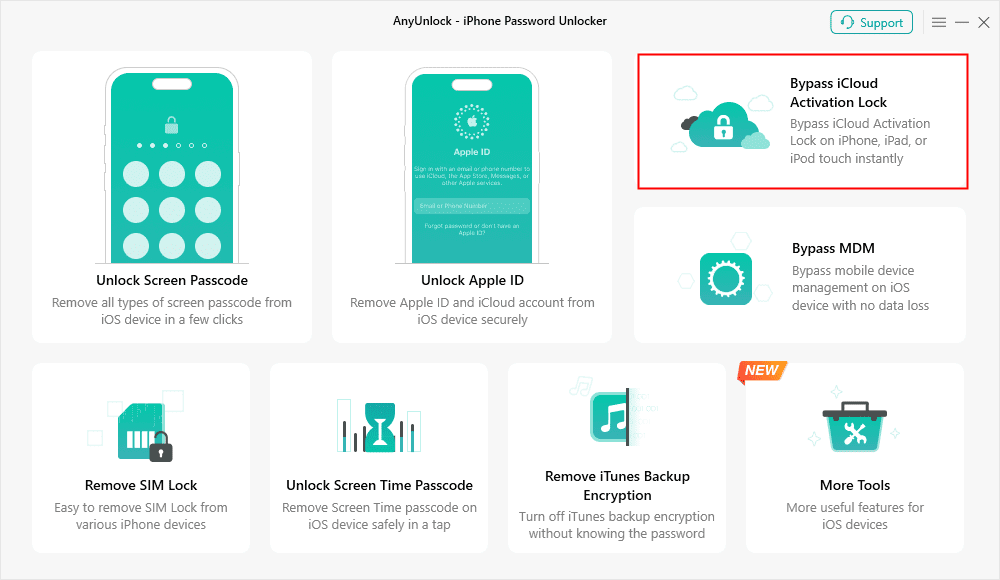
Bypass iCloud Activation Lock
Step 2. Connect your iPad to your PC and click Start Now to start the jailbreaking process.
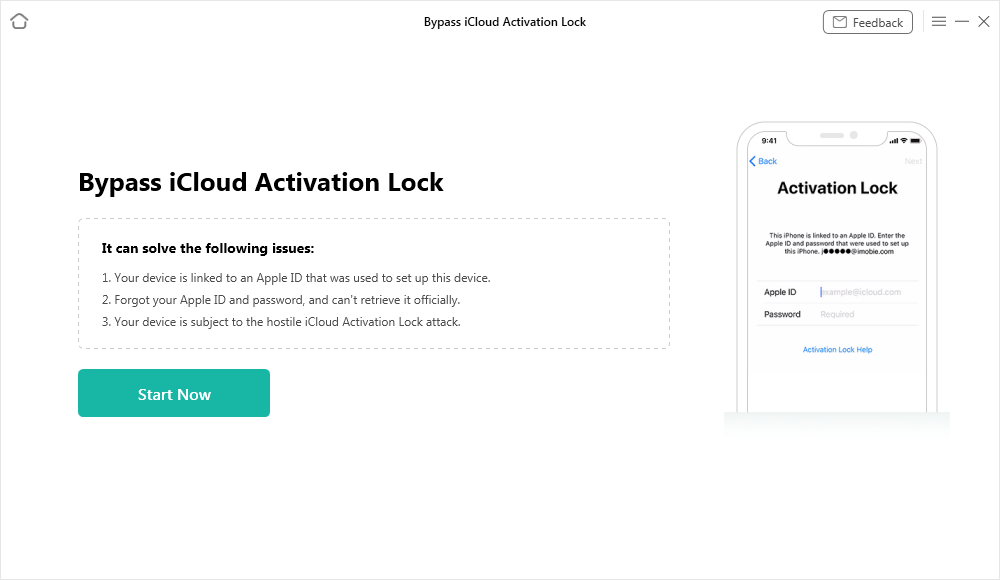
Connect Your iOS Device to the Computer
Step 3. Click on Jailbreak Now to allow AnyUnlock to jailbreak your iPhone.
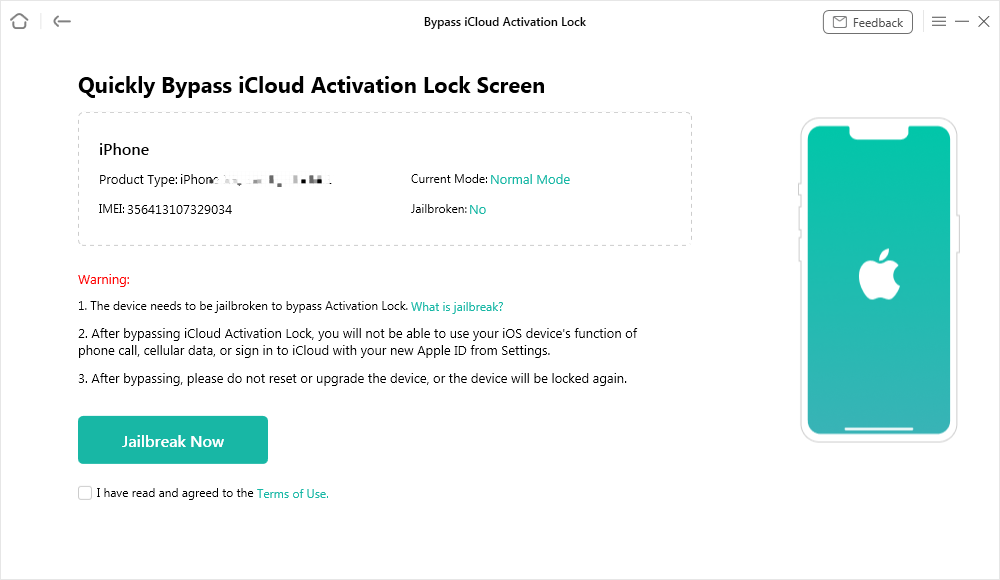
Jailbreak Your Device
Step 4. Once your iPad has been jailbroken, AnyUnlock will display your device information to help bypass the iCloud lock. Click Bypass Now to continue.
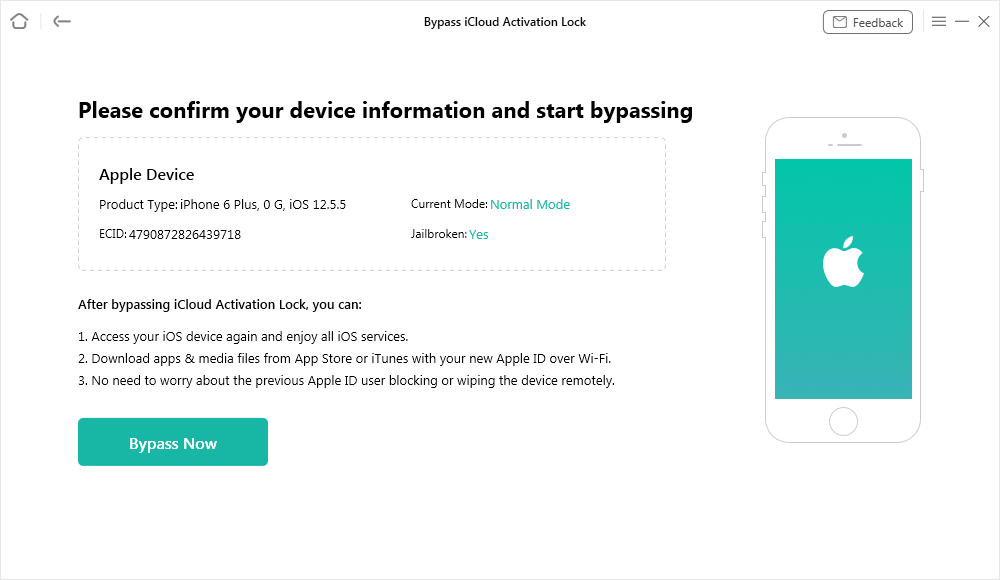
Confirm Your Device Information and Start Bypassing
Step 5. AnyUnlock will now begin bypassing the iCloud activation lock. Keep your iPhone plugged in during the process.
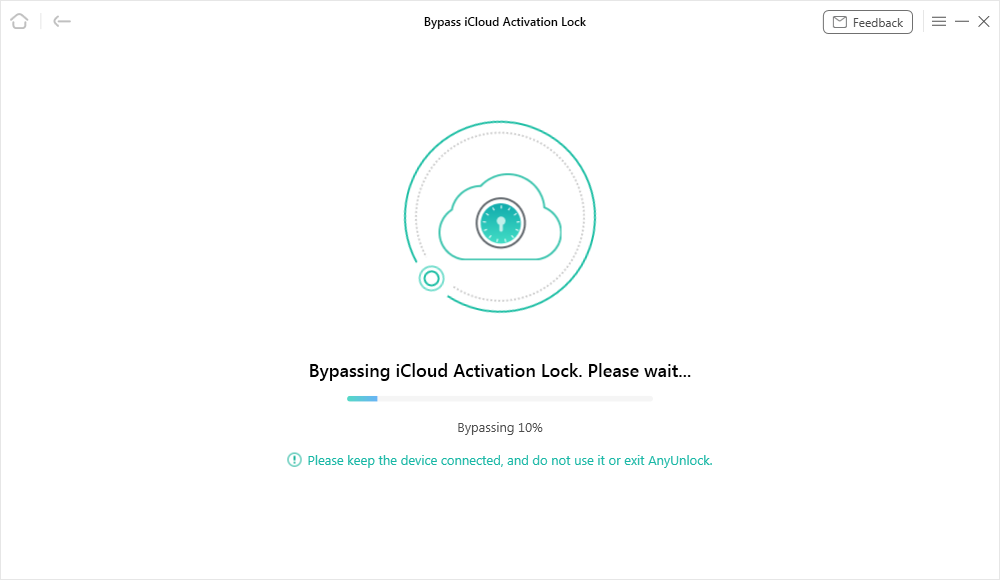
Bypassing iCloud Activation Lock
Step 6. Once the activation lock has been bypassed, you have successfully jailbroke your iPhone 15. Then you can access your device and set up a new Apple ID on it.
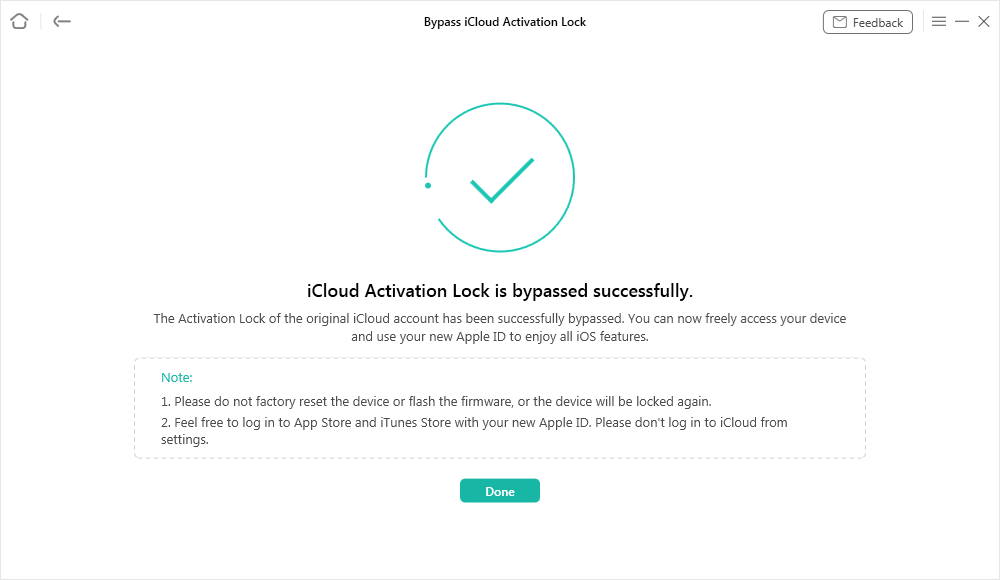
iCloud Activation Lock Is Bypassed Successfully
iPhone 15 Jailbreak Tool Comparison Chart
The following table will help you compare tools that help jailbreak iPhone 15:
| Tool | Requires PC or Not | Compatible iOS Version | Compatible Devices |
| AnyUnlock | Yes, Windows/Mac | Supports many iOS versions, including the latest iOS 26 | iPhone 15/15 Pro and many other iPhones and iPads |
| Zeon Repo Extractor | No | iOS 14 to 17 | iPhone 15 / 15 Pro (and many iOS 14 to 17 devices) |
| Checkra1n Mirror | No | iOS 17 (mobile variant) | iPhone 15 / 15 Pro (claims A12+ support) |
| Sileem Repo Extractor | No | iOS 16 to iOS 18.3.1 | iPhone 15 / 15 Pro (and other modern iPhones) |
| Unc0ver Black Edition | No | iOS 17 (early builds) | iOS 17 devices (varies by build) |
| WinRa1n | Yes, Windows | iOS 12 to 17 | A7 to A11 iPhones (up to iPhone X) |
| Checkra1n | Yes, Mac and Linux | iOS 12+ | iPhone 5s to X |
| Palera1n | Yes, Mac (terminal) | iOS 15+ (on supported hardware) | A8 to A11 devices (iPhone 8 and X) |
| Pangu | Yes, Windows / Mac | Older iOS builds (historical coverage) | Older iPhones historically targeted |
Among these, AnyUnlock stands out as the best option for a locked iPhone. Unlike other methods, AnyUnlock can jailbreak and remove the Activation Lock on an iPhone 15 safely.
FAQs about How to Jailbreak iPhone 15
Q1. What will I lose if I jailbreak my iPhone 15 Pro?
Jailbreaking voids your warranty and eliminates Apple’s security protections. Your iPhone becomes more prone to malware, and you may notice reduced battery life.
Q2. What tools claim to jailbreak iPhone 15 and iOS 17?
Many online tools advertise support for iPhone 15 and iOS 17, but none provide a true jailbreak.. In reality, these just install tweaks via repo extraction or partial Cydia clients.
Q3. How to Jailbreak iOS 15 for Free?
On iOS 15, free jailbreak tools exist for older devices. For instance, Checkra1n supports iOS 15 on A7 to A11 iPhones, and Palera1n works only on A11 iPhones.
Q4. What iOS devices can currently be jailbroken on iOS 18?
Palera1n’s online tool supports iOS 18 and newer, but it only exploits A8 to A11 devices. In practice, that means only iPhone 8 to X devices can be jailbroken.
Conclusion
As we summarize, this guide has shared 9 practical tools to enable jailbreak-like features on iPhone 15. However, most of these alternatives still come with limitations. Among them, AnyUnlock stands out as the most reliable choice. It not only removes Activation Lock but also performs the jailbreak process automatically, giving you a safer and smoother experience. Try AnyUnlock to safely unlock and customize your iPhone 15 now!
Free Download * 100% Clean & Safe



Joy Taylor is a seasoned technical writer with over a decade of experience in mobile technology. At iMobie, she specializes in producing in-depth content on iOS data recovery, iPhone unlocking solutions, and iOS troubleshooting.
Product-related questions? Contact Our Support Team to Get Quick Solution >
