- Overview
- Features
Recover Data from iPhone iPad
Save iPhone/iPad from Mistaken Deletion Restore Lost Data from iTunes Backup Grab Your Valuables from iCloud Recover Your Favorite App DataRescue iOS Device Back to Normal
Save iPhone/iPad from Breakdowns Remove Your iPhone Lock Screen Recover Your Screen Time PasscodePhoneRescue News & Tech
Innate Next-Gen Technologies New Updates You May Concern - Guide
- Review
- Tech Specs
- Free Trial
- See Pricing
Securely Remove Lock Screen on iPhone iPad
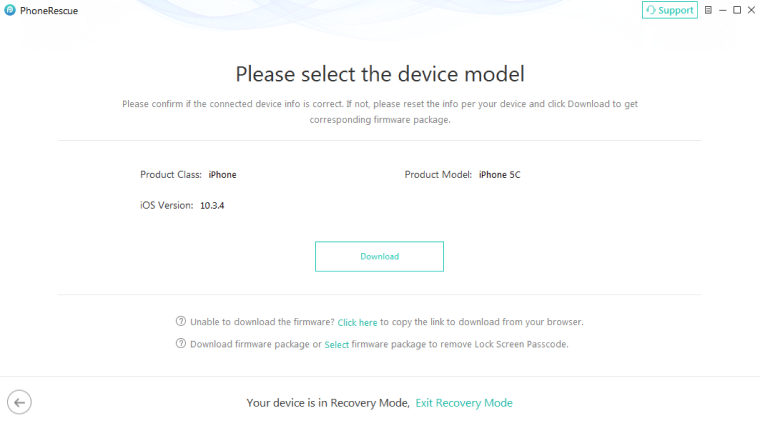
iPhone Lock Screen keeps protecting your personal data, but what if you forgot the passcode? PhoneRescue comes to fix it for you in a few clicks. No matter which kind of passcodes you set before, or what reasons caused your phone to be locked, this powerful tool works like an expert to rapidly analyze and unlock your iPhone iPad. Safe, simple and effective at the same time.
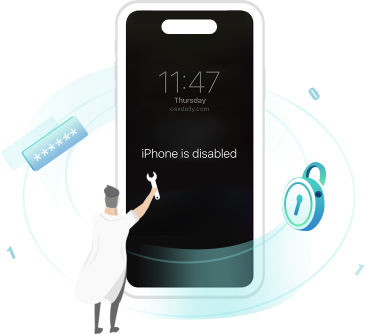
Bring Your Disabled iPhone Back to Life at A Glance
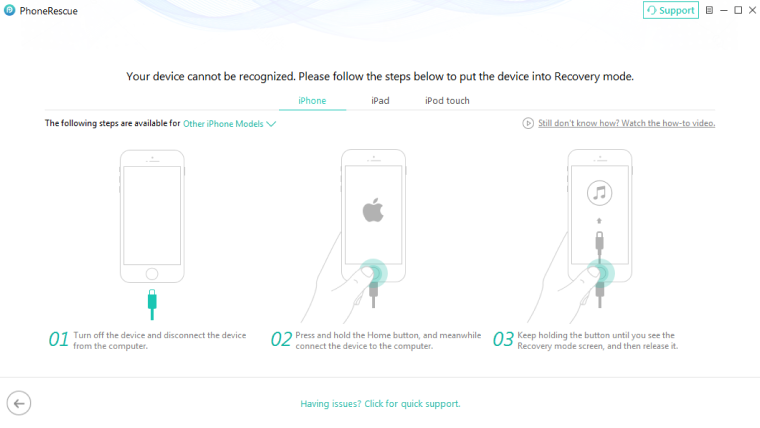
iPhone is disabled due to too many failed attempts? Some people may get their iPhone or iPad locked for years. That's crazy! Phonerescue knows how important your iPhone is to you. Thanks to the advanced algorithm, PhoneRescue makes it easy and fast to smartly unlock iPhone with a few simple steps, even people with no tech knowledge can fix it effortlessly. Just enjoy a cup of coffee, PhoneRescue will bring your disabled iPhone back to life soon.

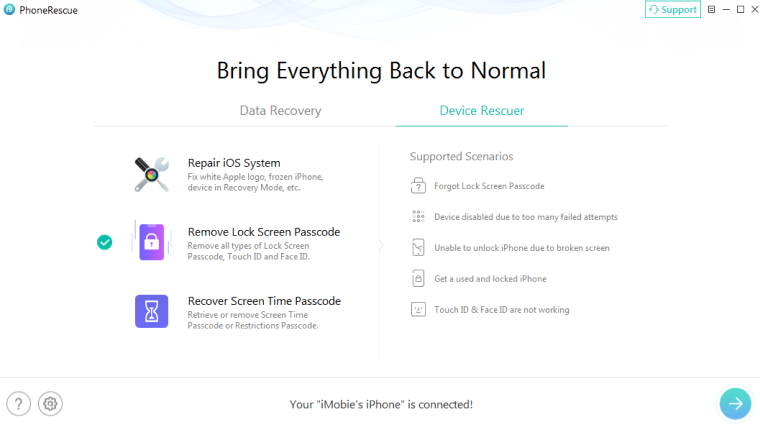
Remove All Types of Lock Screen Passcode
PhoneRescue provides you with the safest and fastest solution to remove your 4-digit or 6-digit passcode at ease, even if you have no technical skills. Touch ID or Face ID not working? No worries! As a high-performance device savior, PhoneRescue also got you covered. Just a few clicks away, you can make the best of your iPhone again. And in the whole process, you are the only person who can access your personal data.
Save Your Lost Data in Various Common Scenarios

iPhone Disabled

Forgot Passcode

Touch ID not Working

Face ID not Working