Complete Backup Gives You Ultra Safety
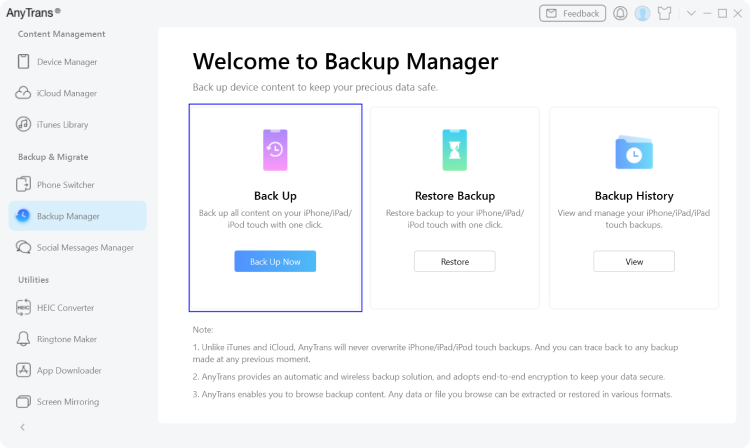
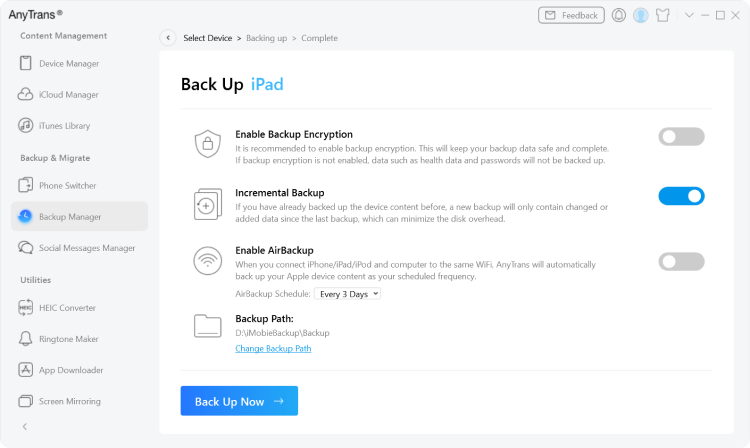
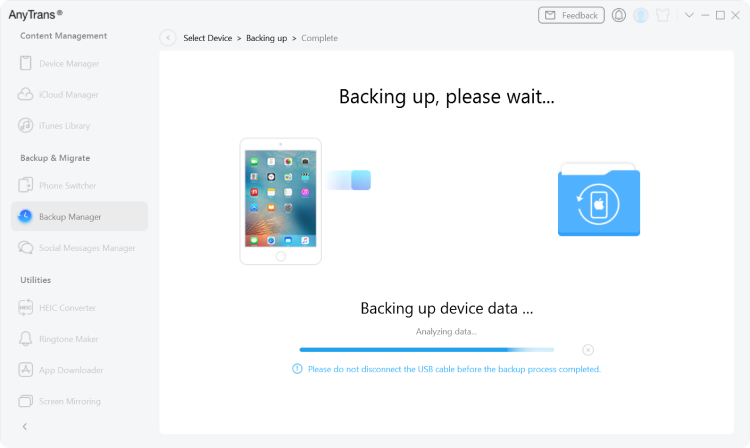
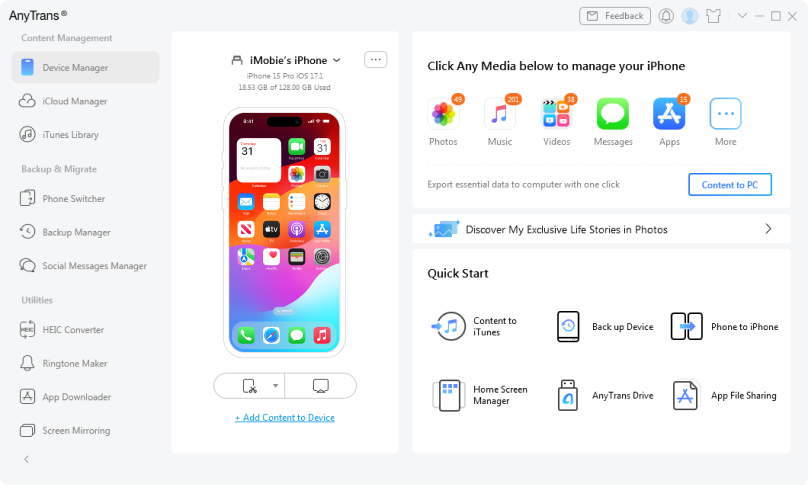
Keeping backups is vital to prevent data loss. The more content the backup includes and the more regularly you make backups, the safer you will feel. That’s why AnyTrans makes every effort to break the iTunes limit for backing up more iPhone data. Also, it offers different backup solutions to meet your different demands. You’ll just enjoy an easier, safer and more pleasant backup experience.
 AnyTrans
 iTunes
 Camera Roll

 Imported Photos
 Videos Taken on iPhone
 Movies
 Imported/Downloaded Videos
 TV Shows
 Music Videos
 Music
Music Podcasts
 Ringtones
 iTunes U
 Audiobooks
 Contacts
 Messages
 Call History !AnyTrans is not available to manage Call History/Reminders/Safari History on devices in iOS 13, since Apple has changed the protocol and does not allow any third-party tool to manage those data in iOS 13.
 Notes
Notes Reminders !AnyTrans is not available to manage Call History/Reminders/Safari History on devices in iOS 13, since Apple has changed the protocol and does not allow any third-party tool to manage those data in iOS 13.
 Calendar
 Voice Memos
 Voicemail
 Bookmarks
 Safari History !AnyTrans is not available to manage Call History/Reminders/Safari History on devices in iOS 13, since Apple has changed the protocol and does not allow any third-party tool to manage those data in iOS 13.