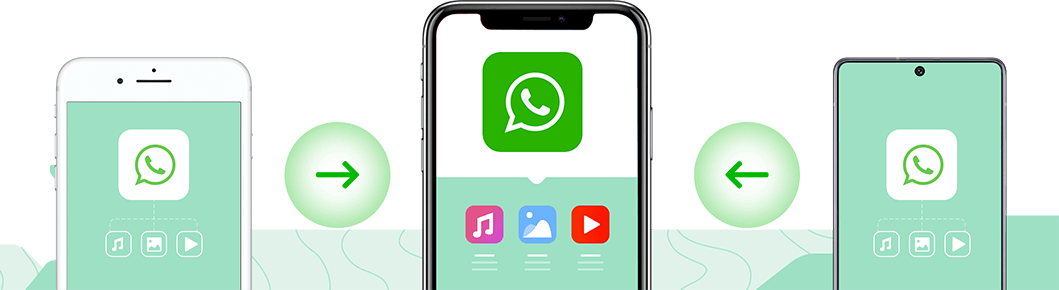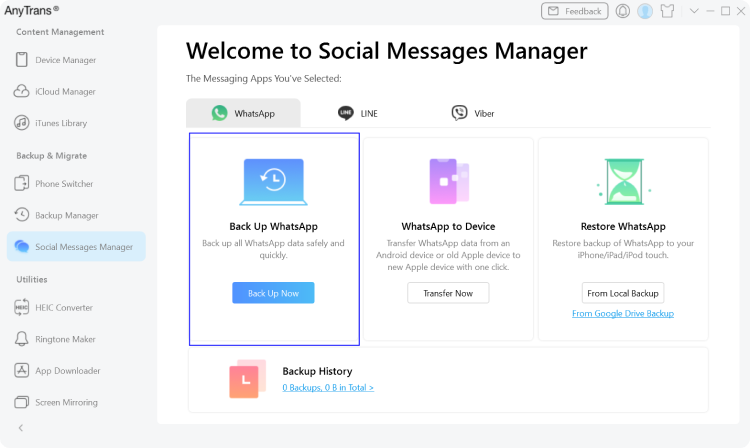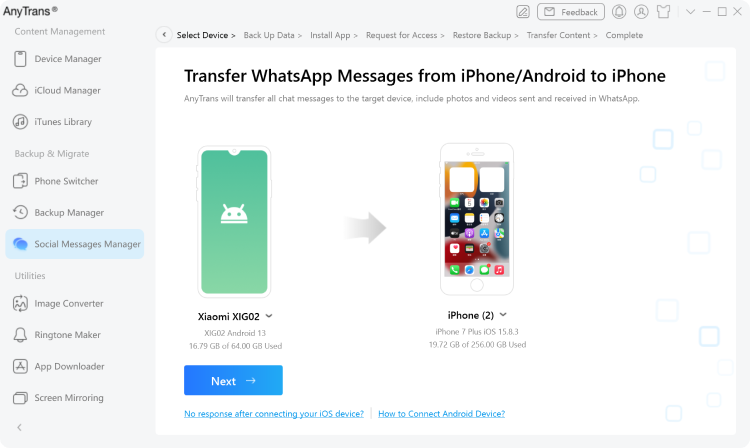
When you get a new iPhone and transfer your WhatsApp account to it, your messages and files won’t come along. In this case, AnyTrans can help. Whether you're moving from an Android phone or old iPhone, you can migrate WhatsApp messages together with all photos, music, videos, and files sent and received, in just one click. Then, feel free to pick up your chats where you left off.
You can also transfer WhatsApp messages to Android device with AppTrans >
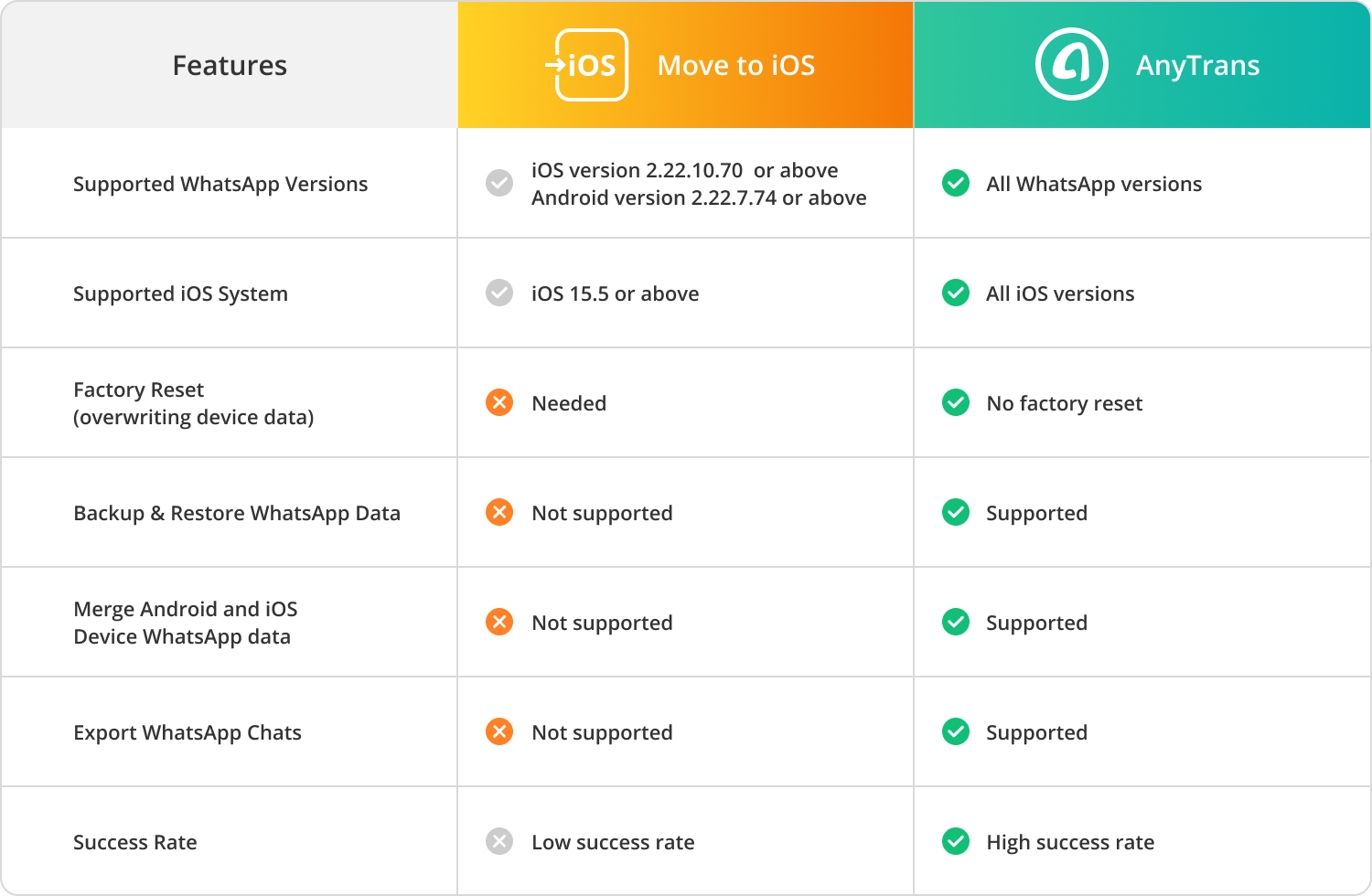
| Features | ||
|---|---|---|
| Supported WhatsApp Versions | ||
| Supported iOS System | ||
| Factory Reset (overwriting device data) |
||
| Backup & Restore WhatsApp Data | ||
| Merge Android and iOS Device WhatsApp data |
||
| Export WhatsApp Chats | ||
| Success Rate |
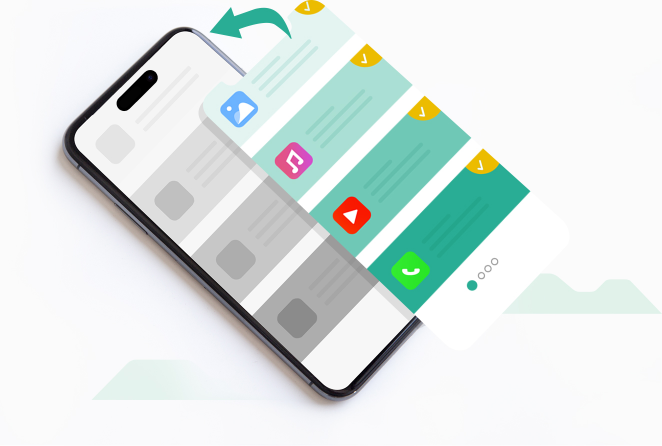
AnyTrans offers a complete backup and restore solution to put your WhatsApp data into safe box. All your conversations and attachments will be backed up securely. And you can fully restore them to iPhone when needed. All in one simple tap. Or, you can preview backup content, select wanted threads, and export them to computer as HTML files for printing or other use.
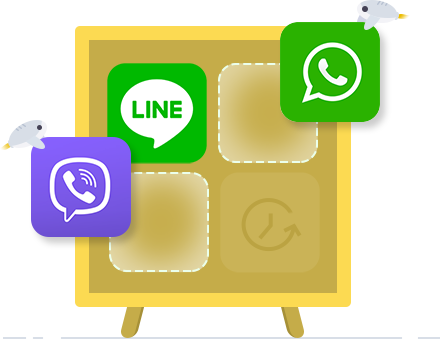
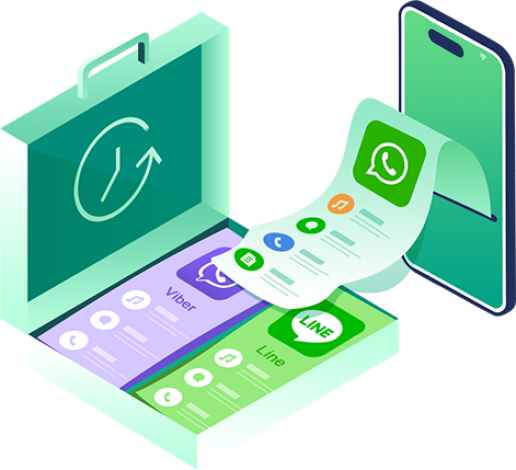
More than just WhatsApp, AnyTrans supports LINE and Viber as well. It backs up your chat history and files, and enables you to restore them completely. Also, you can preview every item in the backup, and selectively export any thread you want to computer. When moving to a new iPhone, your old conversations come with you in a click.
1 Launch AnyTrans on your computer and select Social Messages Manager to begin the WhatsApp workflow.
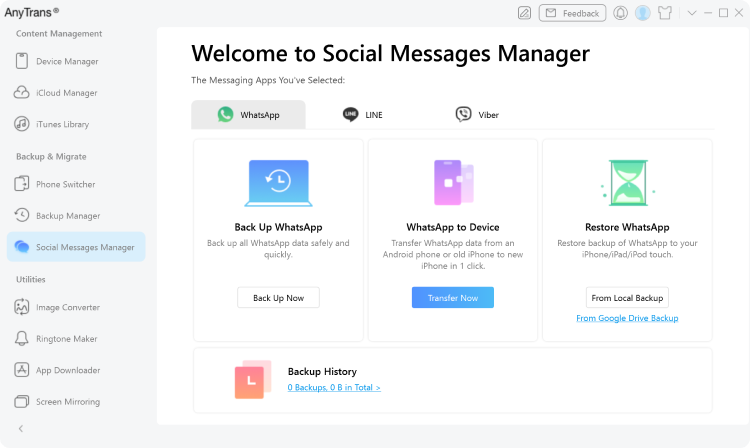
2 Select the WhatsApp function and click the Transfer Now option.
3 Connect your phone to the computer and click Next to transfer your WhatsApp chats.
AnyTrans transfers WhatsApp chats and media without requiring a device reset or erasing existing data. Your current apps and files remain untouched during the process.
AnyTrans works with all WhatsApp versions and iOS systems, without forcing a factory reset. It also supports backup, restore, merge, and export for greater flexibility.
Yes. AnyTrans allows you to preview WhatsApp backups and export selected conversations or attachments to your computer in readable formats.
Yes. AnyTrans also supports backing up and restoring chats from LINE and Viber using the same Social Messages Manager.
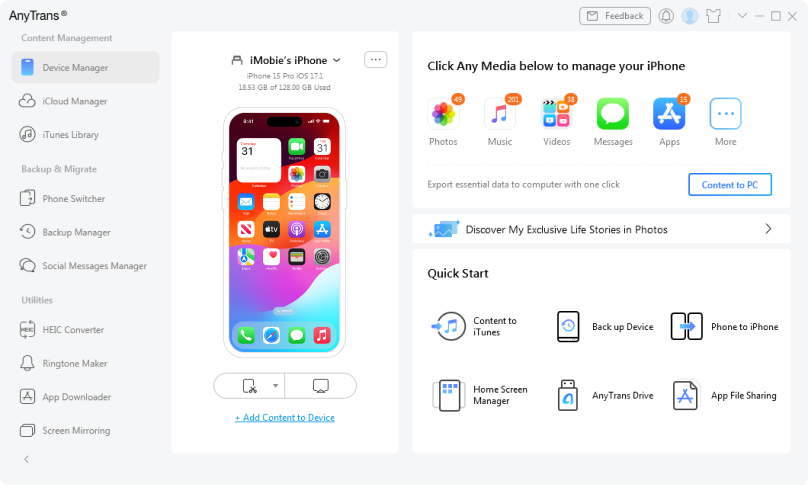
Meet any of your demands in managing iPhone, iPad, iPod, iCloud and iTunes content. AnyTrans lets you spend less time managing but more time enjoying your i-Life.
Downloads and Counting
10,039,441
Keep all photos organized with ease
Transfer music to anywhere you like
Export and print iPhone messages
Migrate iOS data & settings in 1 click
Securely manage all iCloud files
Manage contacts, messages, notes, etc.
Back up iPhone in 3 innovative ways
Restore selected files from backups
Enjoy a better iTunes experience
Make custom iPhone ringtones easily
Switch from Android to iOS seamlessly
Transfer and back up WhatsApp data
Mirror/Record/Capture iPhone screen
Bulk download & manage iOS apps