
 AnyTrans
#1 iPhone SMS Transfer Software
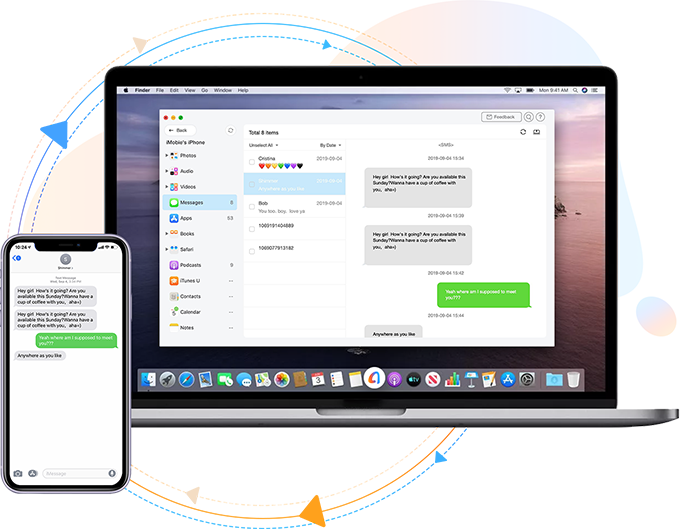
1-Click Export, Download & Print Messages from iPhone
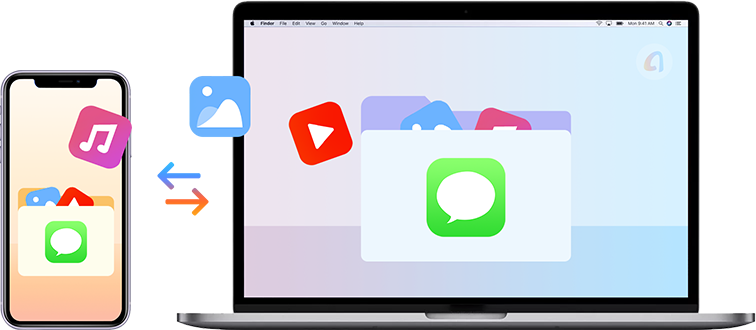
- Access iPhone messages from Windows/Mac computer
- Search wanted messages from thousands conversations
- Save text messages to readable PDF, TXT & HTML formats
- Also export attached images, videos, audios & documents
- 1-click print iPhone SMS, iMessages and WhatsApp chats
Watch how to transfer iPhone messages
Free Download for WindowsTrusted by 10+ million users
Free Downloadfor MacSupports iOS 17/16/15/14/13/12, etc.


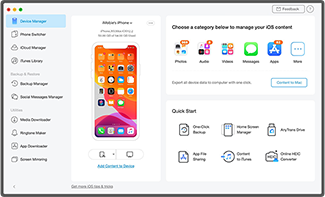 STEP 1
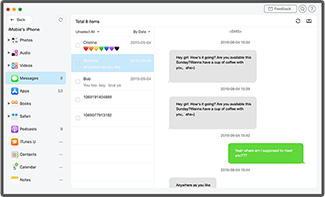 STEP 2
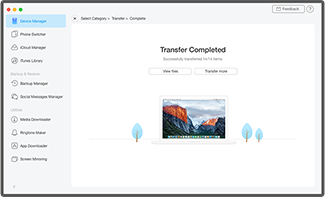 STEP 3



 - Tanguy
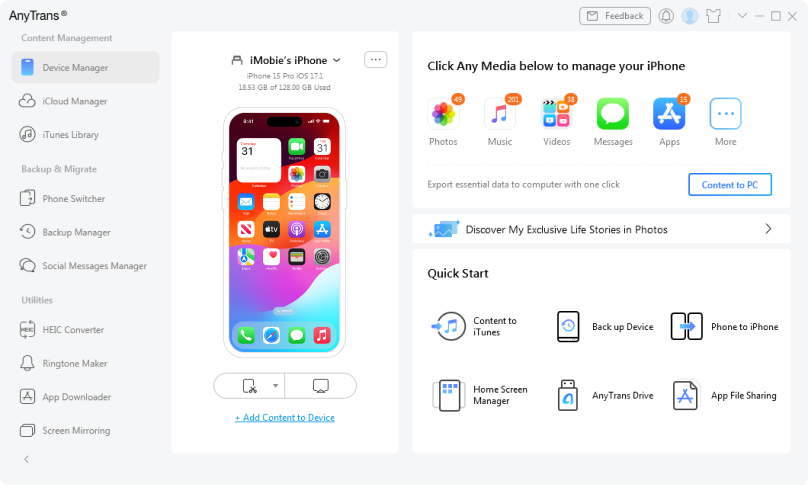

AnyTrans is a useful solution for everything from securely creating device backups on your computer to switching to a new device to moving content like music from one iPhone to another without a hassle.
The program is handy to have around to do a lot more, like export iPhone photos easily to your computer, change ringtones, and back up the phone.
We especially like AnyTrans because it offers more control over the data you import to your new device than Apple's own iCloud options.
With AnyTrans, you can easily manage everything stored on your mobile devices in addition to files kept on cloud services, such as your photos, music, messages and other items.